Description
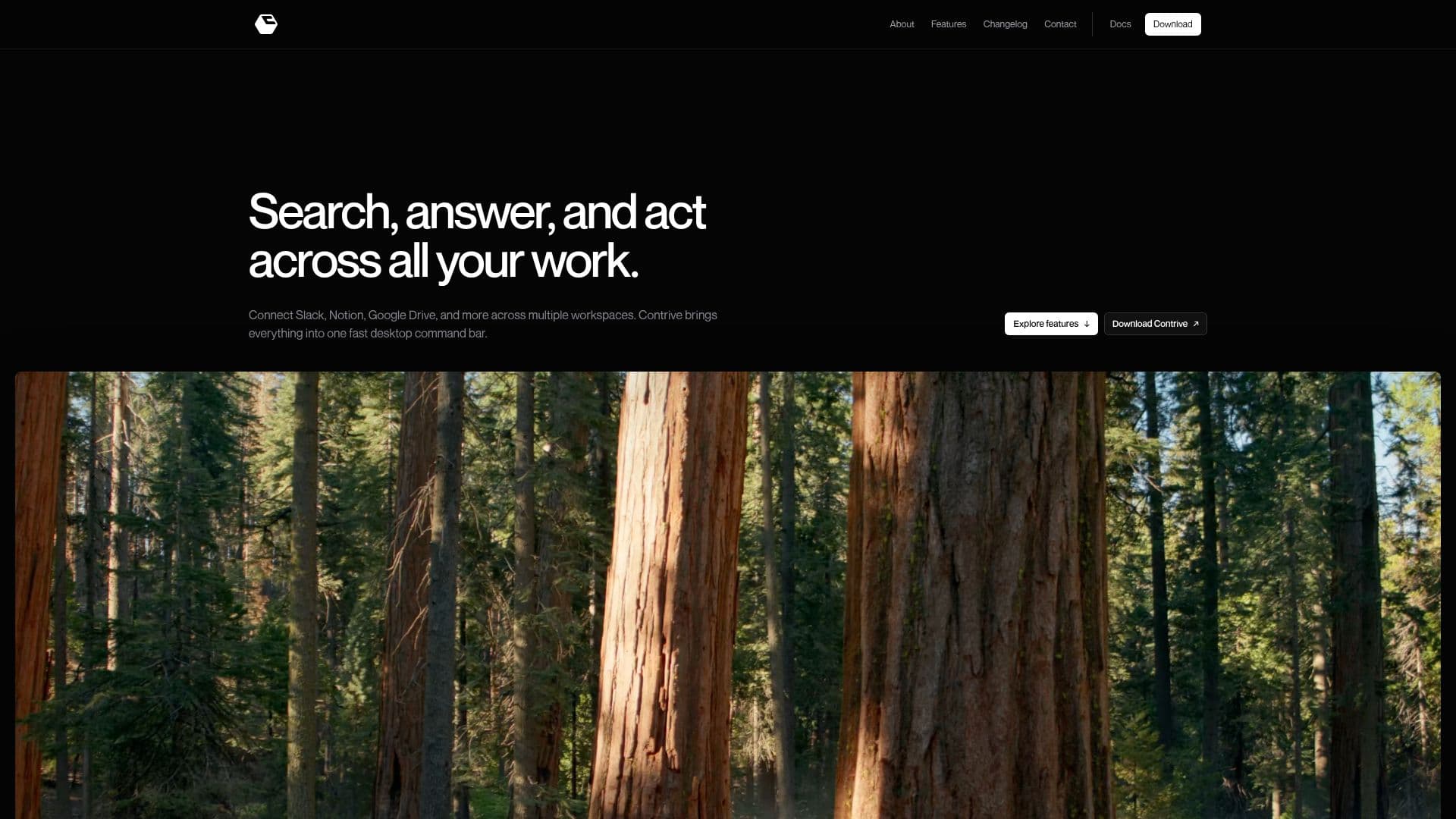
Contrive is a standalone desktop application designed to streamline the process of searching, answering, and taking action across various connected workspace applications. It supports integration with popular tools such as Slack, Notion, Google Drive, GitHub, Jira, and Linear, allowing users to manage multiple workspaces from a single command bar.
Read More
The application is available for both macOS and Windows, providing a keyboard-first experience that prioritizes speed and efficiency. Users can search across their connected apps using natural language, and Contrive will provide AI-generated answers based on the permitted workspace sources. This feature ensures that users receive relevant context and actionable insights without switching between different applications.
Contrive also allows for the organization of multiple workspaces, keeping their knowledge and permissions separate. This feature is particularly useful for teams, as it enables them to invite members to a workspace without seat limits, ensuring everyone has access to the same permitted knowledge.
Security is a key focus for Contrive, which employs permission-aware access controls and encryption for OAuth tokens at rest. Users can disconnect integrations to remove related active data, ensuring that their workspace data remains protected. Additionally, data sharing for model improvement is disabled for Contrive’s OpenAI API project, with selected workspace text processed under specific retention terms.
Overall, Contrive offers a comprehensive solution for managing and searching across multiple workspace applications, providing users with a fast, secure, and efficient tool for their daily tasks.
- CategoryAI Personal Assistants
- Pricing ModelFree
- DeploymentDesktop
- PlatformsmacOS, Windows
Contrive's Core Features
AI-powered search across connected workplace apps
Natural-language answers across Slack, Notion, and documents
Multiple workspaces with separate knowledge and permissions
Cross-app actions from one command bar
Keyboard-first desktop experience
Integration with Slack, Notion, Google Drive, and more
Permission-aware access controls
Encryption for OAuth tokens at rest
How to use Contrive?
Install: Download and install Contrive on macOS or Windows
Connect: Integrate your workspace applications like Slack and Notion
Search: Use the command bar to search across connected apps
Act: Perform actions directly from the command bar
Contrive's Use Cases
- Cross-App Search
- AI-Generated Answers
- Workspace Management
- Team Collaboration
- Secure Data Handling