
Description
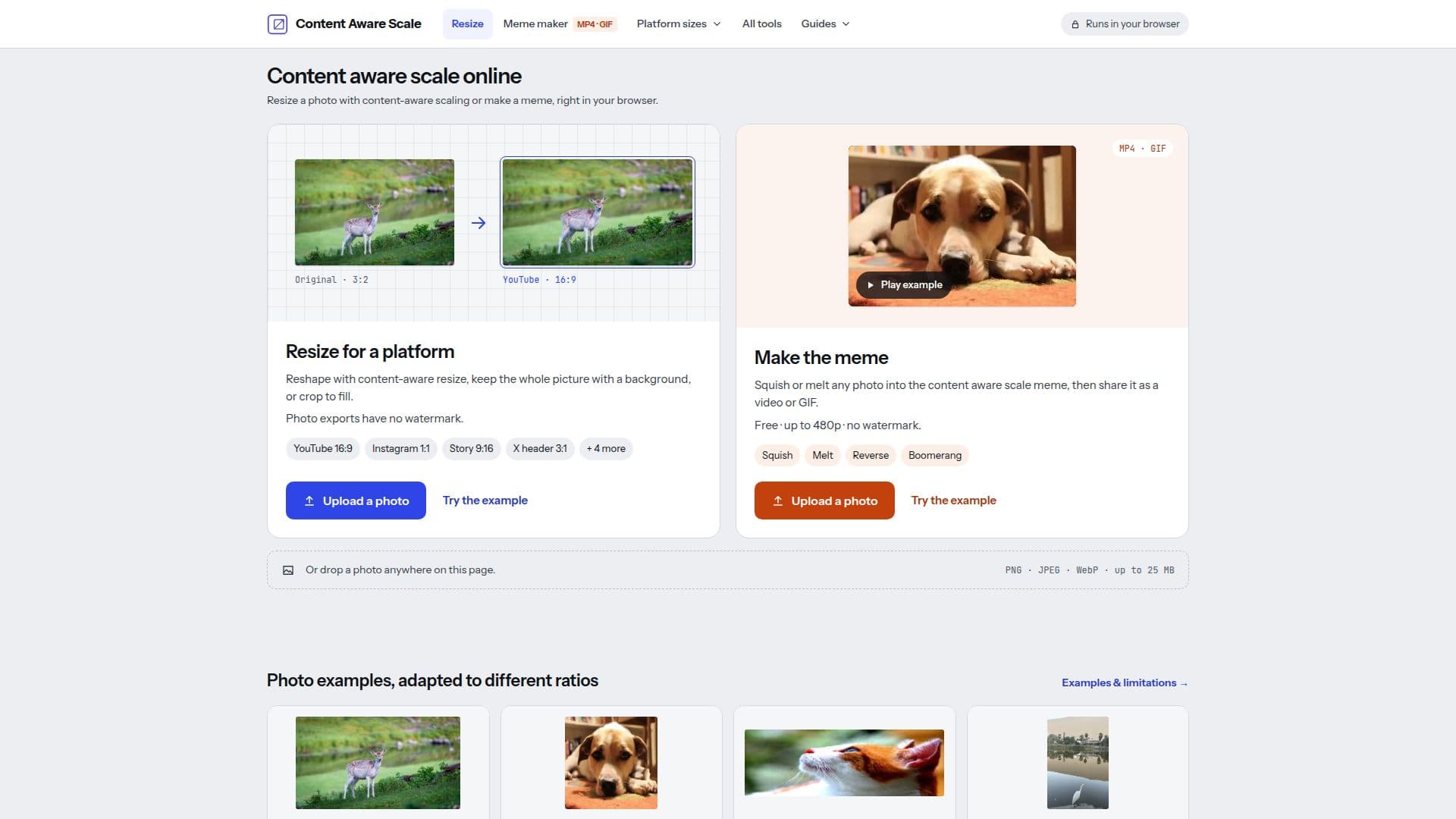
Content Aware Scale provides a free, browser-based solution for resizing images with content-aware scaling, also known as seam carving. This advanced image resizing algorithm, first introduced at SIGGRAPH 2007, works by computing a per-pixel energy map and then removing or duplicating paths of low-energy pixels, such as skies, walls, or backgrounds. This method allows images to be reshaped to new dimensions while minimizing distortion to important subjects like people and objects.
Read More
The tool operates entirely within your browser, utilizing Canvas or WebAssembly for local processing. This means images are never uploaded to a server, ensuring privacy and security. It supports PNG, JPEG, and WebP formats, with a maximum file size of 25 MB. Users can choose from various resize methods: content-aware reshaping, fitting the whole image with a background, or cropping to fill a target ratio. Face protection is enabled by default in content-aware mode, and users can also draw custom protect or remove regions to guide the resizing process.
Beyond standard image resizing, Content Aware Scale includes a unique meme maker. This feature allows users to transform still photos into animated squishing or melting videos and GIFs. Options like "Squish," "Melt," "Crash & Bounce," "Jelly," and "Balloon" create distinct visual effects, often used to generate the popular "content aware scale" meme. These animations can be exported as MP4 or GIF files, up to 480p, and are also free with no watermarks or signup required. Users can even add sound effects to MP4 exports.
The platform is designed as a free online alternative to Photoshop's Content-Aware Scale, offering similar functionality without the need for software installation or an Adobe account. It's particularly optimized for quick aspect-ratio adaptations for social media platforms, headers, and thumbnails. The tool is an independent project, maintained by flreey, and does not involve generative AI; the seam carving algorithm is fixed and only uses pixels from the original photo. It also offers other browser-based image tools for color correction, sharpening, blurring, object removal, and format conversion.
- CategoryAI Photo Editors
- Pricing ModelFree
- DeploymentBrowser
- PlatformsWeb
Content Aware Scale's Core Features
Content-aware image resizing (seam carving)
Online meme maker for squish/melt animations
Local browser-based image processing
Support for PNG, JPEG, WebP formats
Image resizing for various platforms (YouTube, Instagram, X)
Face detection and protection during resizing
Customizable protect/remove regions for carving
Export animations as MP4 or GIF up to 480p
No image upload to servers
No signup or account required
No watermarks on exports
Free to use for all features
Sound effects for MP4 meme videos
Multiple animation styles (Squish, Melt, Jelly, Balloon)
Reverse and Boomerang playback options for animations
How to use Content Aware Scale?
Choose Image: Drop a PNG, JPEG, or WebP file (up to 25 MB) onto the page.
Select Target: Choose a platform preset or custom size, then select Content-aware, Fit whole image, or Crop to fill.
Adjust Settings (Optional): For content-aware mode, draw protect or remove regions; for memes, pick a style, strength, and speed.
Preview Result: Wait for the preview to generate and compare the before/after.
Download Output: Download the resized image as PNG, JPEG, or WebP, or the animation as MP4 or GIF.
Content Aware Scale's Use Cases
- Social Media Resizing
- Creating Meme Videos
- Quick Image Reshaping
- Thumbnail and Banner Creation
- Background Adaptation
- Aspect Ratio Adjustment
- Photo Distortion Effects
- Local Image Editing