


Description
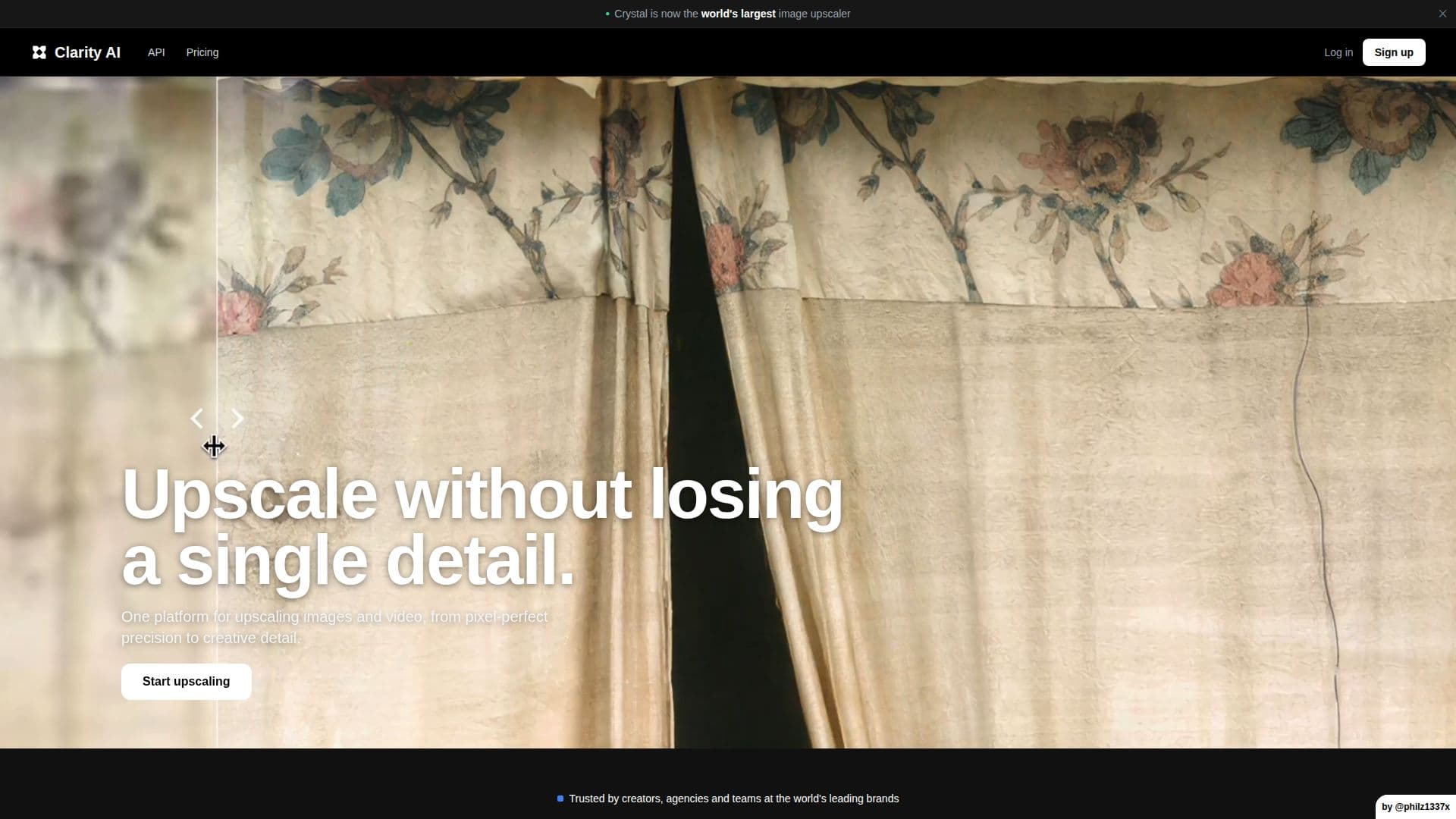
ClarityAI is a leading AI-powered tool designed for image upscaling and enhancement. It allows users to upload images and upscale them to higher resolutions while maintaining real detail. The platform offers different modes such as Crystal for high-precision results and Clarity and Clarity Pro for creative enhancements. ClarityAI is ideal for AI artists, e-commerce teams, designers, and agencies who require high-quality visuals for print or digital use.
The tool provides an API that is scalable and production-ready, allowing developers to integrate its capabilities into their products or use it through GPU aggregators like Replicate, Fal, and WaveSpeed. ClarityAI supports a variety of payment methods processed securely by Stripe, ensuring no card details are stored.
Pricing is flexible, with options for pay-as-you-go API usage and subscription plans tailored for solo creators, active creators, and business needs. Users can manage their subscriptions easily and request refunds for unused payments within 14 days.
ClarityAI was developed by its founder, Philip, who initially released the upscaler as open source before creating additional closed-source modes. The platform is trusted by creators and agencies at leading brands, offering precise control over image details and creativity. While upscaled images rarely contain artifacts, adjustments can be made using various controls to manage any that do appear.
ClarityAI's Core Features
AI-powered image upscaling
High-resolution enhancement
API support
Secure payment processing
Flexible pricing options
Creative control over image details
Trusted by leading brands
Open-source and closed-source modes
How to use ClarityAI?
Upload: Select an image to upscale
Configure: Choose upscaling mode and settings
Process: Let ClarityAI enhance the image
Download: Retrieve the high-resolution result
ClarityAI's Use Cases
- AI Art Enhancement
- E-commerce Visuals
- Print Design
- Personal Photo Improvement
- Marketing Content