
ToolPotion
AI Advisor
Submit a Tool (Free)

Cilevi

AI AppsAI Video EditorsOne-time purchase · Windows 10, Windows 11

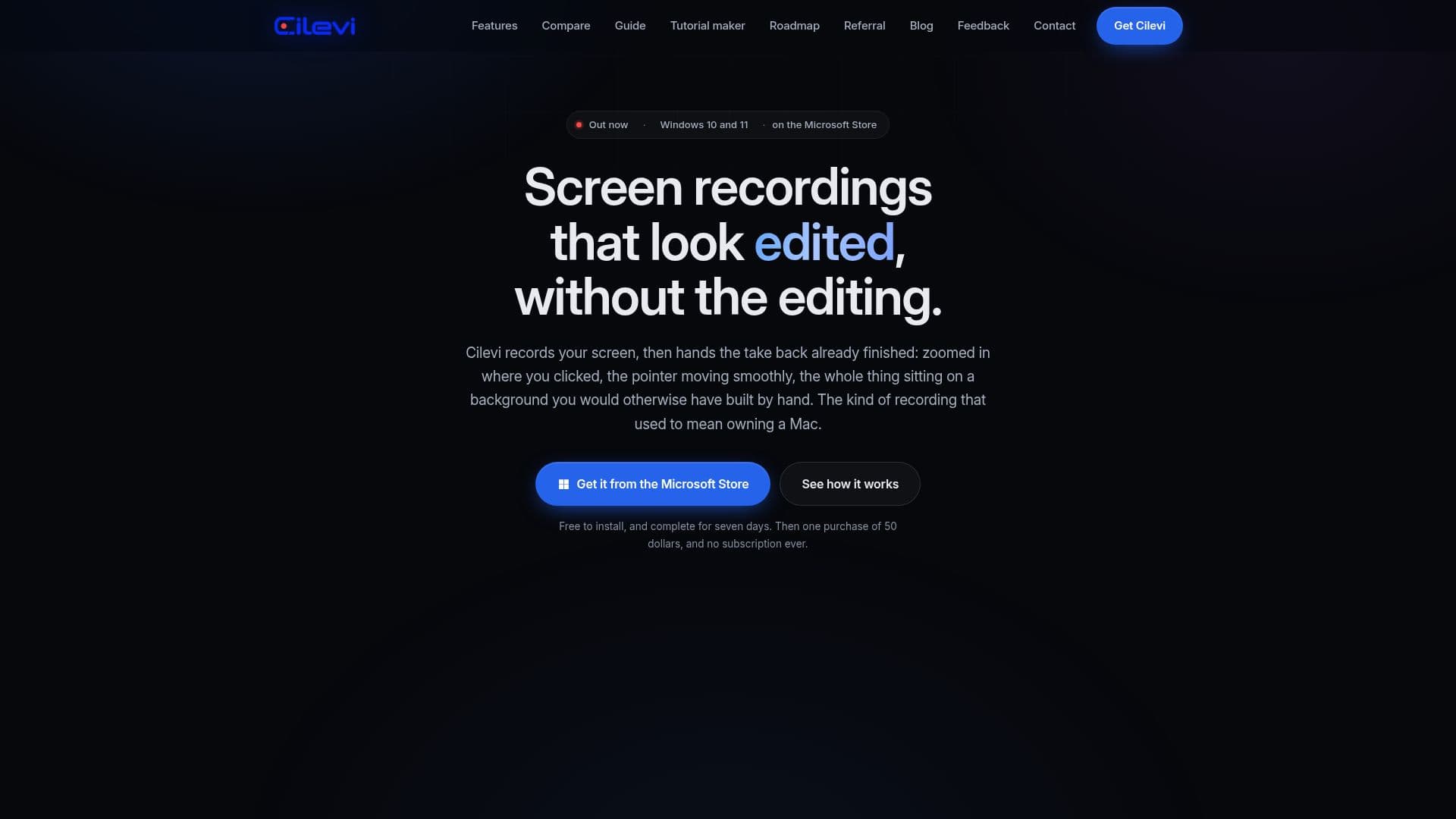
Cilevi is a screen recording and video editing tool for Windows 10 and 11. It offers features like automatic zoom, smooth cursor, and offline captions. Available for a one-time purchase of $50.

Visit Website
Share
Cilevi screenshot
Cilevi screenshot

Cilevi is a comprehensive screen recording and video editing application designed for Windows 10 and 11 users. It simplifies the process of creating professional-looking videos by automatically zooming in on clicks, smoothing the cursor, and adding backgrounds and captions. Users can record their screen, camera, microphone, and system audio, and the tool provides a finished take that appears edited without manual intervention.

Read More

The application supports various video formats, including MP4 and GIF, and offers features like text overlays, transitions, and silence detection. Users can edit videos by deleting words from the transcript and add voiceovers with enhancements. Cilevi ensures crash-safe recording with autosave and session recovery features.

Cilevi is available for a one-time purchase of $50, with no subscription fees. It offers a free seven-day trial with full functionality. The tool operates entirely offline, ensuring user privacy by not uploading any data. While currently available only for Windows, future versions may expand to other platforms based on user demand.

Ideal for content creators, educators, and professionals, Cilevi provides an efficient solution for creating high-quality video content with minimal effort. Its user-friendly interface and robust features make it a valuable tool for anyone looking to produce polished screen recordings.

  • CategoryAI Video Editors
  • Pricing ModelOne-time purchase
  • DeploymentOffline
  • PlatformsWindows 10, Windows 11

  • Automatic zoom on clicks

  • Smooth cursor rendering

  • Backgrounds and captions

  • Offline captions in 99 languages

  • Voiceover recording and enhancement

  • Crash-safe recording with autosave

  • GPU accelerated export to MP4 or GIF

  • Free seven-day trial

  1. Install: Download from Microsoft Store

  2. Record: Capture screen, camera, and audio

  3. Edit: Use automatic zoom and captions

  4. Export: Save as MP4 or GIF

  • Tutorial Creation
  • Educational Videos
  • Product Demos
  • Webinars
  • Social Media Content

Cilevi Reviews

Loading...

Popular AI Tools Like Cilevi

FocuSee is an AI-powered screen recorder for Windows and Mac that automates video editing. It features automatic zoom, cursor tracking, AI audio enhancement, and a teleprompter,…

AI Video Editors

Ranked #43 for Creating animations

View Tool

AI-powered screen recorder for Windows and Mac that automates video editing. It features automatic zoom, cursor tracking, AI audio enhancement, and a teleprompter,…FocuSee is an AI-powered screen recorder for Windows and Mac that automates video editing. It features automatic zoom, cursor tracking, AI audio enhancement, and a teleprompter,…

AI Video Editors
Ranked #43 for Creating animations

Camtasia

AI Apps

Camtasia is TechSmith's desktop screen recorder and video editor for creating tutorials, training videos, and software demos, now with AI-powered features. It is built for…

AI Video EditorsEducation & E-learning
View Tool

AI Apps

TechSmith's desktop screen recorder and video editor for creating tutorials, training videos, and software demos, now with AI-powered features. It is built for…Camtasia is TechSmith's desktop screen recorder and video editor for creating tutorials, training videos, and software demos, now with AI-powered features. It is built for…

AI Video EditorsEducation & E-learning
See the Top 250 AI Apps

OpenScreen

AI Apps

OpenScreen is a free, open-source screen recorder and video editor for Windows, macOS, and Linux. It offers features like automatic zooms, styled backgrounds, and editable…

AI Video Editors
View Tool

AI Apps

Free, open-source screen recorder and video editor for Windows, macOS, and Linux. It offers features like automatic zooms, styled backgrounds, and editable…OpenScreen is a free, open-source screen recorder and video editor for Windows, macOS, and Linux. It offers features like automatic zooms, styled backgrounds, and editable…

AI Video Editors
See the Top 250 AI Apps

Screen Studio is a professional screen recorder for macOS, designed to create engaging product demos, courses, tutorials, and social media videos. It offers features like…

Video Generation & Editing
View Tool

Professional screen recorder for macOS, designed to create engaging product demos, courses, tutorials, and social media videos. It offers features like…Screen Studio is a professional screen recorder for macOS, designed to create engaging product demos, courses, tutorials, and social media videos. It offers features like…

Video Generation & Editing
See the Top 250 AI Apps

Motionik

AI Apps

Motionik is a screen recorder and editor for Windows and macOS that combines recording, automatic cursor-tracking zoom, and editing in one tool to create polished product demos,…

AI Video Editors

Ranked #233 in AI Video Editors

View Tool

AI Apps

Screen recorder and editor for Windows and macOS that combines recording, automatic cursor-tracking zoom, and editing in one tool to create polished product demos,…Motionik is a screen recorder and editor for Windows and macOS that combines recording, automatic cursor-tracking zoom, and editing in one tool to create polished product demos,…

AI Video Editors
Ranked #233 in AI Video Editors

knooth

AI Apps

knooth is a macOS screen recording app with built-in editing, timeline animations, and on-device AI captions and filler-word removal. It keeps all recordings and AI processing…

AI Video Editors
View Tool

AI Apps

MacOS screen recording app with built-in editing, timeline animations, and on-device AI captions and filler-word removal. It keeps all recordings and AI processing…knooth is a macOS screen recording app with built-in editing, timeline animations, and on-device AI captions and filler-word removal. It keeps all recordings and AI processing…

AI Video Editors
See the Top 250 AI Apps

Clipchamp

AI Apps

Create videos with royalty-free music and stock footage, use video templates, and export in up to 4K video resolution. Get started in-browser or download the Windows app for easy…

AI Video Editors

Ranked #16 for Removing background noise

View Tool

AI Apps

Create videos with royalty-free music and stock footage, use video templates, and export in up to 4K video resolution. Get started in-browser or download the Windows app for easy…

AI Video Editors
Ranked #16 for Removing background noise

Smartrazor uses AI to automate video editing for YouTube creators. It removes mistakes, pauses, and bad takes, then adds effects like animated captions and engaging zoom…

AI Video Editors

Ranked #169 in AI Video Editors

View Tool

Uses AI to automate video editing for YouTube creators. It removes mistakes, pauses, and bad takes, then adds effects like animated captions and engaging zoom…Smartrazor uses AI to automate video editing for YouTube creators. It removes mistakes, pauses, and bad takes, then adds effects like animated captions and engaging zoom…

AI Video Editors
Ranked #169 in AI Video Editors
1 of 8