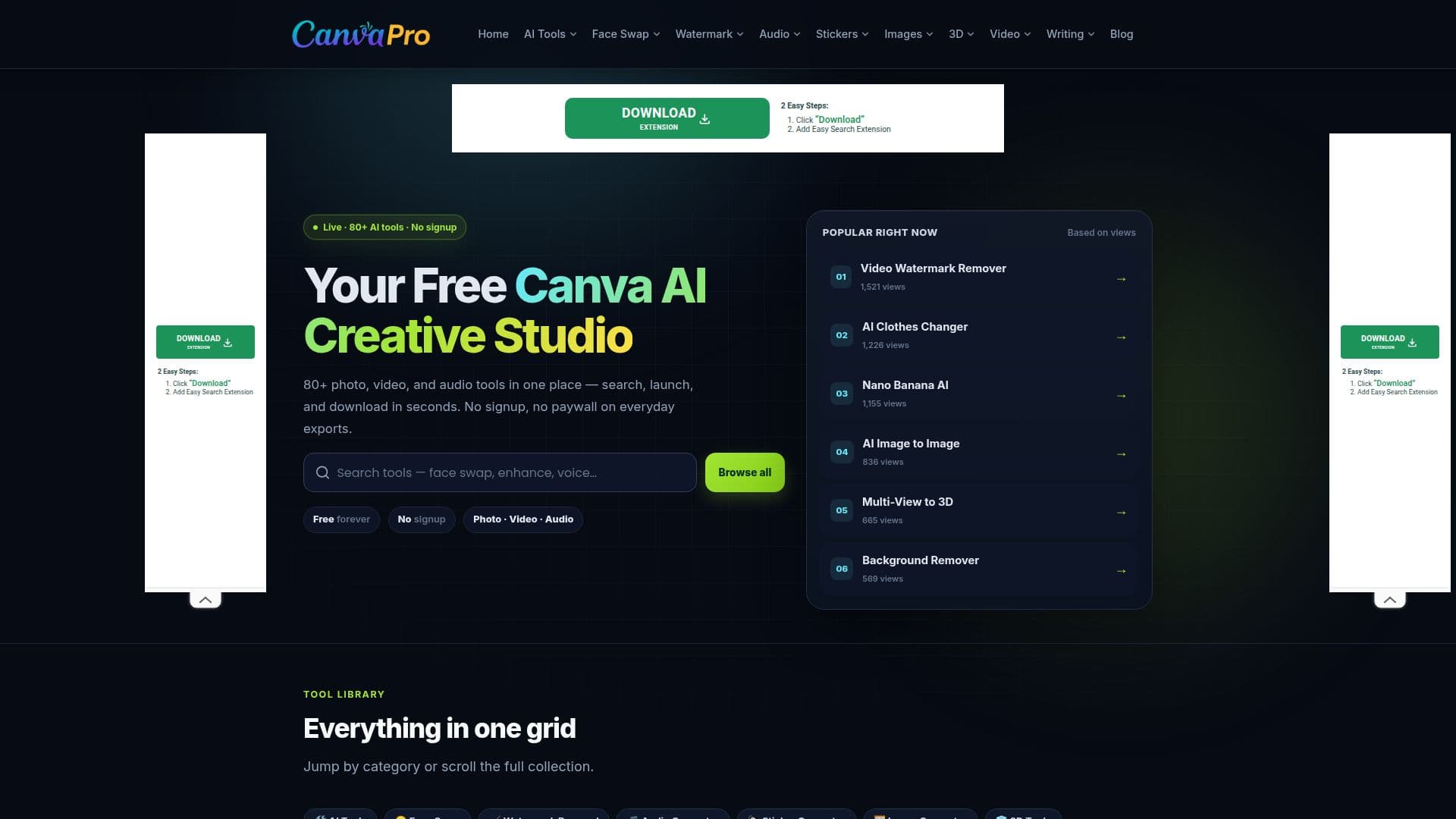
Description
CanvaPro is an online platform that provides a wide array of over 80 free AI tools for photo, video, and audio editing. Designed for both beginners and professionals, the platform aims to make studio-quality editing accessible and free for everyone, eliminating the need for software installations, signups, or subscriptions. Users can access a diverse collection of tools directly from their browser, whether on a phone or desktop, to achieve professional outputs with minimal clicks.
Read More
The platform's core offerings include advanced AI photo editing capabilities such as enhancing photos, removing unwanted objects, changing backgrounds, applying AI filters, and generating new images from text. For image manipulation, users can leverage tools like Background Remover, which efficiently separates subjects from backgrounds in JPG, PNG, or WebP images, making it ideal for product photos, profile pictures, and design elements. The Face Swap tool allows for seamless face exchanges in photos, GIFs, and supported videos without an account.
CanvaPro also excels in image enhancement and upscaling, featuring an Image Enhancer and a 4K Image Generator to improve sharpness, details, and resolution. For video content, it provides browser-based AI video tools, including image-to-video and text-to-video generators, with availability and processing times depending on the selected model and video length, all without requiring an account.
Key advantages of choosing CanvaPro include its commitment to being 100% free forever, with no credit card or subscription walls. The no-signup-required policy ensures immediate access: users can simply open a tool, upload a file, and download the result. The platform boasts fast processing times, with most image jobs completing in seconds, and delivers pro-quality outputs suitable for social media, advertisements, and client work. Its all-in-one nature consolidates photo, video, and audio tools in a single, easy-to-use interface, making it a versatile solution for various creative needs.
- CategoryAI Graphic Design Tools
- Pricing ModelFree
- DeploymentCloud
- PlatformsWeb
CanvaPro's Core Features
80+ Free AI Tools
No Signup Required
100% Free Forever
AI Photo Editor
AI Image Generator from Text
AI Video Generator from Text/Image
Background Remover
Face Swap Tool
Image Enhancer
4K Image Upscaler
Object Remover
AI Filters for Photos
Audio Tools
Fast Processing
Browser-Based Studio
How to use CanvaPro?
Select a Tool: Choose from over 80 available AI tools on the CanvaPro platform.
Upload Media: Upload your image, video, or audio file directly to the selected tool.
Apply AI Processing: Utilize the AI features to edit, enhance, or generate content.
Review and Adjust: Preview the results and make any necessary adjustments.
Download Output: Download your processed file in the desired format.
CanvaPro's Use Cases
- Product Photo Editing
- Social Media Content Creation
- Digital Art Generation
- Video Content Production
- Image Restoration & Upscaling
- Personalized Media Creation
- Marketing Material Design
- Profile Picture Enhancement
- Audio Editing & Enhancement
- Quick Visual Adjustments