Description
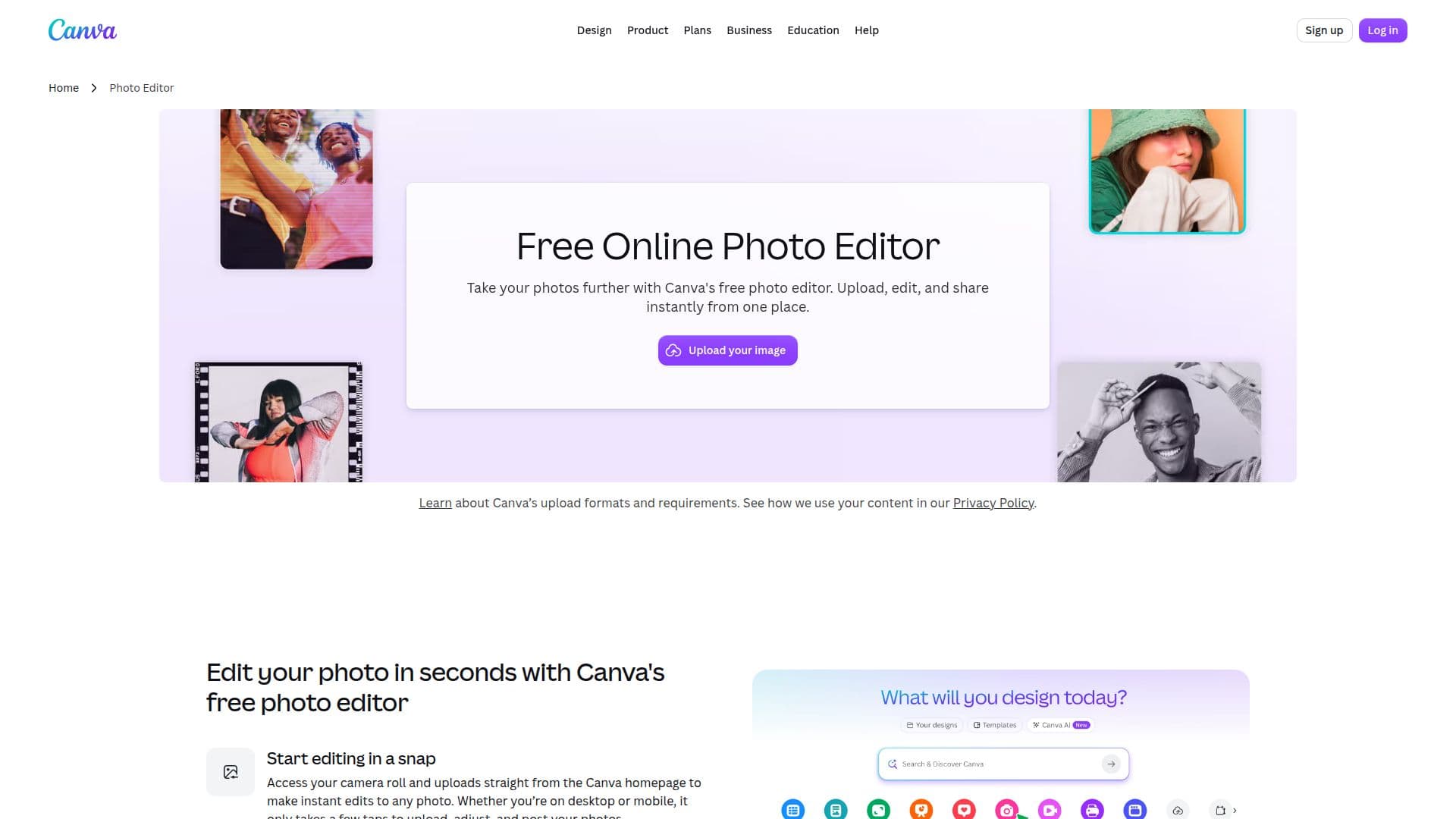
Canva's Free Online Photo Editor is designed to help users take their photos further by providing a simple and effective platform for editing. Users can upload their images, edit them, and share them instantly from one place. The editor allows for quick adjustments, enabling users to polish their pictures in seconds. With a drag-and-drop interface, users can easily add design elements such as icons, stickers, frames, text, and stock images from Canva's extensive free design library.
Read More
The photo editor offers a variety of beautiful effects and filters, allowing users to refine their photos with precision. For those strapped for time, the Auto-adjust feature enhances images with just a tap. Users can choose to adjust the entire image or focus on the foreground or background independently, making it as easy as editing a Canva template.
Canva provides thousands of ready-made templates for various design needs, including photo collages, postcards, banners, and social media posts. The platform supports multiple image formats, including JPEG, PNG, WEBP, HEIC, and SVG, and even allows users to upload and edit PSD files. After editing, images can be exported in the same format or converted to another format using the Image Converter.
Canva's photo editor is free to use, with no watermarks left on edited photos. Users can access the editor on both desktop and mobile devices, making it convenient to edit photos on the go. The platform is ideal for individuals looking to create stunning visuals for personal or professional use, offering a seamless experience for both novice and experienced designers.
- CategoryAI Photo Editors
- Pricing ModelFreemium
- DeploymentCloud
- PlatformsWeb, Mobile
Canva Photo Editor's Core Features
No watermarks
Mobile app available
Drag-and-drop interface
Auto-adjust feature
Supports multiple image formats
Thousands of templates available
Image Converter functionality
Real-time collaboration
Free design library access
Easy sharing options
How to use Canva Photo Editor?
Upload your image: Start by uploading the photo you want to edit.
Edit your photo: Use the available tools to enhance, crop, or apply effects.
Add design elements: Drag and drop icons, stickers, and text from the library.
Download and share: Once satisfied, download your edited image or share it directly.
Canva Photo Editor's Use Cases
- Social Media Posts
- Photo Collages
- Marketing Materials
- Personal Projects
- Professional Presentations