Description
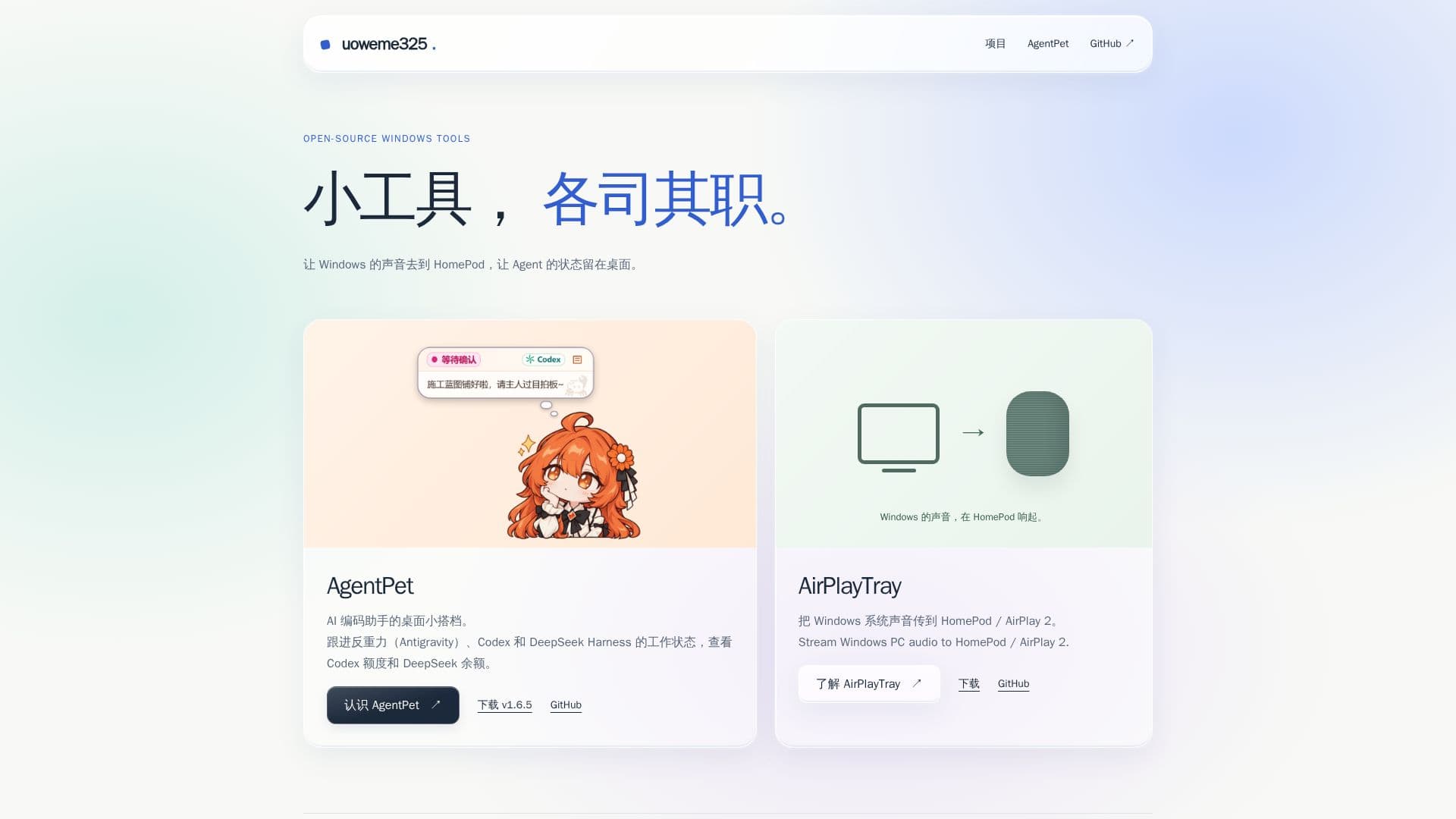
AgentPet and AirPlayTray are open-source Windows desktop utilities developed by uoweme325, designed to enhance the user experience for developers and audio enthusiasts alike. AgentPet functions as a desktop companion for AI coding assistants, providing real-time monitoring of their operational status and usage quotas directly on the user's desktop.
Read More
Specifically, AgentPet tracks the working status of Antigravity, Codex, and DeepSeek Harness, allowing users to quickly check their Codex credits and DeepSeek balances. This integration helps developers stay informed about their AI assistant's performance and resource consumption without needing to navigate away from their primary workspace.
AirPlayTray offers a solution for Windows users who wish to stream their PC's system audio to Apple HomePod or any AirPlay 2 compatible device. It acts as a direct alternative to commercial software like TuneBlade, providing a free and open-source option for high-quality audio streaming. This utility simplifies the process of connecting Windows audio to the Apple ecosystem, making it accessible for a wider range of users.
Both tools are part of uoweme325's collection of open-source Windows utilities, emphasizing functionality and user convenience. They are designed to be lightweight and efficient, integrating seamlessly into the Windows desktop environment. The open-source nature of these projects means they are continually evolving with community contributions and feedback, ensuring ongoing support and development.
- CategoryAI Coding Assistants
- Pricing ModelFree
- DeploymentSelf-hosted
- PlatformsWindows
AgentPet & AirPlayTray's Core Features
AgentPet: Desktop pet for Windows
AgentPet: Monitors Antigravity AI coding assistant status
AgentPet: Monitors Codex AI coding assistant status
AgentPet: Monitors DeepSeek Harness AI coding assistant status
AgentPet: Displays Codex credit quotas
AgentPet: Displays DeepSeek balance
AirPlayTray: Streams Windows PC audio to HomePod
AirPlayTray: Streams Windows PC audio to AirPlay 2 devices
AirPlayTray: Open-source TuneBlade alternative
Open-source Windows utilities
Designed for Windows desktop environment
Lightweight and efficient applications
How to use AgentPet & AirPlayTray?
Download: Visit the uoweme325 GitHub page to download the desired utility.
Install: Run the installer for AgentPet or AirPlayTray on your Windows PC.
Launch: Start the application from your desktop or Start menu.
Configure AgentPet: For AgentPet, ensure your AI coding assistants (Antigravity, Codex, DeepSeek Harness) are running.
Configure AirPlayTray: For AirPlayTray, select your HomePod or AirPlay 2 device from the tray icon to begin streaming audio.
AgentPet & AirPlayTray's Use Cases
- Monitor AI Coding Assistants
- Stream Windows Audio to HomePod
- AirPlay 2 Audio Streaming
- Developer Productivity
- Open-Source Audio Solution