Description
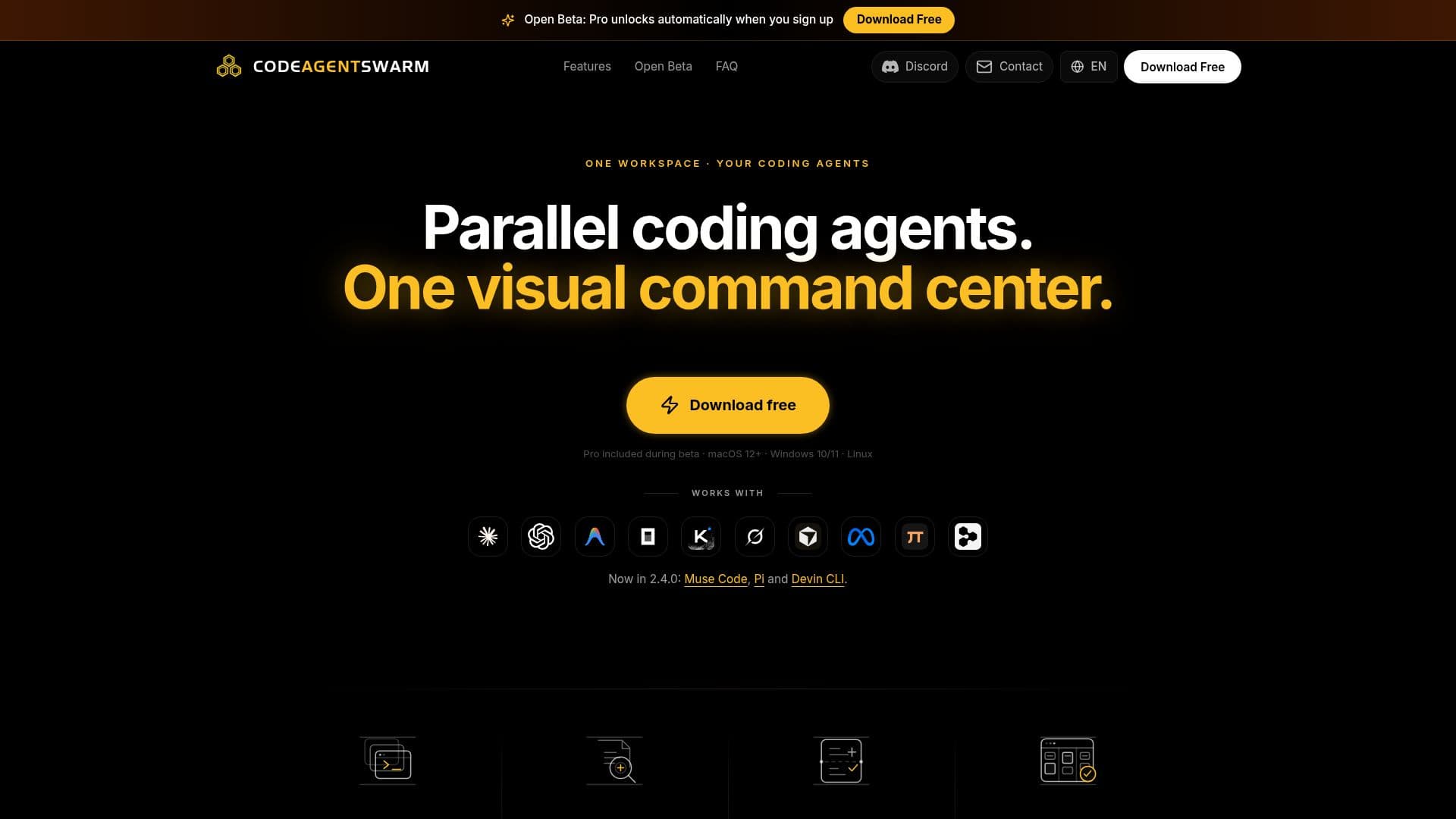
CodeAgentSwarm is an innovative Agentic Development Environment (ADE) designed to streamline the management and execution of multiple AI coding agents simultaneously. It supports a wide array of agents, including Claude Code, Codex CLI, Antigravity CLI, OpenCode, Kimi Code, Grok Build, Cursor Agent, Muse Code, Pi, and Devin CLI. This platform is particularly beneficial for developers who need to manage complex projects involving multiple coding tasks.
Read More
The environment provides a comprehensive suite of features such as desktop notifications, live file diffs, and a searchable conversation history. Users can monitor the status of each agent, receive notifications when tasks are completed or require input, and review changes in real-time. The platform also includes a Kanban task board that agents can update automatically, enhancing project management efficiency.
CodeAgentSwarm is available for macOS, Windows, and Linux, and it is currently free with Pro features included during its open beta phase. The platform integrates with various MCP tools and marketplaces, allowing users to configure integrations with services like GitHub, Notion, Supabase, and Playwright. This flexibility makes it a versatile tool for developers working across different environments and projects.
The platform's permission settings allow users to control the actions and file access of each agent, ensuring security and compliance with project requirements. CodeAgentSwarm's ability to run multiple agents in parallel without losing context or requiring workflow reconfiguration makes it a valuable asset for developers looking to optimize their coding processes.
- CategoryAI Agent Builders
- Pricing ModelFree during beta
- DeploymentDesktop
- PlatformsmacOS, Windows, Linux
CodeAgentSwarm's Core Features
Run multiple AI coding agents in parallel
Desktop notifications for task completion
Searchable conversation history
Live file diffs for real-time change tracking
Kanban task board for project management
Permission control for agent actions
MCP marketplace for integrations
Free with Pro features during beta
How to use CodeAgentSwarm?
Open CodeAgentSwarm: launch the application on your desktop.
Choose a project: select the project you want to work on.
Launch agents: start an agent for each task you need to complete.
Monitor progress: use the dashboard to track agent status and receive notifications.
CodeAgentSwarm's Use Cases
- Parallel Coding
- Task Management
- Real-Time Monitoring
- Permission Control
- Integration Setup