Description
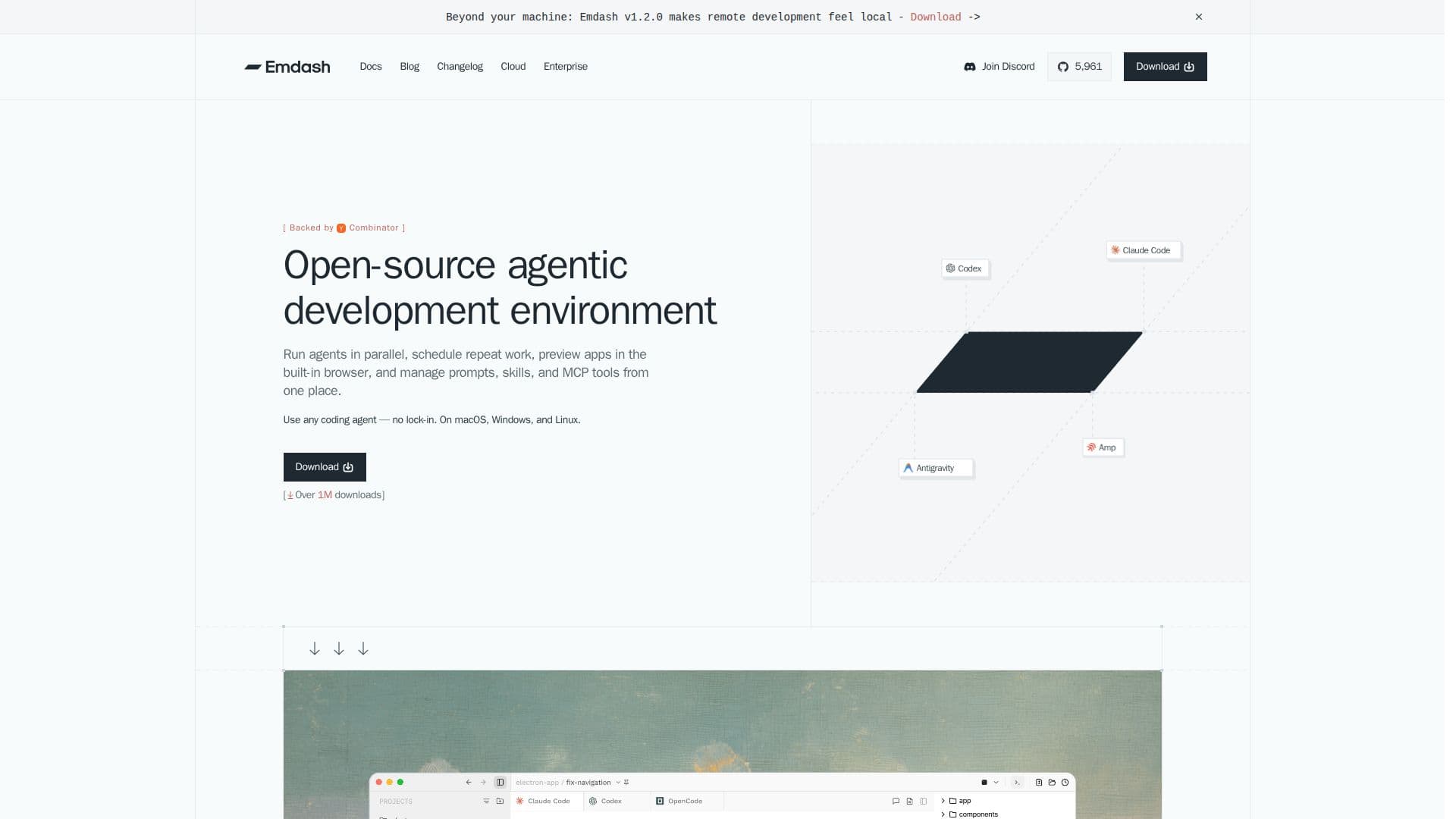
Emdash is an open-source agentic development environment designed to streamline the process of working with coding agents. It allows users to run multiple agents simultaneously, each in its own isolated workspace, ensuring that tasks are managed efficiently and effectively. The platform supports over 25 coding agents, including popular ones like Codex, Claude Code, and GitHub Copilot.
Read More
One of the key features of Emdash is its ability to schedule recurring agent work, enabling users to automate tasks such as bug sweeps, release preparations, and code reviews. The built-in browser allows for app previews without leaving the task environment, enhancing productivity and focus.
Emdash integrates seamlessly with various issue tracking and project management tools such as Linear, Jira, GitHub, Notion, and Asana, providing agents with full context for the tasks they are assigned. This integration ensures that all relevant information is available to the agents, facilitating a smoother workflow.
The platform is available for macOS, Windows, and Linux, making it accessible to a wide range of developers. It is free to use, with no cost associated with downloading or using the software. However, users need to have an API key or subscription with the provider of the coding agent they wish to use.
Emdash prioritizes user privacy by running entirely on the user's machine and not accessing or storing any code. This local execution ensures that users maintain full control over their code and data. Additionally, Emdash provides tools for reviewing diffs, pull requests, and CI checks, allowing users to inspect changes and monitor continuous integration processes without switching tools.
- CategoryAI Agent Builders
- Pricing ModelFree
- DeploymentSelf-hosted
- PlatformsmacOS, Windows, Linux
Emdash's Core Features
Run multiple coding agents in parallel
Schedule recurring agent work
In-app browser for app previews
Integrations with Linear, Jira, GitHub, Notion, Asana
Support for over 25 coding agents
Local execution for privacy
Review diffs and pull requests
Monitor CI checks
How to use Emdash?
Download: Get Emdash for your platform
Install: Follow the installation instructions
Configure: Set up your coding agents
Use: Run agents and manage tasks
Emdash's Use Cases
- Parallel Agent Execution
- Automated Task Scheduling
- Code Privacy Assurance
- Integrated Project Management
- Continuous Integration Monitoring