
Description
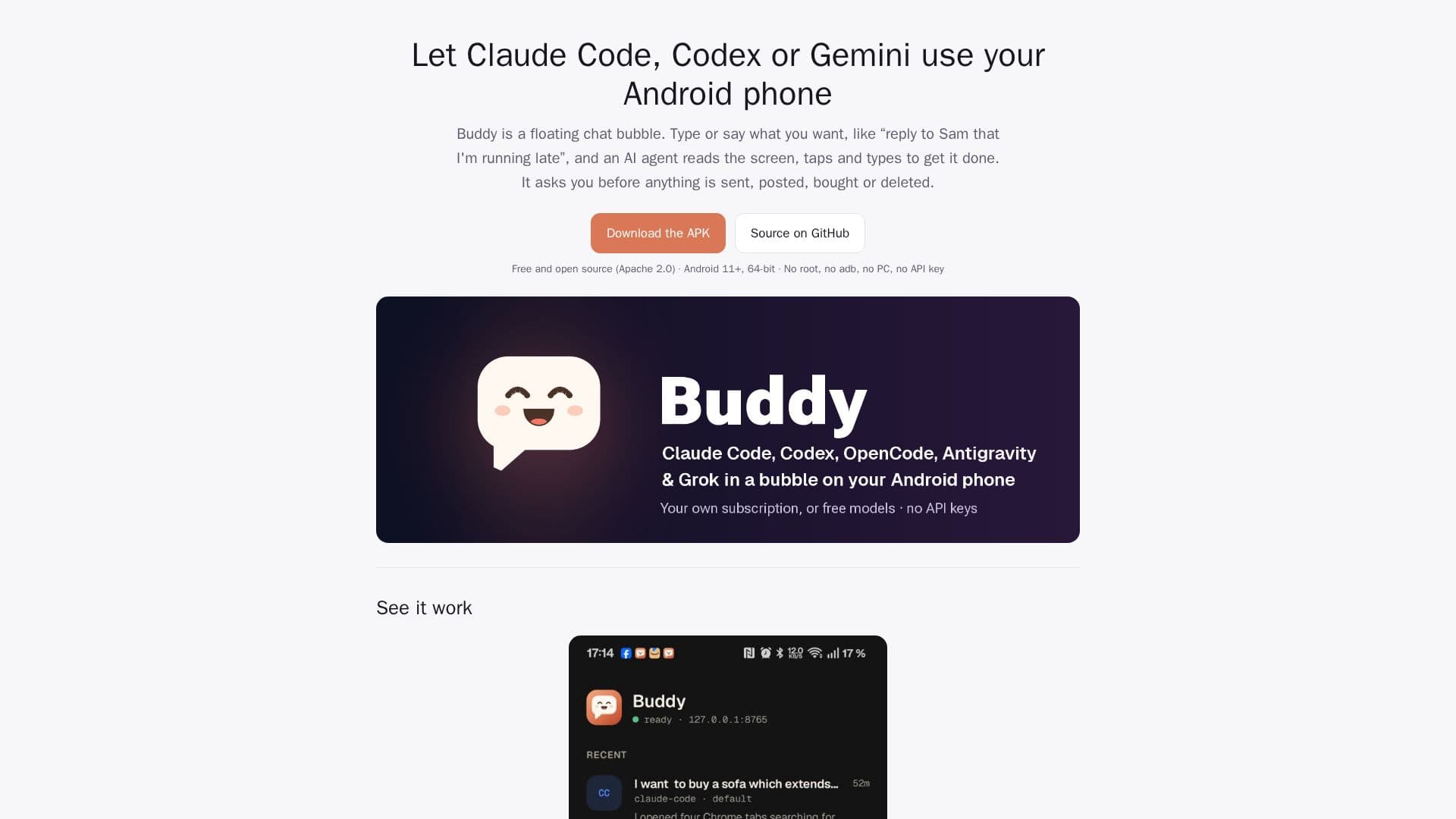
Buddy is a free and open-source Android application designed to bring AI assistant capabilities directly to your smartphone. It operates as a floating chat bubble, enabling various AI agents, including Claude Code, Codex, OpenCode, Antigravity CLI (Gemini), and Grok, to interact with your device. These agents can read your screen, tap, type, scroll, and open applications, effectively automating tasks on your phone.
Read More
The core functionality of Buddy involves running the chosen AI agent within a small Alpine Linux environment inside the app. This setup eliminates the need for root access, ADB debugging, or a separate PC. Users connect their existing AI plans, such as Claude, ChatGPT, or Google accounts, to power the agents. OpenCode also offers free models that require no account at all. A key safety feature is the mandatory approval system: Buddy always prompts the user before any sensitive actions like sending messages, posting content, making purchases, or deleting items. It also prevents agents from typing passwords, one-time codes, or payment details, handing those steps back to the user.
Beyond basic interaction, Buddy offers advanced features such as acting on notifications, allowing agents to reply to messages with user approval or a customizable countdown. It supports voice input and output, enabling users to talk to the assistant and have replies read aloud. A unique background browser allows agents to browse web pages without taking over the main screen, even when the phone is locked. For developers, Buddy can even build and install real APKs on the phone in developer mode, utilizing a bundled toolchain. The app also exposes its phone tools as a local MCP server, allowing users to connect their own Claude Code, Codex, OpenCode, or Antigravity sessions from other terminals like Termux.
Buddy is designed for ease of use and security. It provides a detailed setup guide, offers various themes, and includes a "Check Buddy" feature to diagnose and fix common issues. Updates for both the app and the agents are managed directly within the application. The open-source nature, released under the Apache 2.0 license, ensures transparency and no hidden servers or paid tiers associated with Buddy itself. It is an independent project, not affiliated with Anthropic, OpenAI, or Google, providing a robust and user-controlled AI assistant experience.
- CategoryAutomation & Agents
- Pricing ModelFree
- DeploymentMobile app
- PlatformsAndroid
Buddy's Core Features
Floating chat bubble AI assistant
Supports Claude Code, Codex, OpenCode, Gemini (Antigravity CLI), and Grok agents
Reads screen, taps, types, scrolls, and opens apps
Runs agents inside the app in a small Linux environment
No root, ADB, or PC required
Uses your existing AI plans (Claude, ChatGPT, Google account)
OpenCode offers free models without an account
Requires user approval for sensitive actions (send, post, pay, delete)
Prevents agents from typing passwords or payment details
Acts on notifications with customizable rules and approvals
Voice input and read-aloud replies
Background browser for agents to browse without screen takeover
Developer mode to build and install Android apps (GitHub version)
Exposes phone tools as a local MCP server for custom agents
Supports multiple concurrent chats and model switching
Scheduled tasks and reminders
Share content from other apps to Buddy
Remote control sessions for Claude and ChatGPT apps
SSH access to Buddy's Linux from Termux
How to use Buddy?
Choose Agent: Select your preferred AI agent (Claude Code, Codex, OpenCode, Antigravity, Grok) within the app.
Grant Accessibility: Enable Buddy's accessibility service, which is necessary for screen interaction.
Install & Sign In: Install your chosen agent in Buddy's Linux environment and sign in with your respective AI plan or Google account.
Configure Battery: Set Buddy to unrestricted battery usage to ensure it runs continuously.
Start Chat: Begin a new chat with your agent and provide instructions for tasks you want to automate.
Approve Actions: Review and approve or deny actions proposed by the AI agent before they are executed on your phone.
Manage Updates: Check for and install updates for both the Buddy app and its agents periodically.
Customize Settings: Adjust settings for voice, bubble appearance, app permissions, and notification rules.
Buddy's Use Cases
- Automated Messaging
- Smart Home Control
- Online Shopping Assistance
- App Navigation & Task Automation
- Developer Tooling
- Information Retrieval
- Scheduled Reminders & Tasks
- Personalized Guidance