Description
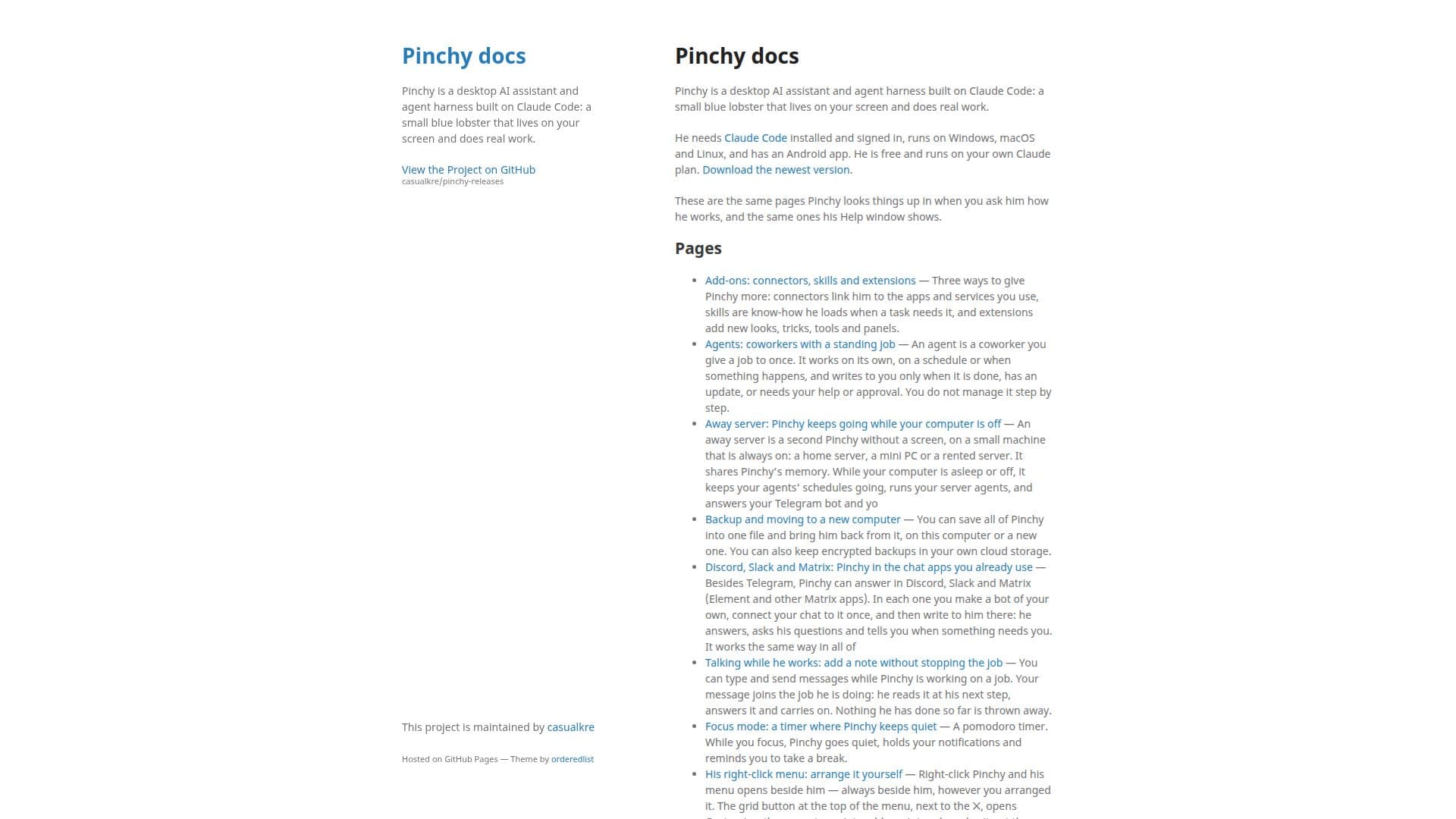
Pinchy is a desktop AI assistant built on Claude Code, designed to enhance productivity by performing a variety of tasks. Represented by a small blue lobster on your screen, Pinchy operates on Windows, macOS, Linux, and has an Android app. It requires Claude Code to be installed and signed in, and it runs on your own Claude plan, making it a cost-effective solution.
Read More
Pinchy offers several features to extend its capabilities. Users can add connectors, skills, and extensions to link Pinchy to other apps and services, enhance its know-how, and customize its appearance and functionality. Agents can be set up to perform tasks autonomously, either on a schedule or triggered by specific events, providing updates or requesting approval as needed.
For continuous operation, an away server can be used to keep Pinchy running even when your computer is off. This setup allows agents to maintain their schedules and respond to queries via Telegram, Discord, Slack, and Matrix. Pinchy's chat capabilities are complemented by a focus mode, which uses a pomodoro timer to help users concentrate by holding notifications until a break.
Pinchy also supports deep research and specialist consultations for tasks requiring accuracy and verification. It can conduct fact-checked research runs and consult expert helpers for specialized tasks. Additionally, Pinchy's memory system, known as the second brain, stores information in markdown files, which can be accessed and edited by the user.
The platform supports voice interaction, allowing users to communicate with Pinchy verbally. It also offers a writing buddy feature for spelling and grammar assistance across applications. Pinchy updates itself automatically, ensuring users always have access to the latest features and improvements.
Overall, Pinchy is a versatile AI assistant suitable for individuals and teams looking to streamline their workflows and enhance productivity through automation and integration with various platforms.
- CategoryAI Personal Assistants
- Pricing ModelFreemium
- DeploymentDesktop
- PlatformsWindows, macOS, Linux, Android
Pinchy's Core Features
Desktop AI assistant
Runs on Claude Code
Supports Windows, macOS, Linux, Android
Connectors, skills, and extensions
Autonomous agents
Away server for continuous operation
Integration with Telegram, Discord, Slack, Matrix
Deep research and specialist consultations
Voice interaction
Automatic updates
How to use Pinchy?
Install Claude Code: Ensure Claude Code is installed and signed in.
Set up Pinchy: Download and configure Pinchy on your device.
Add integrations: Connect Pinchy to your preferred apps and services.
Use Pinchy: Start using Pinchy for tasks, research, and communication.
Pinchy's Use Cases
- Task Automation
- Research Assistance
- Chat Integration
- Voice Commands
- Writing Assistance