Description
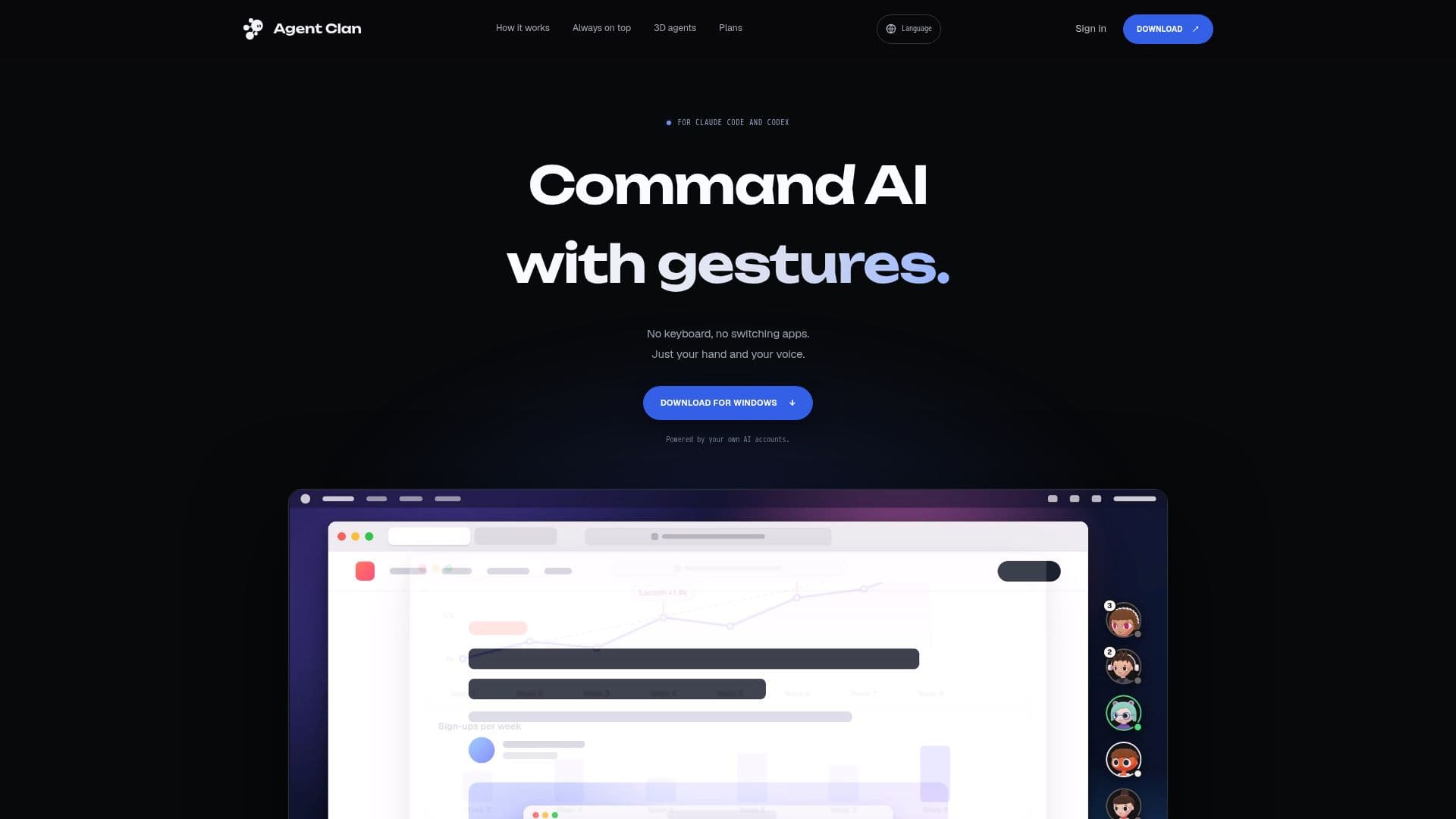
Agent Clan provides a unique desktop workspace designed to enhance interaction with Claude Code and Codex agents. It enables users to command their AI agents through intuitive gestures and voice commands, allowing for a seamless workflow without interrupting their primary tasks. Agents appear as small heads floating over any application, indicating their status—working, done, or waiting for input—at a glance.
Read More
The system integrates gesture control, where users can make a fist to summon agents, then pinch and pull to select one. Voice input converts spoken words into tasks for the chosen agent, directly on the computer. For more complex interactions, agents can be organized into groups with a leader, allowing for structured task delegation. The platform also supports drag-and-drop functionality, where any file, image, or text can be dropped onto an agent to serve as a prompt, eliminating copying and pasting.
Users can personalize their agents with custom appearances, including hair, eyes, clothes, and costumes, and observe them working in a customizable 3D room with multiple terminals. The Pro version offers unlimited projects and agents, along with a unique "Mods" feature that allows users to ask an agent to modify Agent Clan's interface or functionality, such as adding visual effects or changing themes. These mods are stored locally and can be toggled on or off.
Agent Clan operates by connecting to the user's own Claude Code or Codex accounts, meaning AI service fees are billed separately by the original providers. It is available for Apple Silicon Macs and Windows 10/11 (64-bit). While gesture and voice input are key features, traditional mouse and keyboard controls are also supported. The platform is designed for individuals and professionals seeking an immersive and efficient way to manage their AI agents.
- CategoryAI Agent Builders
- Pricing ModelFreemium
- DeploymentDesktop app
- PlatformsmacOS, Windows
Agent Clan's Core Features
Gesture Control for AI Agents
Voice Input for Task Assignment
Always-On-Top Agent Display
Drag & Drop Prompting
Customizable 3D Agent Characters
Virtual 3D Workspaces
Agent Grouping and Leadership
Real-time Agent Status Indicators
Unlimited Projects and Agents (Pro)
Agent-Driven Interface Modifications (Pro)
Supports Claude Code and Codex
Local Speech-to-Text Processing
Multi-Computer Sign-in (Pro)
Pause and Resume Agent Tasks
Multiple Conversations per Agent
Save and Edit Agent Looks
How to use Agent Clan?
Sign Up: Create an Agent Clan account within the app or on the website.
Connect AI Accounts: Link your personal Claude Code or Codex accounts to Agent Clan.
Summon Agents: Make a fist to bring up your agents on screen.
Select Agent: Open your hand, make a fist, then pinch and pull towards an agent to choose it.
Give Voice Commands: Speak your task to the selected agent; your words become its instructions.
Drop Prompts: Drag and drop files, images, or text directly onto an agent to provide prompts.
Customize Agents: Personalize agent appearance with hair, eyes, clothes, and costumes in the 3D workspace.
Manage Projects: Start new projects and organize your agents within them.
Agent Clan's Use Cases
- Code Generation & Review
- Content Creation
- Research & Information Retrieval
- Workflow Automation
- Personalized AI Assistants
- Multitasking with AI
- Interactive Prototyping
- Visual Task Management