
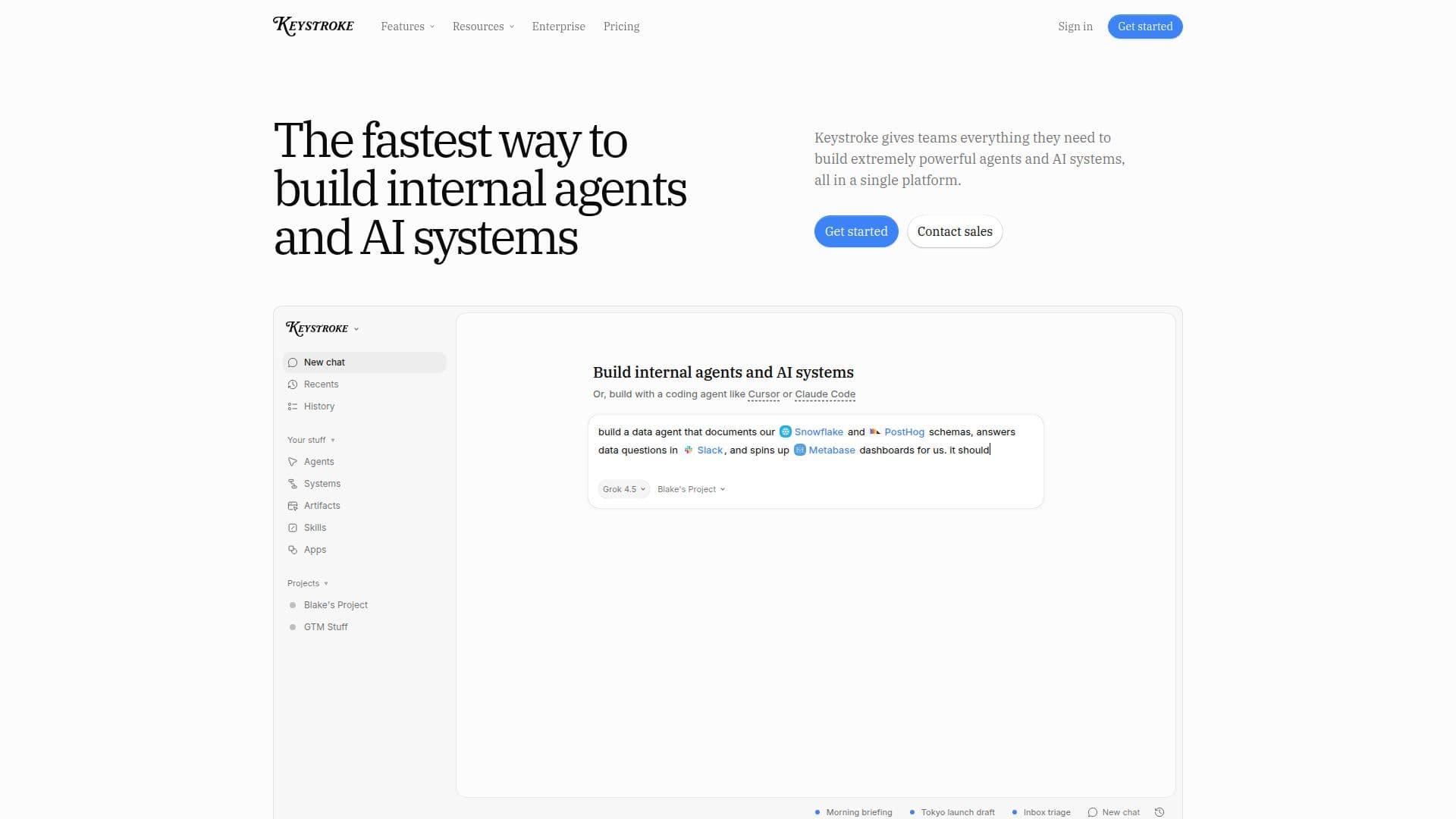
Description
Keystroke is an all-in-one platform designed to empower teams in building internal agents and AI systems efficiently. It offers a robust environment where users can create agents equipped with memory, a persistent workspace, and the necessary tools to handle real work. With Keystroke, teams can automate complex workflows by combining agents, triggers, and human approvals, ensuring reliability and efficiency in their operations.
Read More
The platform supports a wide range of use cases, from building AI agents that can manage tasks like email triage to creating sophisticated systems that integrate with over 1,000 tools and APIs. Users can easily connect their existing tools, allowing agents to access data and functionalities across various platforms, including Slack, Teams, and GitHub. This flexibility enables organizations to streamline their processes and enhance productivity.
Keystroke also emphasizes collaboration, providing a shared space for teams to work together. Users can build, test, and deploy agents without needing extensive coding knowledge, thanks to the platform's intuitive interface and built-in tools. The platform is suitable for both technical and non-technical teams, making it accessible to a broader audience.
In terms of security and governance, Keystroke offers features that allow organizations to maintain control over their agents and workflows. Users can set usage limits, track performance, and ensure compliance with internal policies. This level of oversight is crucial for organizations looking to leverage AI while managing risks effectively.
Overall, Keystroke stands out as a versatile solution for businesses seeking to harness the power of AI and automation. Its combination of user-friendly design, extensive integrations, and robust capabilities makes it an ideal choice for teams looking to innovate and improve their operational efficiency.
- CategoryAI Agent Builders
- Pricing ModelFreemium
- DeploymentCloud
- PlatformsWeb
Keystroke's Core Features
Built-in memory
Persistent file system
Code execution capabilities
1,000+ integrations
Human-in-the-loop approvals
Automated workflows
Multi-agent systems
Real-time collaboration tools
Durable execution
Usage tracking and limits
How to use Keystroke?
Configure: Set up your workspace and connect your tools.
Build: Create your first agent using the intuitive interface.
Test: Run tests against your agents and workflows before deployment.
Deploy: Launch your agents and workflows into production.
Keystroke's Use Cases
- Email Management
- Workflow Automation
- Data Integration
- Team Collaboration
- Performance Tracking