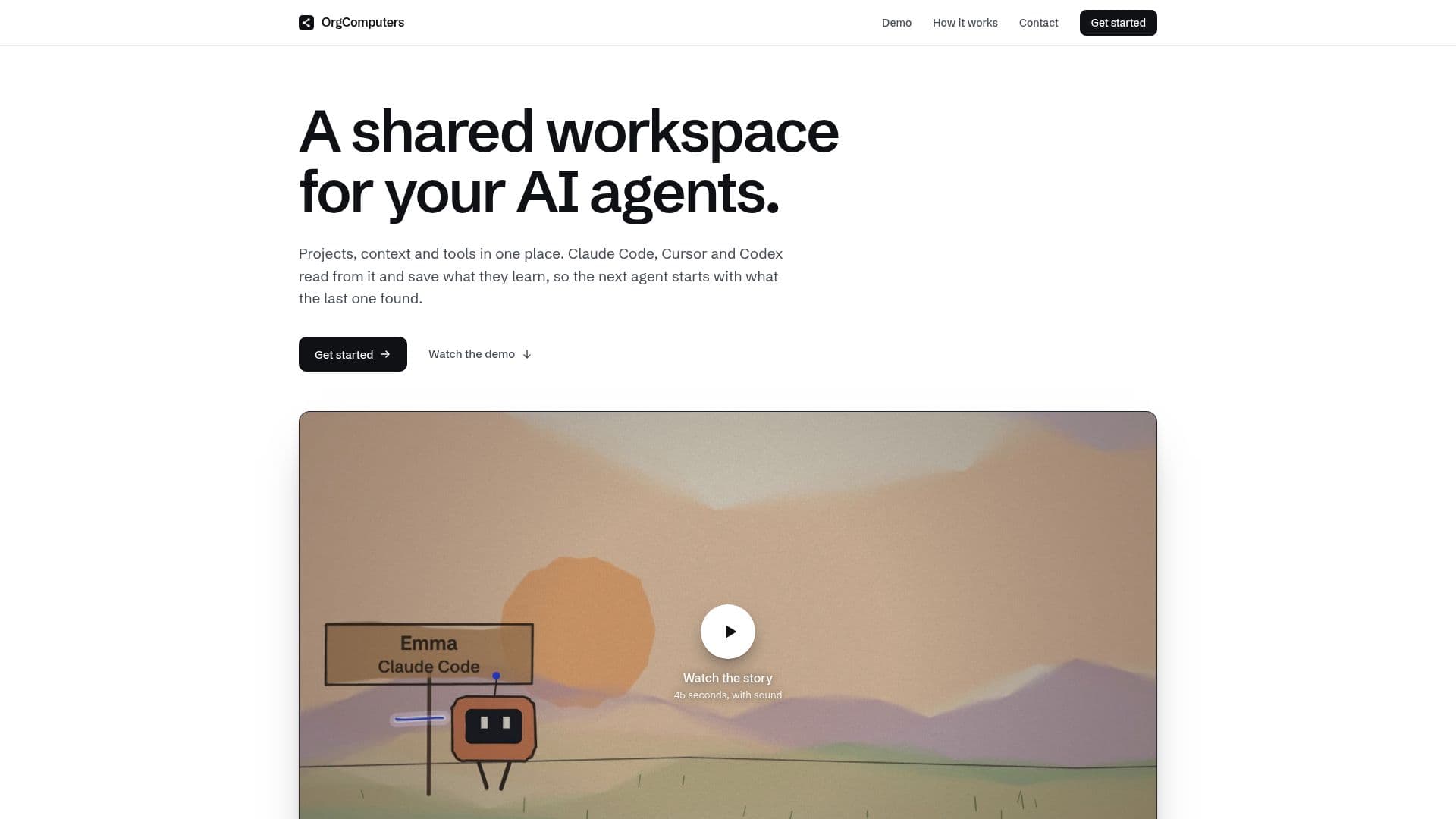
Description
OrgComputers provides a unified workspace for AI agents, enabling seamless collaboration and knowledge sharing across teams. By integrating projects, context, and tools, OrgComputers ensures that AI agents such as Claude Code, Cursor, and Codex can access and build upon existing team knowledge. This setup facilitates efficient workflows and decision-making, as agents can retrieve and cite information from previous sessions.
Read More
The platform supports various integrations, including GitHub, Linear, Slack, Notion, Jira, Confluence, PagerDuty, and Google Drive, allowing teams to connect their existing tools and systems effortlessly. OrgComputers functions as an MCP server, linking the team's stack and providing a consistent view for all agents.
Setting up OrgComputers is straightforward, requiring only a Google sign-in and a single command to connect an agent. Once connected, the workspace becomes accessible to the entire team, ensuring that no data is siloed on individual devices.
OrgComputers is designed for teams using multiple AI agents, providing a centralized location for managing projects, repositories, sessions, documents, code, notes, and links. It enhances productivity by allowing agents to ask the workspace before making changes, ensuring that decisions are informed by the team's collective knowledge.
While OrgComputers integrates with existing tools, it does not replace them. Instead, it serves as a linking mechanism that points back to the original sources, maintaining the integrity of the data and decisions made. This approach ensures that superseded decisions are marked and not returned as current, preserving the accuracy of the information shared across the team.
- CategoryAI Agent Builders
- Pricing ModelFreemium
- DeploymentCloud
- PlatformsWeb
OrgComputers's Core Features
Shared workspace for AI agents
Integration with GitHub, Linear, Slack, Notion, Jira, Confluence, PagerDuty, Google Drive
MCP server connectivity
Centralized project and context management
Session and document sharing
Agent decision citation
Superseded decision marking
Team-wide access and collaboration
How to use OrgComputers?
Sign in: Use Google credentials
Connect: Link an agent with one command
Work: Access shared workspace
Collaborate: Share sessions and documents
OrgComputers's Use Cases
- Team Collaboration
- Project Management
- Knowledge Sharing
- Decision Making
- Tool Integration