Description
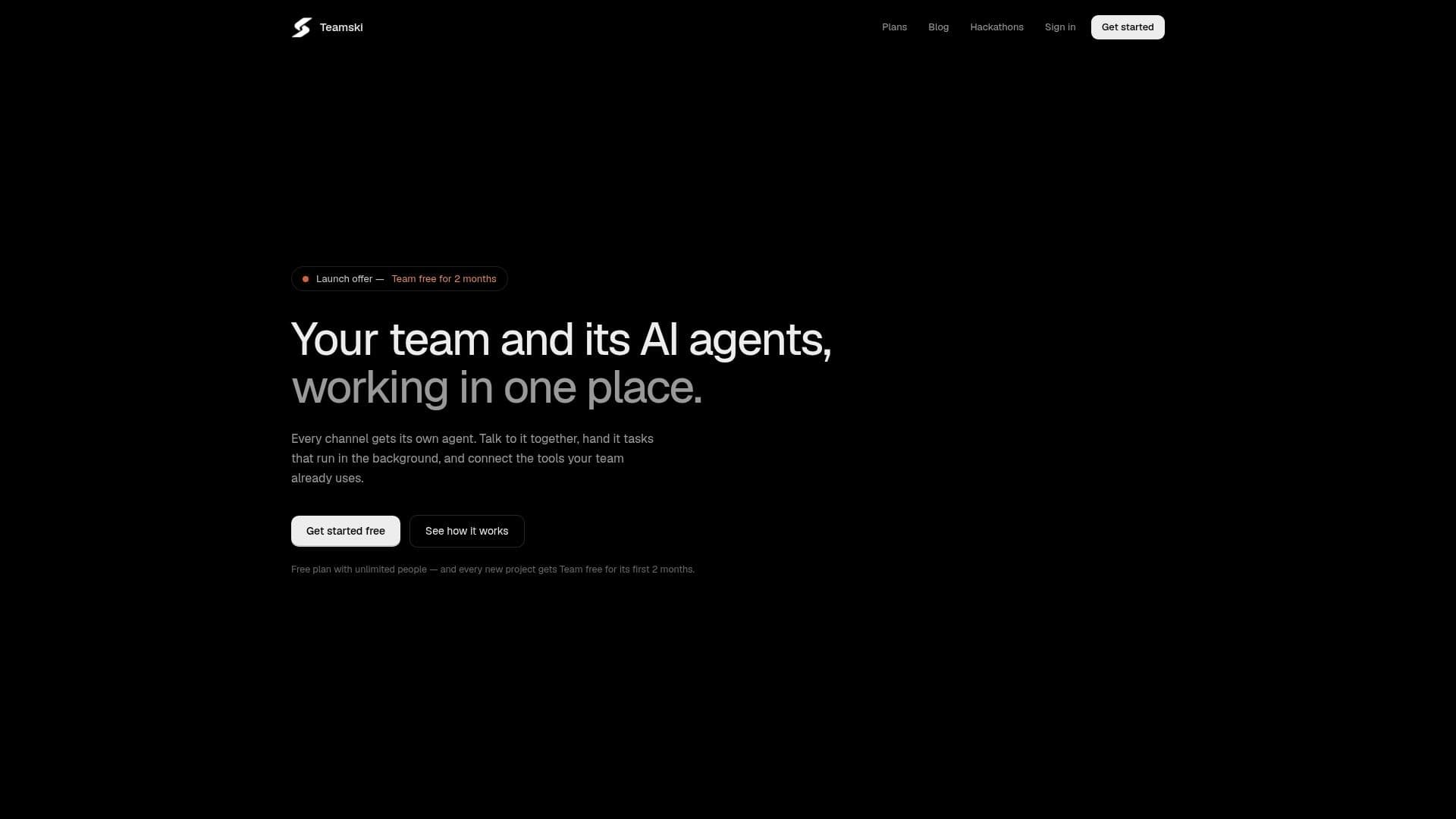
Teamski is a shared AI workspace tailored for team collaboration, providing one AI agent per channel. Each agent has its own instructions and memory, allowing the entire team to interact with it collectively. This setup facilitates seamless communication and task management, as agents can handle background tasks and connect with popular tools such as GitHub, Notion, Linear, Jira, Asana, and more.
Read More
The platform offers a free plan that includes unlimited team members and allows new projects to use the Team plan for free for the first two months. Teamski's agents are designed to work within the team's existing workflow, ensuring that changes in connected apps require approval before implementation. This feature enhances security and control over team projects.
Teamski supports various AI models, including built-in AI on every plan, with options to integrate Google Gemini, Claude, ChatGPT, and Grok for faster responses. The platform is built to accommodate the tools teams already use, making it easy to connect apps once and allow agents to read from them.
Pricing is structured to cater to different team sizes, with a free plan offering basic features and a Team plan priced at $55 per month for up to five people. Larger teams can opt for the Enterprise plan, which provides custom integrations, advanced security, and dedicated support.
Teamski prioritizes data security, with encryption in transit and at rest, and does not train AI models on user data. The platform is designed to be user-friendly, with roles defined for project owners, admins, and members, ensuring efficient management and oversight.
- CategoryAI Agent Builders
- Pricing ModelFreemium
- DeploymentCloud
- PlatformsWeb
Teamski's Core Features
Shared AI workspace
One AI agent per channel
Background tasks
Integration with GitHub, Notion, Linear
Free plan with unlimited members
Approval required for changes
Built-in AI models
Custom integrations for Enterprise
How to use Teamski?
Create a project: Set up a new team workspace
Invite team members: Add colleagues via email or username
Configure channels: Assign AI agents to specific tasks
Connect tools: Integrate with GitHub, Notion, and others
Manage tasks: Use agents for background task execution
Approve changes: Review agent proposals before implementation
Monitor usage: Track AI message limits and usage
Export data: Download project data for offline access
Teamski's Use Cases
- Team Collaboration
- Project Management
- Tool Integration
- Data Security
- AI Model Integration