Description
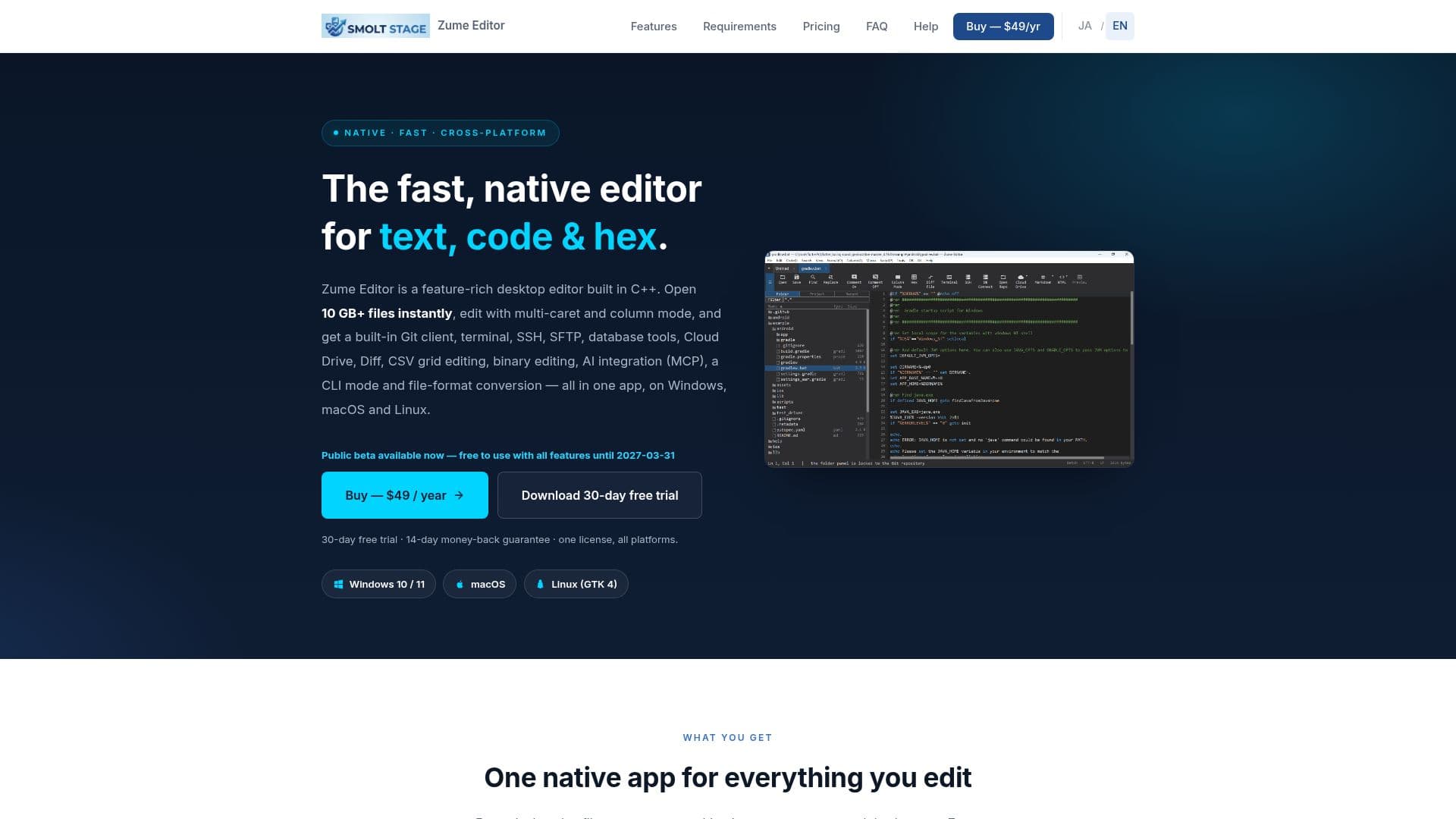
Zume Editor is a high-performance, native desktop application designed for editing text, code, and hex files across Windows, macOS, and Linux. Built entirely in C++ with native rendering (Direct2D / Core Text / GTK), it offers instant startup and smooth scrolling, even when working with multi-gigabyte files. Its memory-mapped, piece-table engine allows users to open, search, edit, and save files exceeding 10GB without loading them entirely into RAM, making it ideal for large log files, source trees, and binaries.
Read More
The editor consolidates a wide array of functionalities typically found in separate tools into a single, fast application. Key features include comprehensive hex/binary editing with offset, ASCII, and EBCDIC columns, along with byte find and replace. For developers, Zume Editor provides robust code intelligence, featuring syntax highlighting for numerous languages, code folding, an outline/function list, bracket matching, and language-aware auto-indentation. It also boasts multi-caret and column mode editing, enabling users to modify multiple locations simultaneously, select rectangular blocks, fill/number columns, and align on delimiters, all as a single undo step.
Beyond basic editing, Zume Editor integrates powerful search capabilities, supporting literal and PCRE2 regular-expression find and replace across projects, including capture groups. It includes a full Git client for managing workspaces, staging, committing, branching, viewing log graphs, resolving merge conflicts, and handling fetch/pull/push operations directly within the editor. Connectivity features extend to a built-in terminal, SSH shell, and remote file editing over SFTP/FTP/FTPS. Database professionals can browse and query SQL databases (MySQL, PostgreSQL, SQL Server, SQLite) and NoSQL stores (Redis, MongoDB) from within the application.
Additional utilities include side-by-side file and folder comparison with merge capabilities, a CSV/TSV grid editor for tabular data, and geospatial tools for converting data between formats like GeoJSON, WKT, KML, GPX, and CSV, reprojecting coordinates, and computing distances/areas. For automation and extensibility, Zume Editor supports recordable macros, a sandboxed Lua scripting API, an MCP server for AI agents, and a `zume-cli` command-line tool. The application is available via an annual subscription at $49 per user, per year, which includes all features, updates, and support for up to three personal computers across all supported platforms. A 30-day free trial is available, and purchases are backed by a 14-day money-back guarantee.
- CategoryAI Coding Assistants
- Pricing ModelSubscription
- DeploymentDesktop app
- PlatformsWindows, macOS, Linux
Zume Editor's Core Features
Fast C++ native text, code, and hex editor
Opens and edits 10GB+ files instantly
Multi-caret and column mode editing
Built-in Git client for version control
Integrated terminal, SSH, and SFTP for remote access
Database tools for SQL and NoSQL stores (MySQL, PostgreSQL, SQL Server, SQLite, Redis, MongoDB)
Side-by-side file and folder comparison with merge
CSV / TSV grid editor for tabular data
Geospatial tools for data conversion and analysis (GeoJSON, WKT, KML, GPX, CSV)
Syntax highlighting for dozens of languages
Code folding, outline/function list, bracket matching, auto-indent
Powerful search with literal and PCRE2 regular expressions
Recordable macros and Lua scripting API
MCP server for AI agents
CLI mode (zume-cli) for automation
How to use Zume Editor?
Download: Obtain the Zume Editor installer for Windows, macOS, or Linux from the official website.
Install: Follow the platform-specific instructions to install the application on your computer.
Start Trial: Launch the editor and begin a 30-day free trial to access all features without a credit card.
Edit Files: Open large text, code, or hex files and utilize multi-caret, column mode, and code intelligence features.
Manage Projects: Use the built-in Git client, terminal, SSH, SFTP, and database tools for comprehensive project management.
Automate Tasks: Record macros or use the Lua scripting API and CLI for custom automation workflows.
Purchase License: Subscribe to an annual license for $49/year to continue using the editor after the trial period.
Activate: Activate your license on up to 3 personal computers across all supported operating systems.
Zume Editor's Use Cases
- Large File Editing
- Software Development
- Binary & Hex Editing
- Remote Server Management
- Database Interaction
- Data Analysis & Manipulation
- Code Review & Comparison
- Automated Scripting
- AI Agent Integration