Description
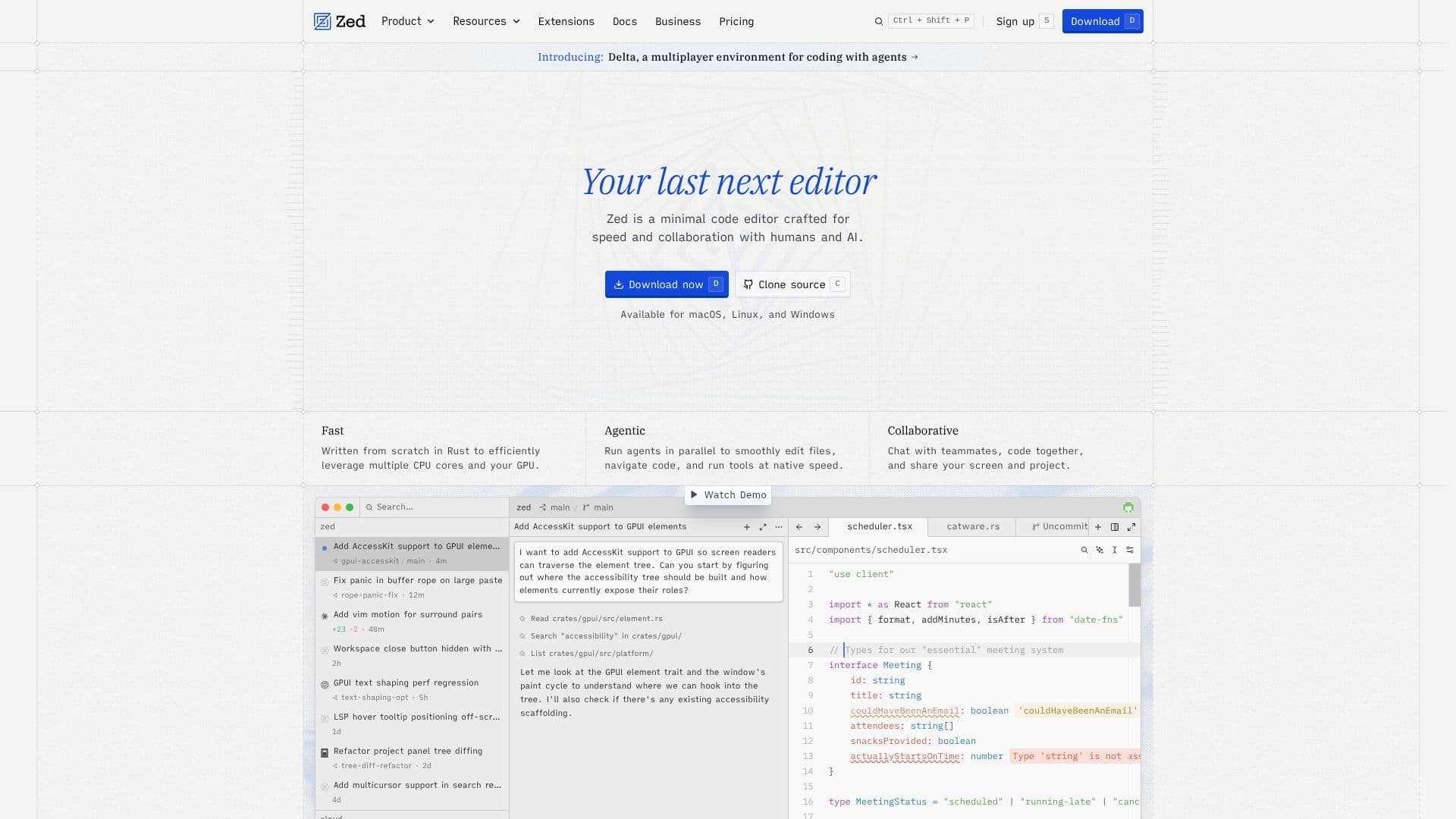
Zed is a cutting-edge code editor that emphasizes speed and collaboration, making it an ideal choice for developers who prioritize efficiency in their coding workflows. Developed by the creators of Atom and Tree-sitter, Zed is designed to be your last next editor, offering a minimalistic interface that allows you to focus on your code without distractions.
Read More
Built from the ground up using Rust, Zed leverages the power of modern hardware to deliver exceptional performance. It efficiently utilizes multiple CPU cores and GPU capabilities, ensuring that your coding experience is smooth and responsive. Whether you're working on a small project or collaborating with a team, Zed's architecture is optimized for speed, allowing you to navigate code and execute tasks with minimal latency.
One of Zed's standout features is its collaborative capabilities. With Zed, you can chat with teammates, share your screen, and code together in real-time. This functionality is particularly beneficial for teams that value communication and knowledge sharing, as it allows for immediate feedback and collaborative problem-solving. The editor also supports agentic editing, enabling seamless interaction between human developers and AI tools, which enhances productivity and creativity.
Zed is not just about collaboration; it also includes powerful features such as native Git support, allowing you to manage your version control directly within the editor. The built-in debugger supports multiple programming languages, making it easier to troubleshoot and refine your code. Additionally, Zed's multibuffer editing allows you to work with multiple excerpts from your codebase simultaneously, streamlining your workflow.
For those who prefer a tailored experience, Zed offers a growing ecosystem of extensions that enhance its functionality. From language support to themes, you can customize Zed to fit your specific needs. The editor is open-source, encouraging contributions from a global community of developers who are passionate about building tools that matter.
In summary, Zed is designed for developers who seek a fast, collaborative, and customizable coding environment. With its robust feature set and commitment to continuous improvement, Zed is poised to redefine how developers write and collaborate on code.
- CategoryAI Coding Assistants
- Pricing ModelFreemium
- DeploymentCloud
- PlatformsmacOS, Linux, Windows
Zed's Core Features
High-performance code editing
Multiplayer collaboration
Agentic editing support
Native Git integration
Built-in debugger
Multibuffer editing
Open-source
Growing extensions ecosystem
Fast boot time
Real-time chat with teammates
How to use Zed?
Open a project: Use Cmd+O (macOS) or Ctrl+O (Linux/Windows) to open a folder.
Access the command palette: Press Cmd+Shift+P (macOS) or Ctrl+Shift+P (Linux/Windows) to find commands.
Configure your editor: Open settings with Cmd+, (macOS) or Ctrl+, (Linux/Windows) to adjust preferences.
Use AI features: Open the Agent Panel with Cmd+Shift+A (macOS) or Ctrl+Shift+A (Linux/Windows) for assistance.
Install extensions: Use Cmd+Shift+X (macOS) or Ctrl+Shift+X (Linux/Windows) to access the extensions page.
Navigate files: Use Cmd+P (macOS) or Ctrl+P (Linux/Windows) to quickly go to a file.
Toggle terminal: Press Ctrl+` (macOS/Linux/Windows) to open or close the terminal.
Select themes: Press Cmd+K Cmd+T (macOS) or Ctrl+K Ctrl+T (Linux/Windows) to choose a theme.
Zed's Use Cases
- Real-time collaboration
- Debugging
- Version control
- Customizable coding environment
- AI-assisted coding