Description
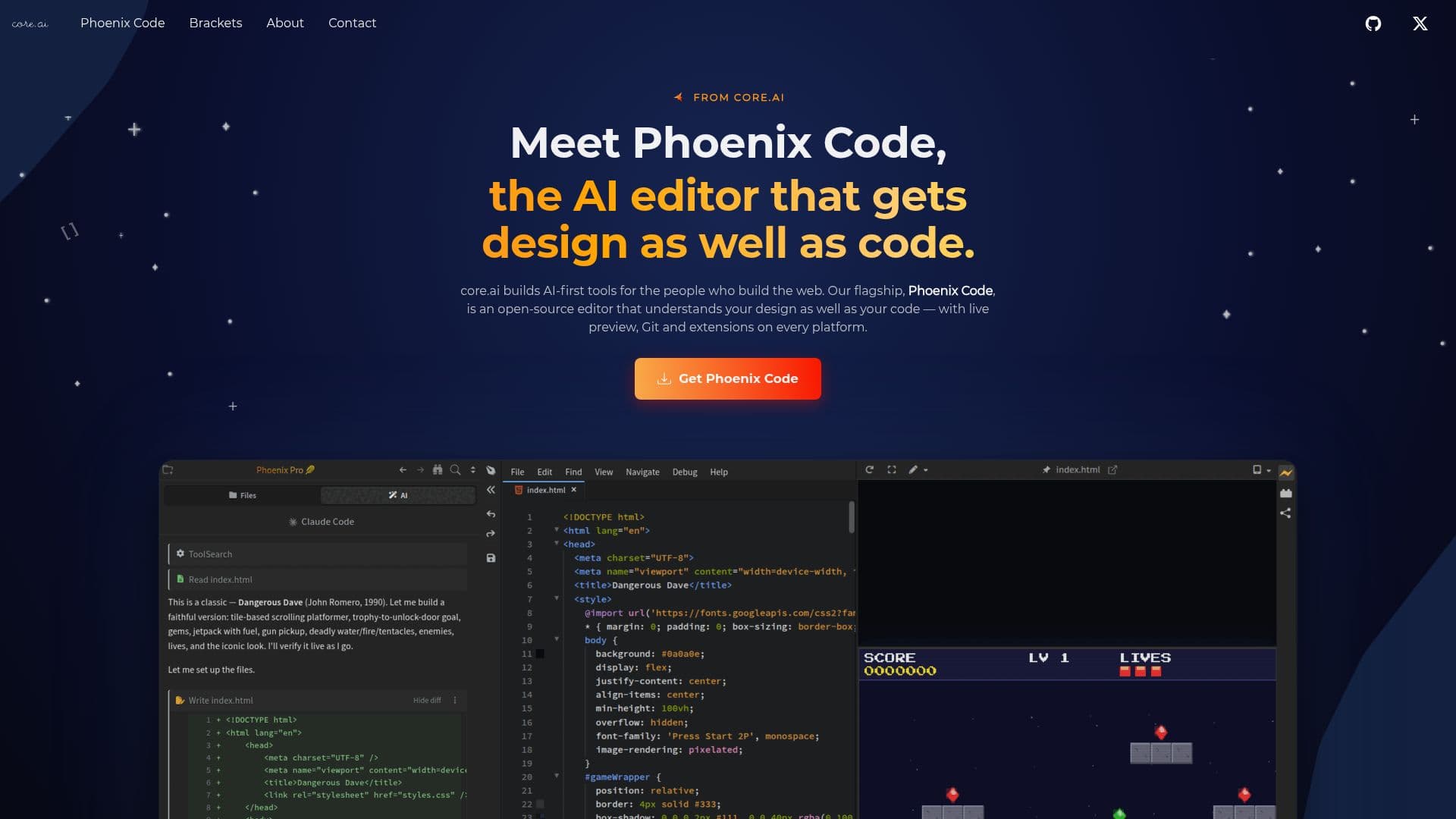
CORE is a company focused on creating AI-first developer tools that simplify web development. Their flagship product, Phoenix Code, is an open-source editor that integrates AI to understand both design and code. This tool offers features like live preview, Git integration, and extensions, making it a comprehensive solution for web developers.
Read More
Phoenix Code is designed to provide visual context to AI coding agents, allowing them to see the rendered page rather than just the source code. This capability enhances the development process by offering insights into how code changes affect the visual output. The editor supports responsive previews for various devices, including phones, tablets, and desktops, with just a click.
Additional features include a Markdown editor that treats Markdown like a document, a terminal for running commands directly within the editor, and a design mode for editing on the page itself. Phoenix Code is a native application available on Windows, macOS, and Linux, ensuring fast performance across platforms.
CORE also maintains the Brackets editor, a classic open-source tool that has taught many developers their first line of code. While Brackets remains available for the community, Phoenix Code carries forward its legacy with advanced AI capabilities.
CORE's mission is to make web development more intuitive and affordable, powered by AI and open source. The company is led by Charly P Abraham and Arun Bose, who bring expertise in distributed systems, AI, and open-source technologies.
- CategoryAI Coding Assistants
- Pricing ModelFree
- DeploymentDesktop app
- PlatformsWindows, macOS, Linux
CORE Phoenix Code's Core Features
AI-first open-source editor
Live preview
Git integration
Extensions support
Responsive device preview
Markdown editor
Integrated terminal
Design mode editing
Native app on Windows, macOS, Linux
Visual context for AI coding agents
Successor to Adobe's Brackets
How to use CORE Phoenix Code?
Download: Access Phoenix Code from the official site
Install: Set up on your preferred operating system
Configure: Customize settings and extensions
Develop: Use AI-enhanced features for coding
Preview: Check responsive layouts with one click
Collaborate: Utilize Git integration for teamwork
CORE Phoenix Code's Use Cases
- Web Development
- Responsive Design
- Collaborative Coding
- Markdown Editing
- Terminal Commands