Description
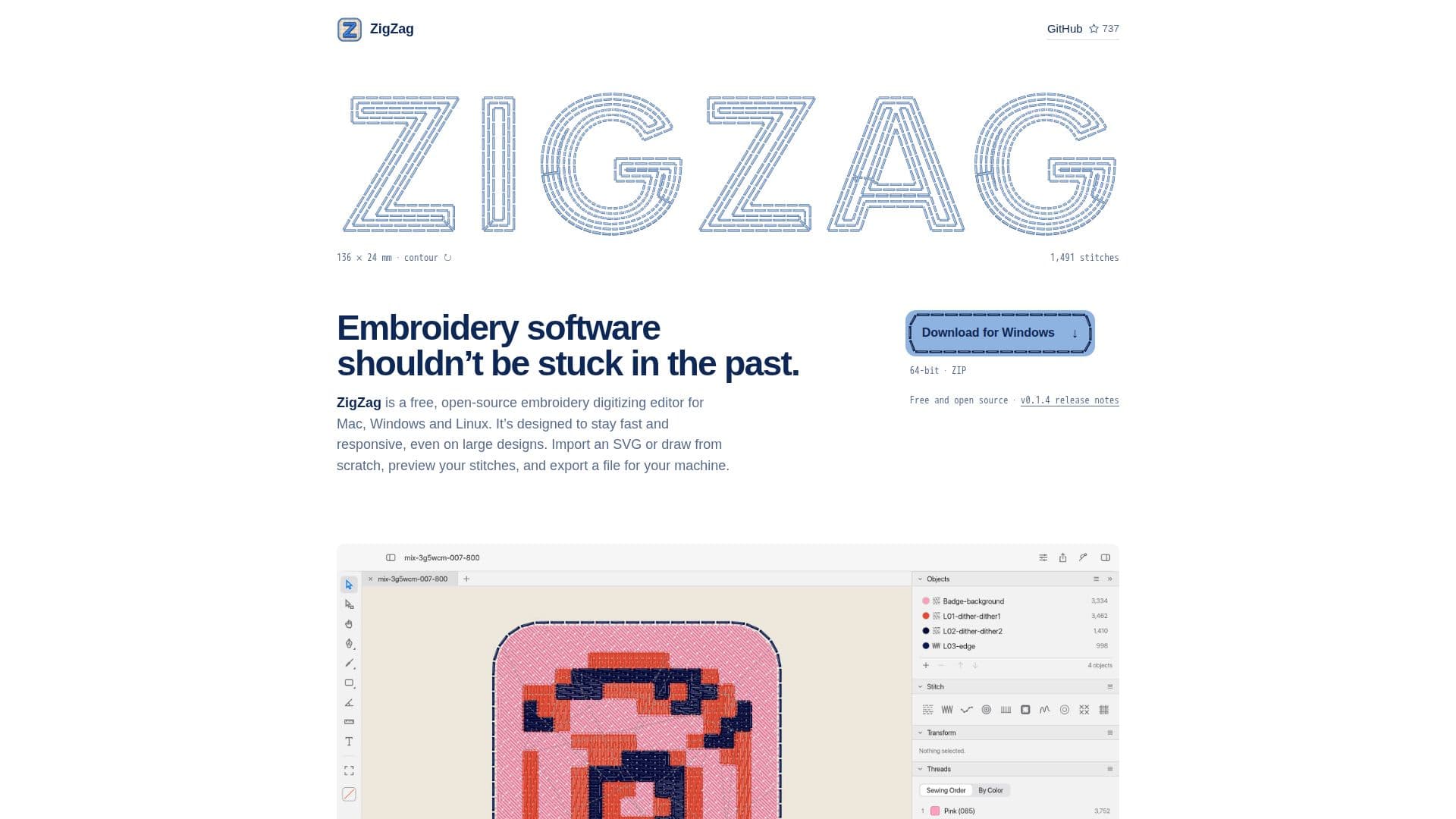
ZigZag is a free and open-source embroidery digitizing software designed to transform SVG artwork into machine-readable stitch files. It offers a modern alternative to traditional embroidery software, focusing on speed and responsiveness even with complex designs. Users can import existing SVG files or create designs from scratch directly within the editor.
Read More
The software provides a comprehensive set of tools for digitizing, allowing users to select from eleven different stitch types, including fill, satin, run, contour, cross-stitch, and appliqué. As shapes are edited, the stitches update in real-time, providing immediate visual feedback on the design. This interactive editing experience helps users refine their embroidery patterns efficiently.
Once a design is complete, ZigZag supports exporting to a variety of popular embroidery machine file formats, such as PES, DST, EXP, JEF, and VP3. For added convenience, it can also send designs directly to a Brother Skitch PP1 machine via Bluetooth. This broad compatibility ensures that designs created in ZigZag can be used with a wide range of embroidery machines.
Beyond its core digitizing capabilities, ZigZag features a built-in MCP server that enables integration with AI agents. This unique feature allows an AI agent to draw and edit designs within the same window the user is working in, opening up possibilities for automated design generation or assistance. The software is available across multiple operating systems, including Mac, Windows, and Linux, making it accessible to a broad user base.
- CategoryDesign & Creative
- Pricing ModelFree
- DeploymentCloud, Self-hosted
- PlatformsMac, Windows, Linux
ZigZag's Core Features
Free and open-source software
Converts SVG artwork to machine embroidery files
Supports Mac, Windows, and Linux operating systems
Real-time stitch preview during editing
Eleven distinct stitch types: Fill, Satin, Run, Contour, Cross-stitch, Appliqué
Exports to PES, DST, EXP, JEF, VP3 file formats
Direct export to Brother Skitch PP1 via Bluetooth
Built-in MCP server for AI agent integration
Fast and responsive performance on large designs
Ability to import SVG or draw designs from scratch
How to use ZigZag?
Download & Install: Obtain the ZigZag software for your Mac, Windows, or Linux system.
Import or Create: Import an SVG file or start drawing your embroidery design from scratch within the editor.
Digitize Design: Select shapes and apply one of the eleven available stitch types, such as fill, satin, or run.
Preview Stitches: Observe the real-time stitch updates as you edit and refine your design.
Export File: Export your completed design to PES, DST, EXP, JEF, or VP3 format for your embroidery machine.
Direct Send (Optional): Send the design directly to a Brother Skitch PP1 machine over Bluetooth.
ZigZag's Use Cases
- Custom Embroidery Design
- Digitizing Artwork
- Educational Tool
- Open-Source Development
- AI-Assisted Design