Description
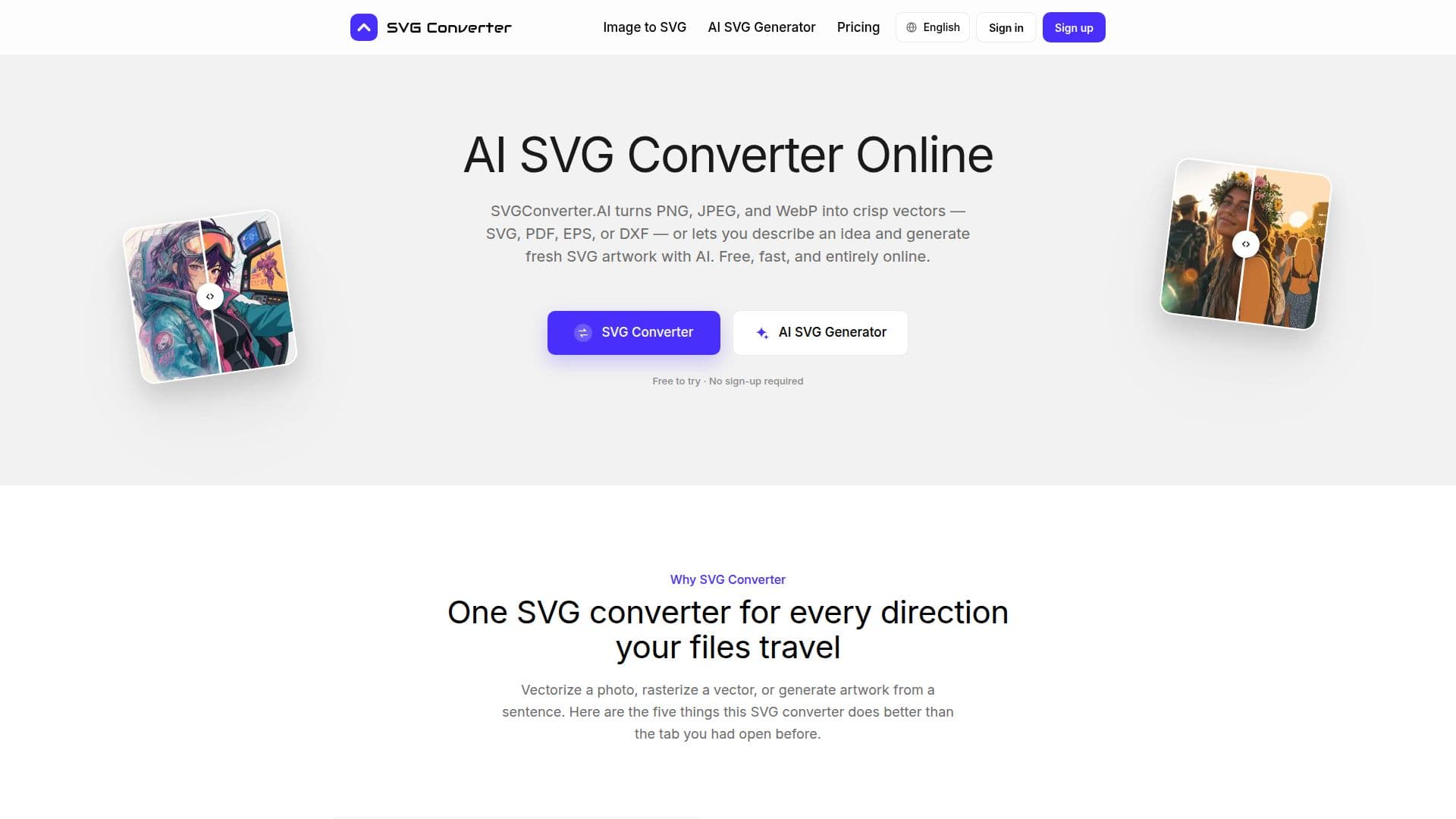
SVGConverter.AI is a versatile online tool designed to transform raster images into crisp vector formats such as SVG, PDF, EPS, or DXF. It supports various image formats including PNG, JPEG, and WebP, making it a comprehensive solution for users needing to convert images for different applications. Additionally, the platform offers an innovative feature that allows users to generate fresh SVG artwork simply by describing their ideas in plain language. This capability is particularly useful for those who may not have access to traditional design software or for users looking to quickly create vector graphics without the need for extensive design skills.
Read More
The SVG converter operates entirely online, meaning there is no need for downloads or installations. Users can try the service three times without signing up, making it accessible for quick tasks or evaluations. Once users decide to upgrade, they can unlock unlimited access to all features through a Pro subscription, which removes any per-conversion limits and ensures that all downloads are watermark-free.
One of the standout features of SVGConverter.AI is its ability to handle both vectorization and rasterization. Users can convert images to vector formats for high-quality prints or digital use, and conversely, they can rasterize vector files into formats suitable for web use. This dual functionality streamlines workflows, allowing for consistent quality and color accuracy across different file types.
The AI-driven tracing technology ensures that the output maintains high fidelity to the original artwork, preserving details and colors while providing editable paths. This makes it an ideal tool for designers, developers, and print shops who require precision and quality in their graphic outputs. The platform is designed to cater to a wide range of users, from individual freelancers to larger design teams, all seeking efficient and effective graphic solutions.
- CategoryAI Graphic Design Tools
- Pricing ModelFreemium
- DeploymentCloud
- PlatformsWeb
SVGConverter.AI's Core Features
AI Artwork Generation
Image Vectorization
Multiple Format Exports
No Sign-Up Required for Trials
Watermark-Free Downloads
Editable Vector Paths
Fast Processing
Cross-Platform Compatibility
How to use SVGConverter.AI?
Select an image format: Choose PNG, JPEG, or WebP to convert.
Upload your image: Drag and drop your file into the converter.
Choose output format: Select SVG, PDF, EPS, or DXF as your desired output.
Generate artwork: Describe your idea to create new SVG artwork.
Download your file: Retrieve your converted or generated file without watermarks.
Try again: Use the service up to three times for free.
Upgrade to Pro: Unlock unlimited access for ongoing use.
SVGConverter.AI's Use Cases
- Logo Conversion
- Artwork Generation
- File Preparation
- Icon Design
- Background Removal