Description
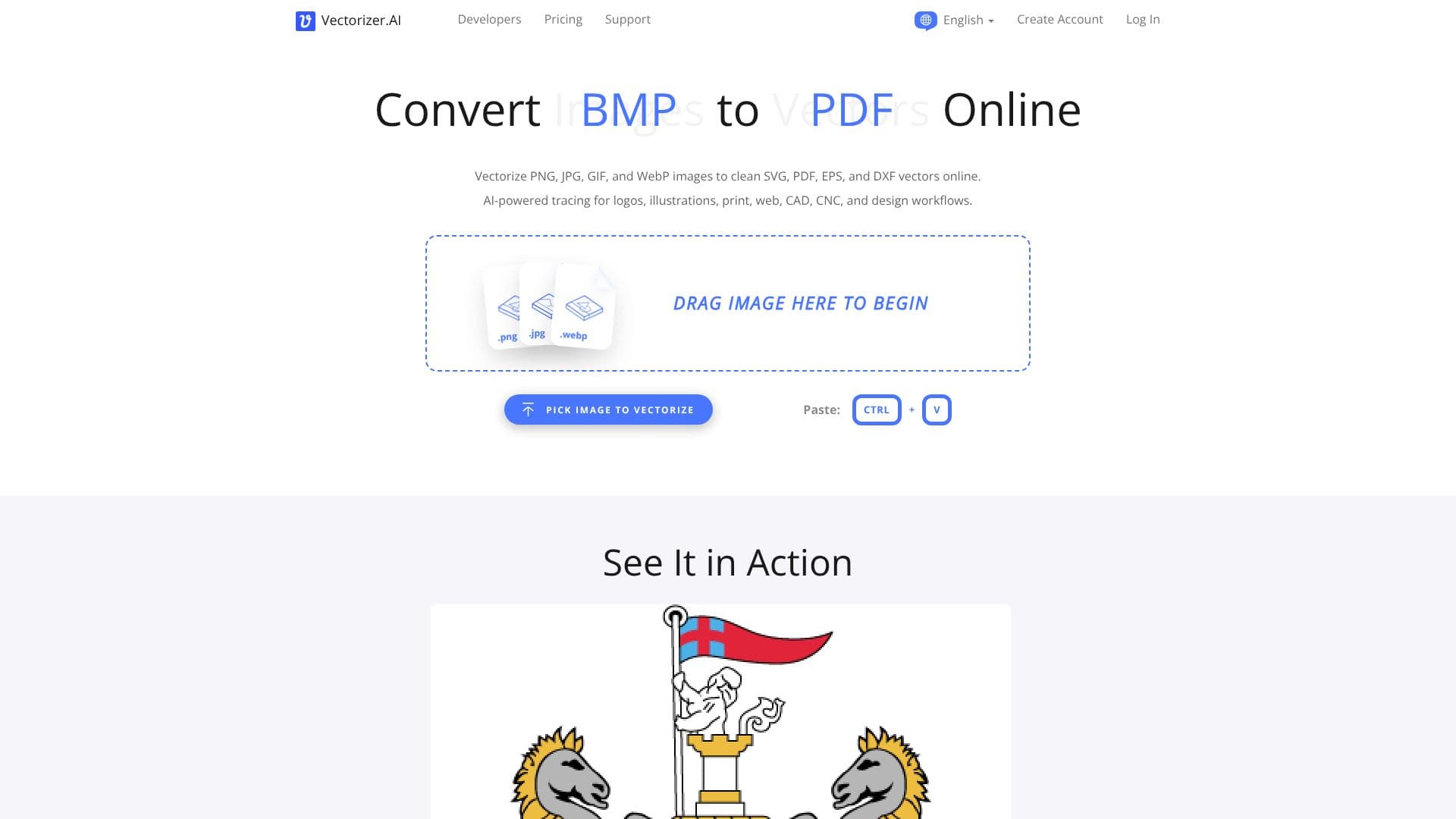
Vectorizer.AI provides an AI-powered online tool for converting raster images into scalable vector graphics. Users can upload common image formats such as PNG, JPG, GIF, BMP, and WebP, and the service transforms them into editable vector artwork in seconds. The process involves analyzing pixels and converting them into geometric shapes with smooth curves and fine details, suitable for logos, illustrations, diagrams, and design assets.
Read More
No software installation is necessary, as the entire process runs within the user's web browser. The tool supports exporting to practical vector formats including SVG, EPS, DXF, and PDF, as well as a "cleaned up" PNG pixel output. This makes it ideal for various applications, from preparing artwork for print and web use to creating DXF paths for CAD and CNC workflows. Vectorizer.AI aims to produce clean, editable vector files optimized for professional work, maintaining resolution independence and reducing file size while enhancing visual clarity.
The core technology behind Vectorizer.AI is built upon 15 years of experience, combining deep learning networks and classical algorithms. The AI models are trained from scratch on a proprietary dataset. The service features a proprietary computational geometry framework called Vector Graph, enabling automated edits and localized optimizations. It supports full shape fitting, including parameterized circles, ellipses, and rounded rectangles, as well as various curve types like straight lines, circular arcs, elliptical arcs, and Bezier curves. The system also focuses on clean corners, high performance utilizing GPUs and multi-core CPUs, symmetry modeling, adaptive simplification, and palette control. Sub-pixel precision is employed to capture fine details. The tool is fully automatic, requiring no user input beyond image upload. It handles full color and transparency, including the alpha channel.
Vectorizer.AI is particularly useful for designers, illustrators, and engineers who need to convert pixel-based images into versatile vector formats. The ability to scale vectors infinitely without quality loss is crucial for print media, high-DPI screens, and applications like laser engraving or vinyl cutting. The tool also works well on AI-generated images and sketches. Users can preview results interactively before downloading, and the service offers customization options for export to maximize compatibility with various vector editing software. The company retains uploaded images and results for 24 hours for service improvement and data deletion thereafter.
- CategoryAI Graphic Design Tools
- Pricing ModelFreemium
- DeploymentCloud
- PlatformsWeb
Vectorizer.AI's Core Features
AI-powered image vectorization
Converts PNG, JPG, GIF, BMP, WebP to vector formats
Exports to SVG, PDF, EPS, DXF
Browser-based, no software installation required
Interactive preview of vector results
Supports full color and transparency (32-bit ARGB)
Proprietary Vector Graph computational geometry framework
Full shape fitting with parameterized geometric shapes
Supports various curve types (lines, arcs, Bezier)
Clean corner optimization
High-performance processing using GPUs and CPUs
Symmetry modeling for accurate results
Adaptive simplification for complex boundaries
Adjustable palette control
Sub-pixel precision for detail capture
How to use Vectorizer.AI?
Pick Image: Drag and drop your raster image (PNG, JPG, etc.) onto the page or use the file picker.
Process: The AI analyzes and converts your image from pixels to editable vector shapes.
Preview: Inspect an interactive preview of the vectorized result.
Download: Download the vector file in your desired format (SVG, PDF, EPS, DXF) or cleaned PNG.
Vectorizer.AI's Use Cases
- Logo Vectorization
- Illustration Conversion
- Diagram Creation
- CAD/CNC Workflows
- Print Artwork Preparation
- Web Graphics Optimization
- Sketch to Vector