Description
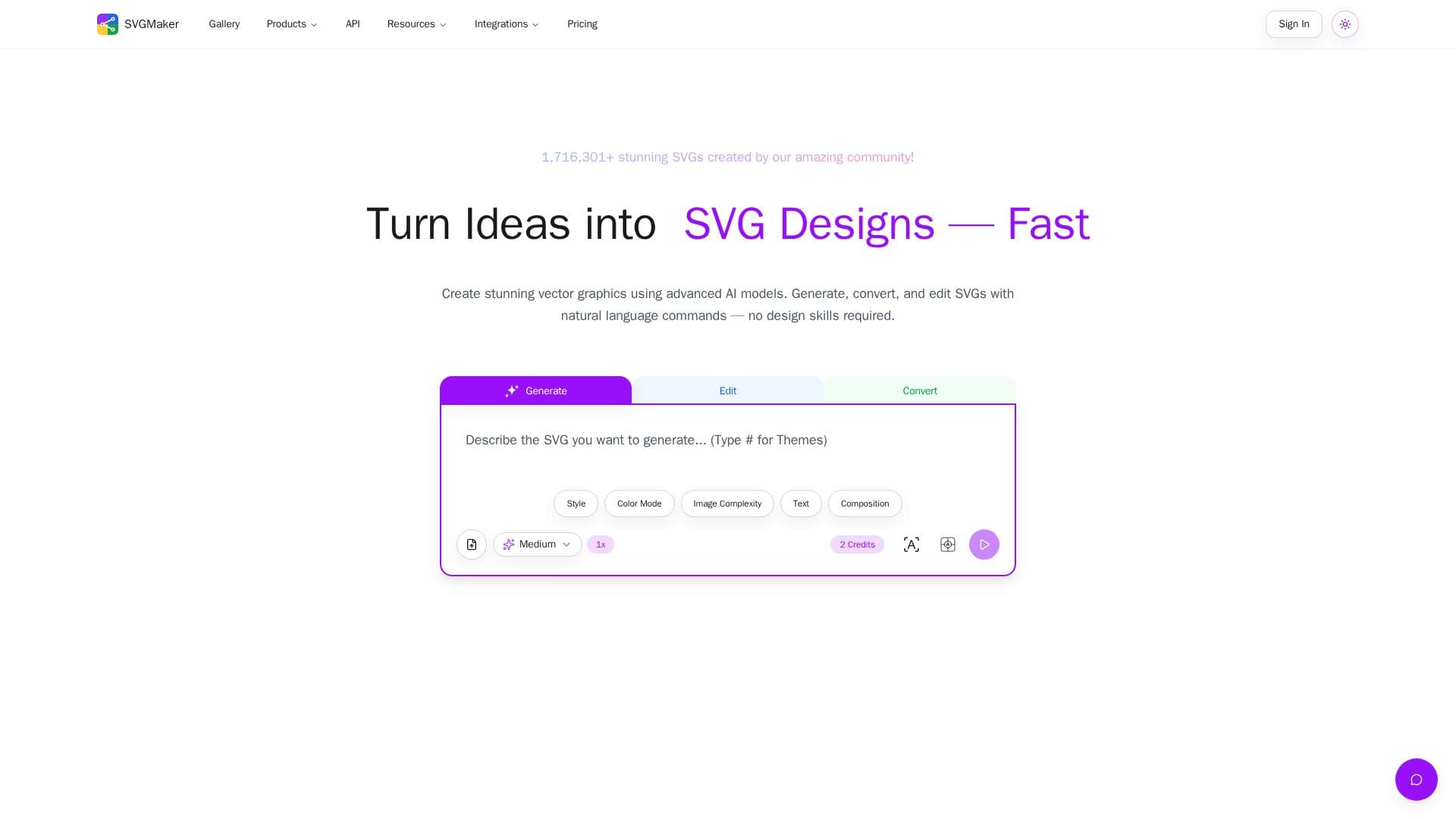
SVGMaker is an all-in-one online vector graphics platform that turns text prompts and raster images into scalable SVGs. Its AI generates an image from your description and then vectorizes it into clean SVG code with a proper viewBox, minimal file size, and transparent backgrounds, ready for HTML, React, or any frontend framework. No design skills or installed software are required.
Read More
Beyond generation, the platform includes AI and manual SVG editors, an SVG color editor, a background remover, a text remover, style presets (flat, minimalist, isometric, line art, and more), and converters for photo-to-SVG and raster formats like PNG, JPG, and WebP. Users can generate up to four variations from a single prompt and compare outputs from multiple AI models, including Flux, Nano Banana Pro, GPT Image, Seedream, and Qwen. Exports include vector formats (SVG, PDF, EPS, AI, DXF), raster formats (PNG, JPG, WebP), and code output (JSX for React, HTML, CSS, data URI).
For developers, SVGMaker offers a REST API and an MCP server that works with Claude Code, Cursor, and VS Code, plus Figma and Framer plugins and a Chrome extension. The API supports generation, editing, AI vectorization, format conversion, batch processing of up to 10 files, optimization, and SSE streaming.
New users get free credits (6 on signup plus daily credits), with paid credits unlocking Pro AI models, all export formats, API access, private generations, and commercial-use rights. Free-tier generations are public and limited to personal use.
- CategoryAI Graphic Design Tools
- Pricing ModelFreemium
- DeploymentCloud
- PlatformsWeb
SVGMaker's Core Features
AI SVG generation from text prompts
Raster-to-SVG conversion and photo-to-SVG
AI and manual SVG editors with code editor
SVG color editor, background remover, and text remover
Up to 4 variations per prompt across multiple AI models
Style presets like flat, isometric, line art, and cartoon
Multi-format export (SVG, PDF, EPS, AI, DXF, PNG, JPG, JSX)
REST API, MCP server, and Figma/Framer plugins
How to use SVGMaker?
Describe your design: Enter a plain-text prompt for the SVG you want, or upload an image to convert.
Generate variations: Create 1x, 2x, or 4x outputs and compare results from different AI models.
Edit and refine: Use AI prompts or the manual editor to adjust colors, swap elements, or edit paths.
Export the file: Download in a vector, raster, or code format ready for web, print, or crafting workflows.
SVGMaker's Use Cases
- Logos and icons
- Web and app graphics
- Print-on-demand and crafting
- Developer automation