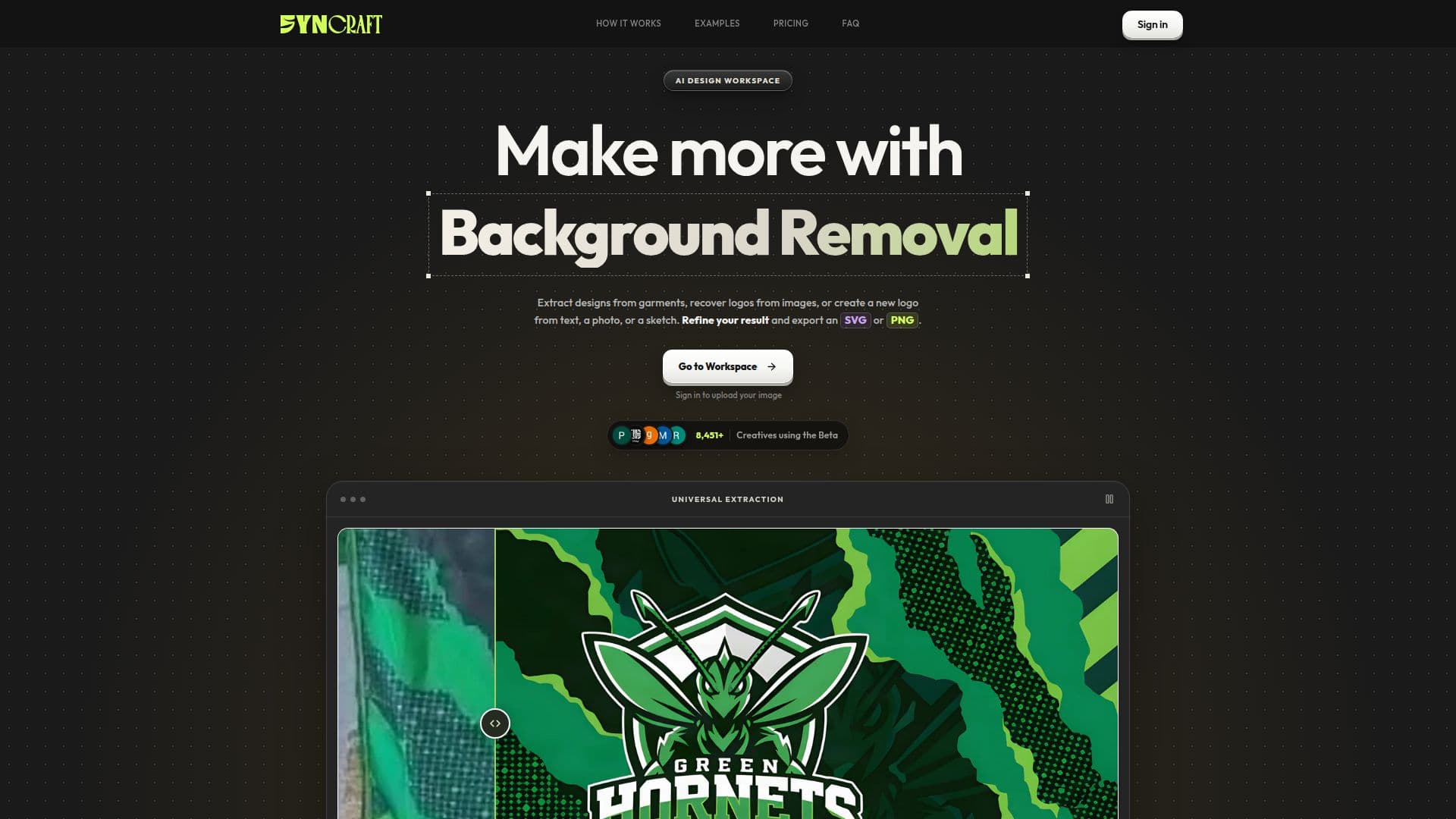
Description
Syncraft is an AI-powered platform specifically developed for apparel designers, print shops, and creative professionals. Its primary function is to simplify and accelerate the process of preparing artwork for production, particularly for sublimation printing. The tool leverages AI to perform several complex graphic design tasks, enabling users to convert various forms of artwork into high-resolution, production-ready files.
Read More
Key capabilities include the extraction of flat sublimation print files directly from jersey mockups, which is crucial for accurate printing. It also offers robust vector auto-tracing, allowing users to convert raster images like PNG or JPG logos into crisp, scalable SVG vectors. This ensures that designs can be resized without any loss of quality, a vital feature for branding and apparel applications. Additionally, Syncraft provides an AI background remover for designs, logos, and product photos, outputting transparent PNGs, and an AI image upscaler that can enhance low-resolution designs to 4K.
The platform supports common image formats such as PNG, JPG, JPEG, and WebP for uploads, and can output SVG, higher-resolution PNGs, and transparent PNG cutouts depending on the tool used. For more advanced workflows, it can also export layered PSD files and packaged ZIP archives. Syncraft aims to reduce manual tracing and design preparation time, allowing designers to focus more on creativity.
Syncraft operates on a prepaid credit system, with various credit packages available to suit different usage needs, from quick tests to high-volume agency work. Each tool clearly displays its credit cost before processing. The platform also offers an API for developers to integrate its AI vector tracing and design-processing workflows directly into their own applications, providing capabilities like garment tracing, logo vectorization, and background removal.
Privacy is a core consideration, with uploaded images and generated files being temporarily stored for processing and then scheduled for automatic deletion within three days. Syncraft does not claim ownership of user content, nor does it use uploaded images to train its own AI models or sell them to third parties. It is built to provide a secure and efficient environment for creative professionals to prepare their designs.
- CategoryAI Graphic Design Tools
- Pricing ModelPrepaid Credits
- DeploymentCloud
- PlatformsWeb
Syncraft's Core Features
Sublimation jersey flat file extraction from mockups
AI vector auto-tracing for logos and artwork (SVG output)
Logo enhancement and vectorization
AI background removal for designs and photos
4K AI image upscaling for low-resolution artwork
Export flat sublimation print files
Support for PNG, JPG, JPEG, WebP input formats
Output in SVG, high-resolution PNG, transparent PNG, layered PSD, ZIP
Prepaid credit system for tool usage
API for integration into custom applications
Logo Studio for creating new logos from text, image, or sketch
Project files scheduled for deletion after 3 days
Google Auth for account creation and management
Credit refunds for eligible failed runs
Free vector retry for failed SVG generations
How to use Syncraft?
Sign In: Access your workspace by signing in with your Google account.
Choose Tool: Select a tool from your workspace, such as Garment Pattern Extraction or Logo Studio.
Upload Artwork: For image tools, upload your PNG, JPG, JPEG, or WebP file. For Logo Studio, start with a text idea, photo, or sketch.
Process Design: Follow the tool's prompts, review the AI-assisted output, and confirm credit cost before processing.
Refine & Edit: Open saved logos to make AI edits, generate variations, remove backgrounds, or vectorize them.
Export Files: Download your finished artwork in supported formats like SVG, PNG, transparent PNG, layered PSD, or ZIP.
Syncraft's Use Cases
- Sublimation Design Extraction
- Logo Vectorization
- Background Removal
- Image Upscaling
- New Logo Creation
- Artwork Recovery
- Print File Preparation
- Design Refinement