Description
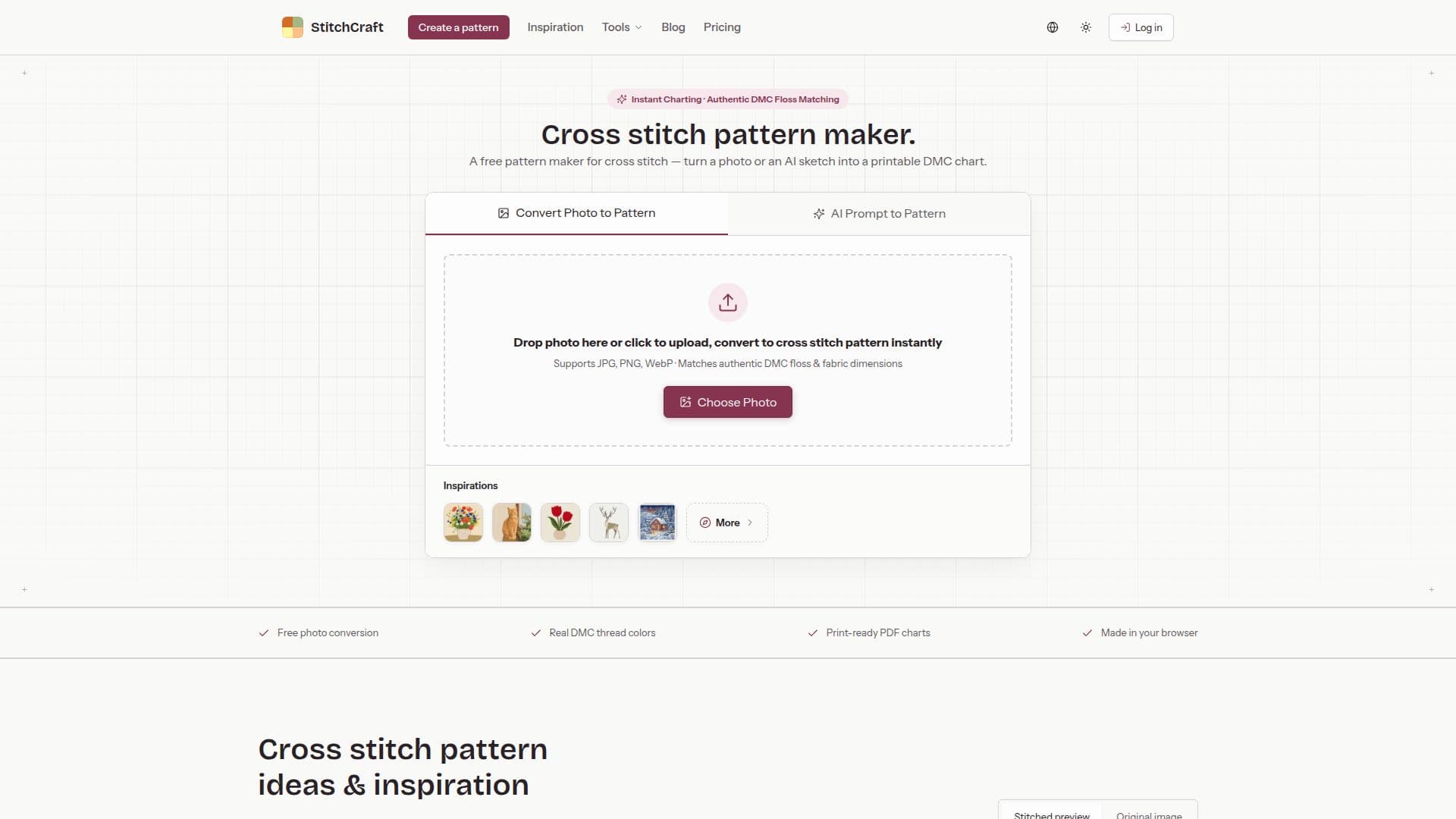
StitchCraft is a versatile tool designed for cross stitch enthusiasts, allowing users to convert photos into custom cross stitch patterns. The tool utilizes real DMC colors to ensure accuracy and quality in the patterns. Users can preview stitches, edit grids, and export their designs as printable PDFs, all for free. The platform supports both photo-to-pattern conversion and AI-assisted image creation and editing, providing flexibility and creativity in pattern design.
Read More
The tool is user-friendly, requiring only basic cross stitch knowledge. It includes features such as DMC color matching, symbol charts, and thread legends in the exported PDFs. Users can choose from a variety of images, including photos, drawings, and illustrations, to create detailed or simplified patterns based on their preferences.
StitchCraft operates primarily in the browser, ensuring privacy and convenience as patterns are stored locally. AI features, however, require sending images and instructions to a configured AI provider. The tool offers a freemium model, with free unlimited photo-to-chart conversion and optional AI features available through credits.
Pricing for AI image credits is flexible, with options for monthly, yearly, or one-time purchases. Each AI generation costs a fixed number of credits, and new users receive welcome credits upon registration. The tool also supports commercial use, allowing users to sell their exported charts and finished pieces.
- CategoryDesign & Creative
- Pricing ModelFreemium
- DeploymentCloud
- PlatformsWeb
StitchCraft's Core Features
Photo-to-pattern conversion
DMC color matching
Stitch previews
PDF and PNG exports
AI image creation
Local pattern storage
Commercial license included
Flexible credit pricing
How to use StitchCraft?
Select an image: choose a clear subject
Convert: use photo-to-pattern or AI creation
Preview: adjust grid and colors
Export: download as PDF or PNG
StitchCraft's Use Cases
- Photo to Pattern
- AI Image Editing
- DMC Color Matching
- PDF Export
- Commercial Use