Description
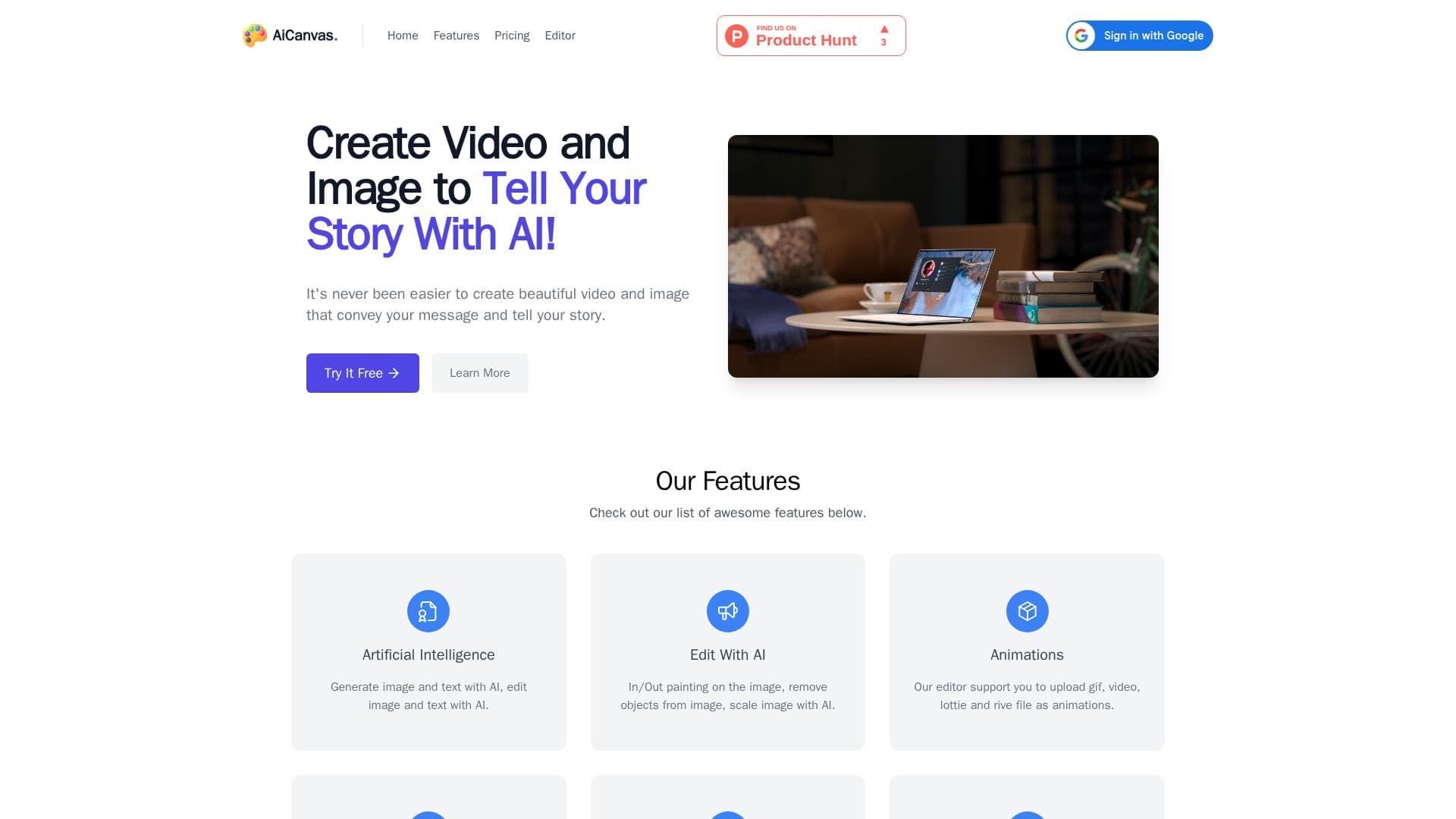
AiCanvas is a tool that lets users create images and videos using AI technology and then modify them on a canvas editor. After generating a visual, users can add text, graphics, and animations, and export the result as an image, GIF, or video.
Read More
The AI features include generating images from prompts, in-painting and out-painting from a chosen area, erasing objects or backgrounds, and scaling images. Handwork features cover inserting animations, shapes, and text, uploading videos and images, and a free draw mode for drawing and erasing directly on the canvas.
AiCanvas also supports importing free web resources such as GIFs, Lottie files, stickers, shapes, and photos. It is a paid product offered through credit-based plans, with a free trial available before purchasing credits to continue using it.
- CategoryAI Image Generators
- Pricing ModelPaid
- DeploymentCloud
- PlatformsWeb
AiCanvas's Core Features
AI image generation from text prompts
AI in-painting and out-painting on selected areas
AI object and background removal
AI image scaling
Canvas editor with text, shapes, and animations
Support for GIF, Lottie, video, and Rive animations
Free draw mode for drawing and erasing
Export to image, GIF, and video
How to use AiCanvas?
Open the editor: Start a new project on the AiCanvas canvas.
Generate or upload: Enter a prompt to generate an image, or upload your own media.
Edit with AI: Use in/out painting, object removal, or scaling to refine the visual.
Add elements: Insert text, shapes, animations, and web resources.
Export: Download the finished work as an image, GIF, or video.
AiCanvas's Use Cases
- Visual storytelling
- AI image editing
- Animated content
- Freeform design