
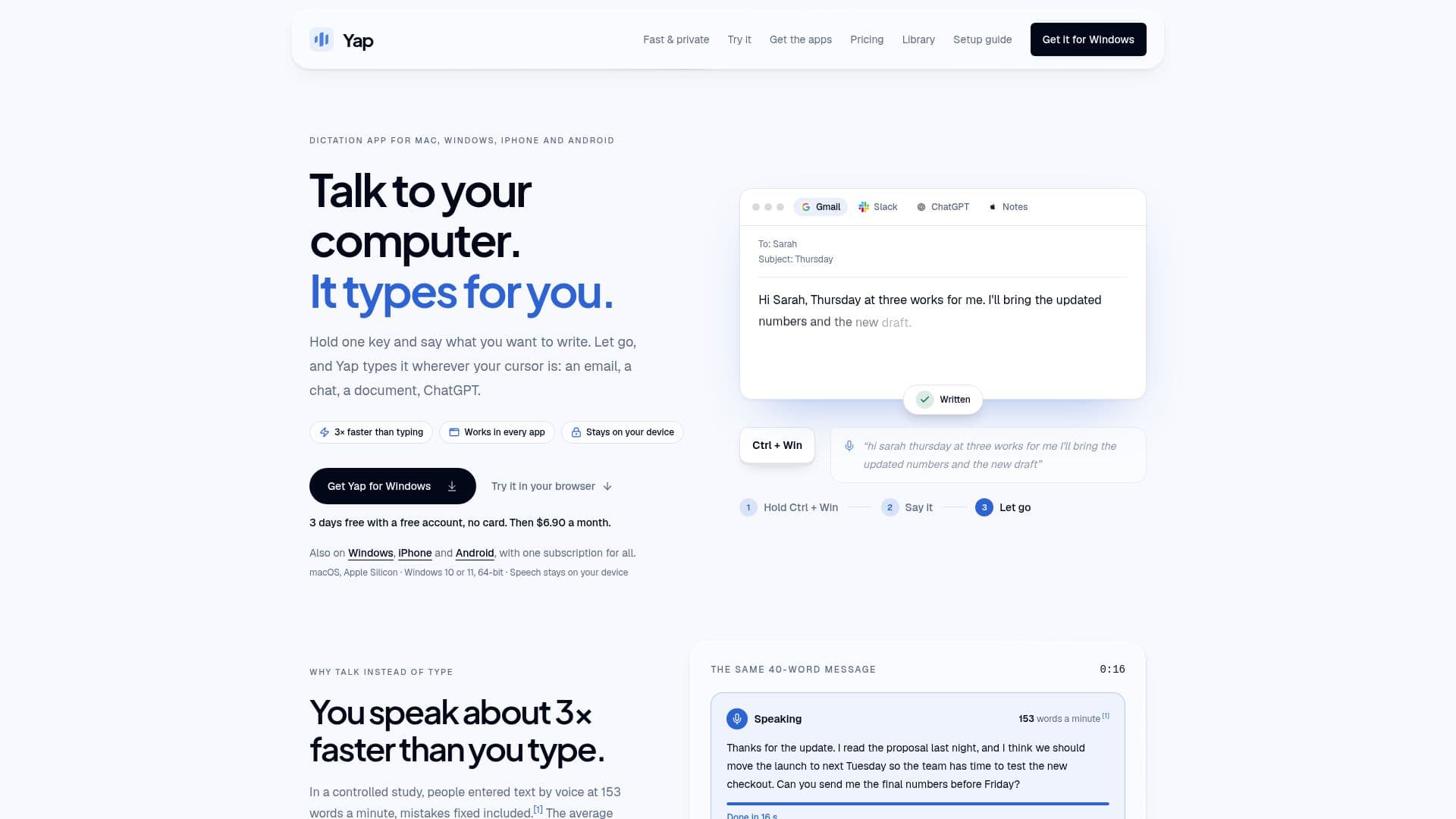
Description
Yap is a voice dictation application designed for Mac and Windows users, offering a seamless way to convert spoken words into text. By holding a shortcut, users can speak and have their speech transformed into clean, punctuated text that is typed directly into the application they are using, whether it be email, documents, chat, or terminals. One of Yap's standout features is its commitment to privacy; all speech recognition processes occur on the user's device, ensuring that recordings are never uploaded to the cloud.
Read More
The app supports 25 languages, automatically detecting the language being spoken. This makes it a versatile tool for multilingual users. Additionally, Yap provides a searchable local history, allowing users to easily find past dictations. The app is designed to work offline, which not only enhances privacy but also ensures that users can dictate without an internet connection.
Yap offers a free trial for the first three days, allowing users to experience its full capabilities without the need for a credit card. After the trial period, users can choose between a monthly subscription priced at USD 6.90 or an annual subscription at USD 69. The app's pricing is competitive, especially when compared to other dictation tools like Wispr Flow and Aqua Voice, which rely on cloud processing and are priced higher.
Yap is ideal for professionals who need to dictate text quickly and privately, such as writers, journalists, and business professionals. Its ability to work offline and maintain privacy makes it a valuable tool for anyone concerned about data security. The app's ease of use, combined with its robust language support, makes it a practical choice for users across various industries.
- CategoryAI Transcription Tools
- Pricing ModelFreemium
- DeploymentDesktop app
- PlatformsMac, Windows
Yap's Core Features
Offline speech recognition
Supports 25 languages
Searchable local history
Privacy-focused: no audio uploads
Works on Mac and Windows
Free 3-day trial
Monthly and annual subscription options
Automatic language detection
How to use Yap?
Configure: Set up language preferences
Use: Hold shortcut, speak, release to dictate
Optimize: Utilize local history for past dictations
Manage: Adjust subscription settings in account
Yap's Use Cases
- Email Dictation
- Document Creation
- Chat Communication
- Terminal Commands
- Multilingual Support