
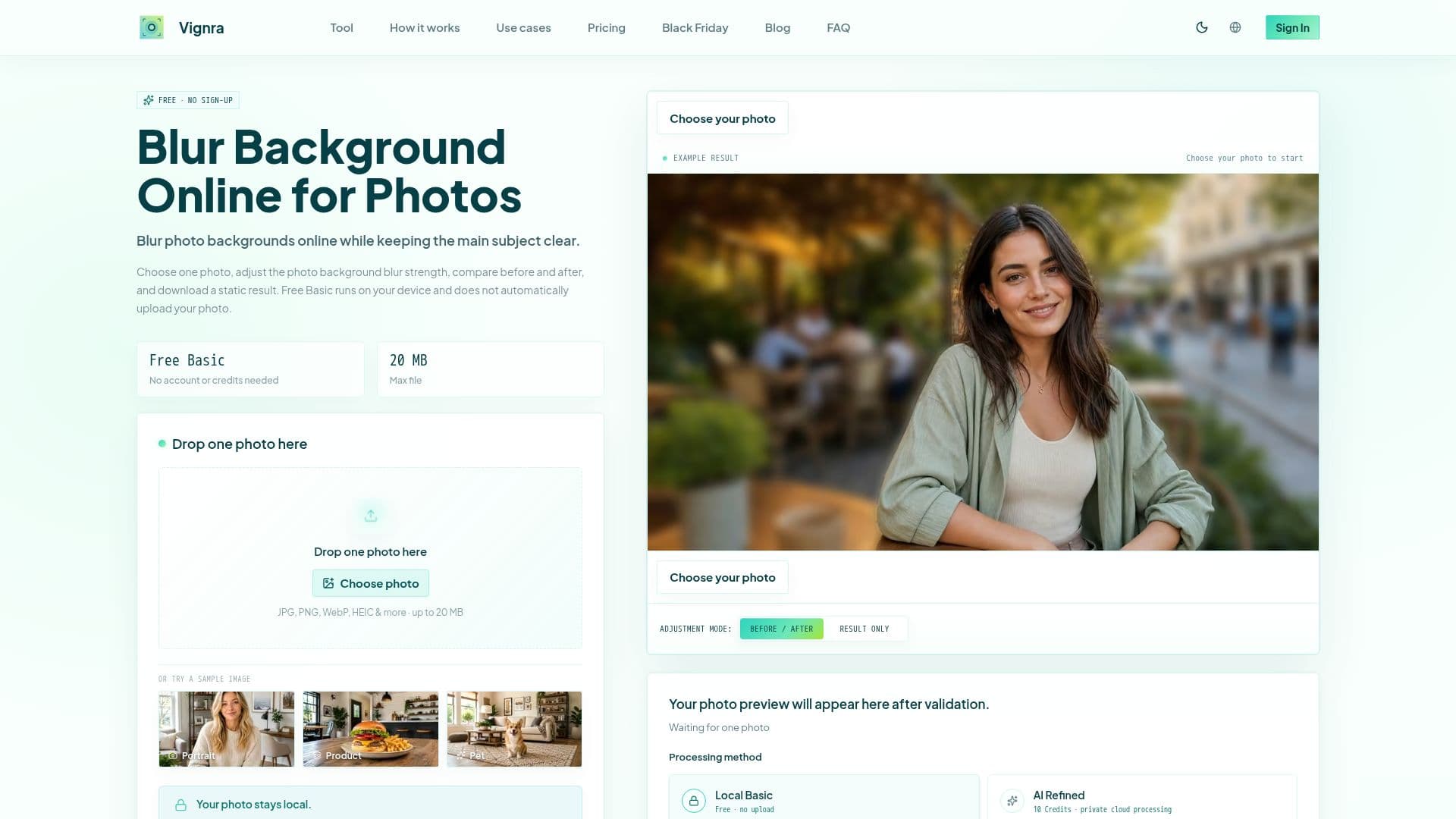
Description
Vignra Blur Background provides an efficient online solution for blurring photo backgrounds, ensuring the main subject remains clear and in focus. The tool operates with a local-first workflow, meaning that for its Free Basic mode, photos are processed directly in the user's browser without being uploaded to a server. This approach enhances privacy and allows for quick adjustments.
Read More
The platform supports a wide array of image formats, including JPG, JPEG, PNG, APNG, WebP, AVIF, GIF, BMP, ICO, SVG, HEIC, HEIF, and TIFF. Files are limited to 20 MB and 24 megapixels, with some format compatibility depending on the user's browser. The local processing time can vary, typically taking 10 seconds or longer, influenced by device performance, browser, and photo size.
For users seeking more refined results, Vignra offers an optional AI Refined mode. This advanced option utilizes cloud services for subject and edge detection, providing a more sophisticated blur. Accessing AI Refined tasks involves a Credit cost, which is clearly displayed along with privacy terms before confirmation. Purchased Credits for AI Refined tasks do not expire, and eligible failed tasks automatically restore Credits.
While effective for visual focus, the tool explicitly states it is not designed for reliable anonymization or secure redaction of sensitive information like faces or license plates. Users are advised to review subject edges carefully, especially for complex details like hair, fur, glass, or transparent objects, as these can sometimes lead to imperfect boundaries. The tool is ideal for enhancing portraits, headshots, product photos, and social media images by reducing visual clutter and drawing attention to the primary subject.
- CategoryAI Photo Editors
- Pricing ModelFreemium
- DeploymentCloud, Browser
- PlatformsWeb
Vignra Blur Background's Core Features
Online background blurring
Local-first photo processing
Supports multiple image formats (JPG, PNG, WebP, HEIC, etc.)
Adjustable blur strength
Before-and-after comparison
No account required for Free Basic
Optional AI Refined mode for enhanced blur
Privacy-focused: Free Basic does not upload photos
Credit-based system for AI Refined tasks
Credits never expire
Eligible failed tasks restore Credits
Max file size: 20 MB
Max resolution: 24 megapixels
Suitable for portraits, products, and social images
One-time purchase for Credit packs
How to use Vignra Blur Background?
Choose Photo: Select one supported image file (JPG, PNG, WebP, etc.) from your device.
Blur Background: The local tool processes the photo in your browser, separating the main subject. Adjust the blur strength as needed.
Compare Results: Review the before and after versions on the same page to ensure the desired effect.
Download Result: Export the static blurred image to your device once satisfied with the outcome.
Vignra Blur Background's Use Cases
- Portrait Enhancement
- Headshot Refinement
- Product Photography
- Social Media Images
- Nature & Wildlife Photos
- Cover & Thumbnail Creation