
Description
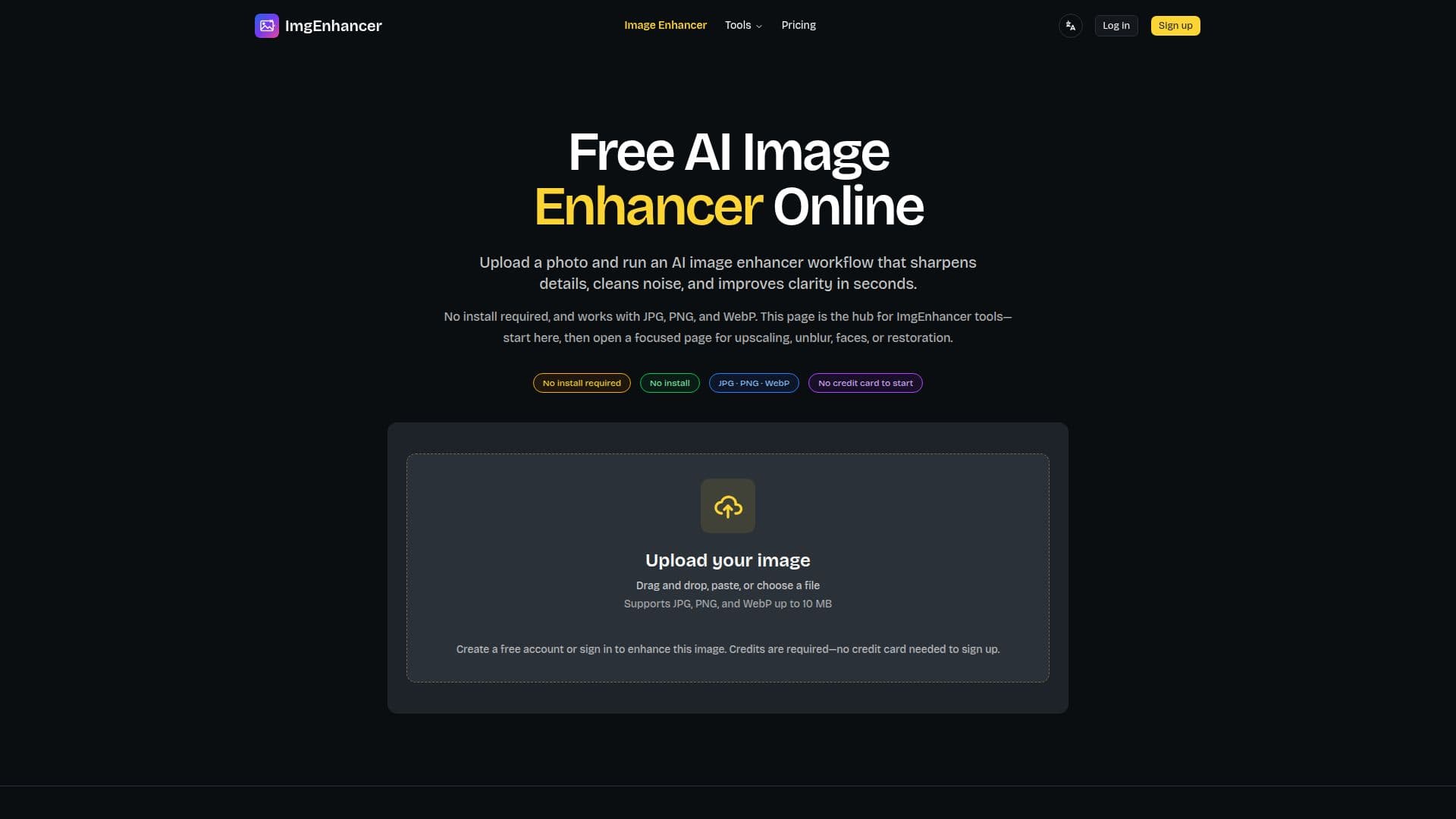
ImgEnhancer provides a suite of online AI tools designed to improve image quality, clarity, and resolution. The core image enhancer sharpens details, cleans noise, and enhances clarity in seconds, making everyday photos look cleaner without manual editing. This is often the recommended first step before attempting to upscale images for size.
Read More
The platform supports JPG, PNG, and WebP formats, with a maximum file size of 10 MB. Users need to create a free account to save their processing history and purchase credits for image enhancement. No credit card is required for sign-up, and all uploaded images are processed securely and kept private, not shared in any public gallery.
Beyond general enhancement, ImgEnhancer offers specialized workflows. The AI image upscaler increases resolution, turning low-resolution photos into higher-resolution versions suitable for zoom, print previews, or HD viewing. There's also a dedicated 4K upscaler for enlarging images towards 4K-class resolution, ideal for large screens and high-quality prints. For specific issues, users can access an unblur tool for motion blur or soft focus, a face enhancer for clearer portraits and selfies, and an old photo restoration tool for faded or scanned memories.
The service emphasizes a "enhance first, then upscale" approach, suggesting that cleaning detail before enlarging usually yields more natural results. The tools are particularly effective for portraits, product shots, family pictures, social media posts, screenshots, and marketplace images. While AI can recover significant detail, it cannot invent completely missing faces, logos, or unreadable text. ImgEnhancer operates on a credit-based system with one-time purchases for credit packs, offering different tiers like Free, Starter, Pro, and Ultimate, which vary in credit amounts, validity periods, and maximum output resolutions (up to 4K for higher tiers).
- CategoryAI Photo Editors
- Pricing ModelFreemium
- DeploymentCloud-based
- PlatformsWeb
ImgEnhancer's Core Features
AI Image Enhancement: Improves clarity, sharpness, and detail automatically.
Image Upscaling: Increases image resolution for larger output sizes.
4K Upscaling: Enlarges images towards 4K-class resolution for large displays.
Image Unblurring: Fixes mild blur, soft focus, and motion blur.
Face Enhancement: Clears faces, hair edges, and skin texture in portraits.
Old Photo Restoration: Sharpens faded or scanned old photographs.
Noise Reduction: Cleans grain and compression artifacts.
Online Tool: No software installation required, accessible via browser.
Multiple Format Support: Works with JPG, PNG, and WebP files.
File Size Limit: Supports images up to 10 MB.
Credit-Based System: Enhancement runs on purchased credits.
Free Account: Sign up without a credit card to save history and buy credits.
Secure Processing: Uploaded images are processed privately and not shared.
Before & After Previews: Slider comparison of original and enhanced results.
Specialized Workflows: Dedicated tools for specific image problems.
How to use ImgEnhancer?
Upload Image: Drag and drop, paste, or choose a JPG, PNG, or WebP file up to 10 MB.
Create Account: Sign up for a free account (no credit card needed) or sign in.
Purchase Credits: Buy a credit pack to process images.
Enhance Image: Let the AI image enhancer process your photo.
Preview Result: Compare the original with the enhanced version using the slider.
Download File: Download the clearer, enhanced image.
ImgEnhancer's Use Cases
- Sharpen Blurry Photos
- Reduce Image Noise
- Fix Low-Resolution Images
- Enhance Product Photos
- Restore Old Photos
- Upscale for Social Media
- Increase Image Resolution for Print
- Improve Presentation Screenshots
- Prepare Images for Large Displays
- Clear Faces in Portraits