
Description
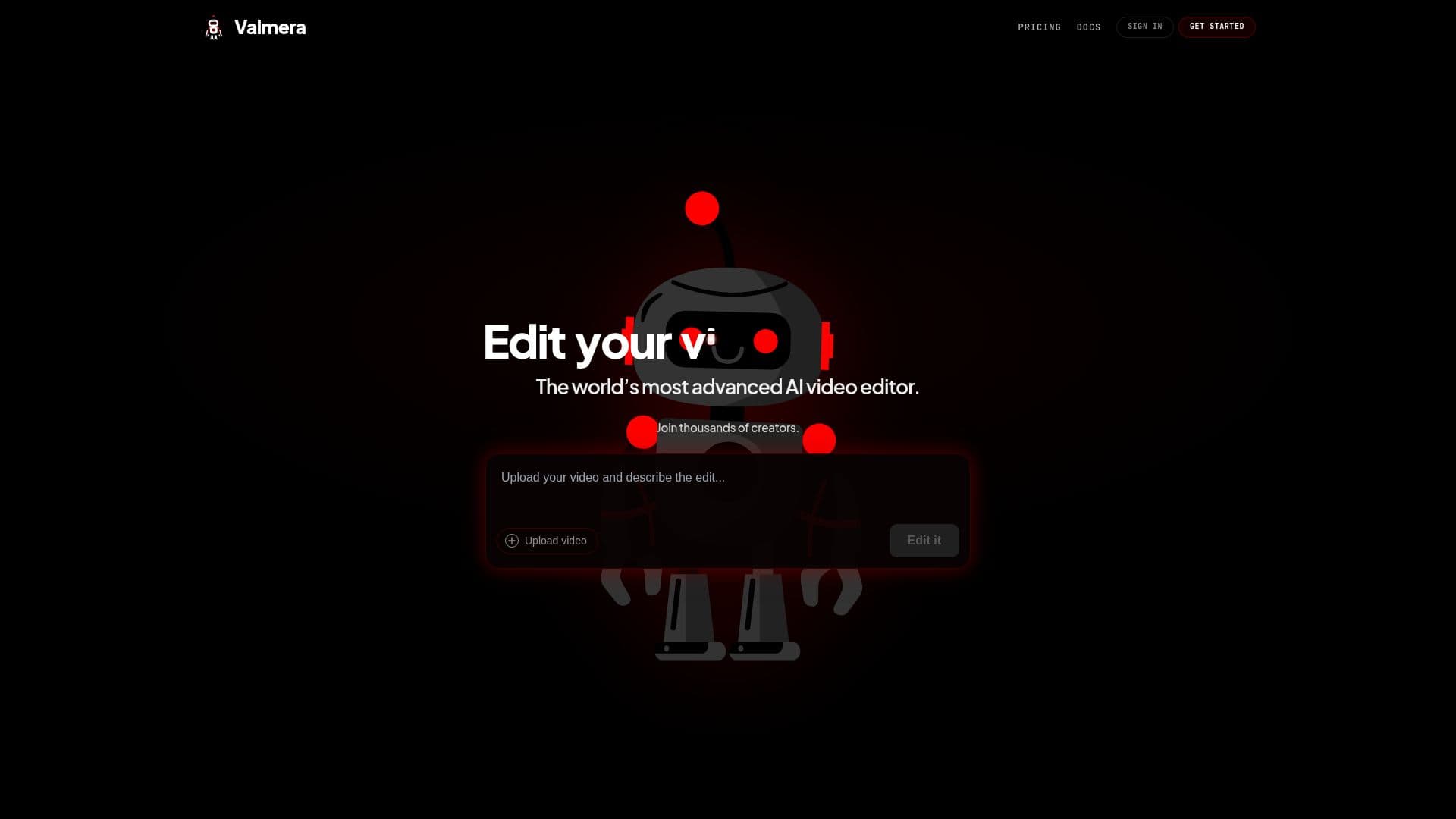
Valmera is an innovative agentic AI video editor designed to streamline the video production workflow for creators. It operates on a unique principle where users describe their desired edits in plain English, and an AI agent executes these instructions. This eliminates the need for traditional, manual timeline editing skills, making professional video editing accessible to a broader audience.
Read More
The platform allows users to upload existing footage, which the AI then analyzes to generate a word-level transcript and identify key frames. Based on the natural language requests, the AI agent performs a wide range of editing tasks automatically. These include cutting silences and filler words, removing repeated takes, adding word-timed captions with various styles, and reframing videos for different aspect ratios like 9:16. It can also incorporate b-roll footage, music, and sound effects, and even transform long videos into multiple short-form clips suitable for social media.
Valmera provides a comprehensive suite of editing capabilities, such as speed control, seven transition styles, on-screen text templates, image and video overlays, and custom color grading with presets. It supports beat-synced cuts, automatic punch-ins on emphasized words, and the integration of user-provided or web-sourced music and sound effects. Advanced features include blurring, pixelating, or blacking out specific regions, and pixel repainting for visual artifact review. Users can also record live web pages or product demos directly as footage.
For those who prefer more hands-on control, Valmera offers a visual timeline and an editable transcript within its Studio interface. The AI agent renders a preview of the edits, which users can review and refine through chat-based feedback. The final output is a full-quality MP4 rendered from the original uploaded file. Valmera also supports integration with external AI assistants like Claude, ChatGPT, and Cursor via its Model Context Protocol (MCP) server, allowing for automated editing workflows.
While creating an account and uploading footage are free, agent-based editing requires a subscription. Valmera offers different pricing tiers—Plus, Pro, and Max—each providing a monthly allowance of credits for AI processing. The platform is operated by DIYAR TAREQ TRADING L.L.C. in the United Arab Emirates and focuses solely on AI video editing, distinct from any unrelated products sharing its name. It aims to empower creators by simplifying complex editing tasks, enabling them to focus on creative direction rather than technical execution.
- CategoryAI Video Editors
- Pricing ModelSubscription
- DeploymentCloud
- PlatformsWeb
Valmera's Core Features
Agentic AI video editing via natural language commands
Automatic silence and filler word removal
Word-timed captions with editable styles
Video reframing to 16:9, 9:16, 1:1, or 4:5 aspect ratios
Background music with automatic ducking under speech
Targeted zooms and fades
Insertion of clips and images with Ken Burns motion
Topical b-roll sourcing from the web
Region blurring, pixelation, or black-out
Pixel repainting for selected regions
Live web page or product demo recording
Conversion of long videos into multiple vertical shorts
Full-quality MP4 exports from original files
Model Context Protocol (MCP) server for AI assistant integration
Custom color grading with presets
Beat-synced cuts and automatic punch-ins
How to use Valmera?
Upload Footage: Upload your main recording (up to 100 GB) and any additional clips, images, or audio files.
Describe Edits: Provide a plain English description of the desired changes, such as "cut silences and add captions."
Review Preview: The AI agent processes your request and renders a preview of the edited video for your review.
Refine Edits: Use the chat interface to request corrections or further refinements, or make direct adjustments on the visual timeline.
Export Final Video: Once satisfied, export the full-resolution MP4 from Studio, rendered from your original upload.
Automate with AI Assistant: Connect Claude, ChatGPT, or other MCP clients to automate editing tasks and exports.
Valmera's Use Cases
- Video Podcast Editing
- Short-Form Video Creation
- Content Cleanup
- Automated Captioning
- Visual Enhancement
- B-roll and Music Integration
- Product Demo Videos
- Speaker Framing