Description
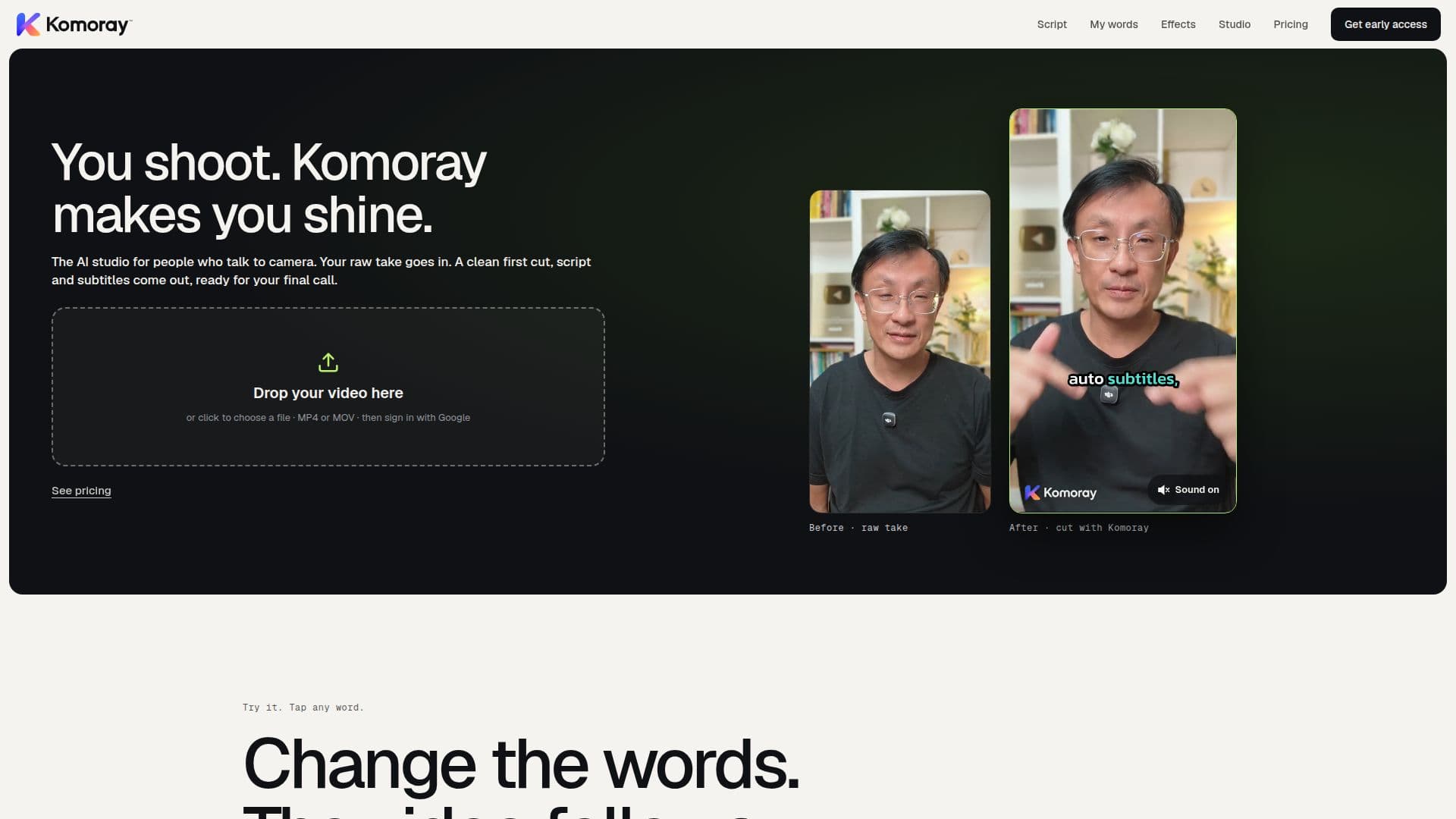
Komoray is an AI studio specifically tailored for individuals who create talking-head videos, such as educators, content creators, and business communicators. The platform streamlines the video production workflow, taking raw camera footage and transforming it into a refined, ready-to-publish video. Its core functionality revolves around automating the initial editing phase, delivering a clean first cut complete with synchronized scripts and subtitles.
Read More
The studio offers a range of features designed to enhance video aesthetics and production efficiency. Users can upload videos from their computer or phone, then review marked silences and repeated takes. A key capability is the ability to edit the script, with the video automatically adjusting to follow the changes. Komoray also learns and remembers specific names, brands, and unique vocabulary, ensuring consistency across multiple videos.
Beyond basic editing, Komoray provides creative visual tools like "Frame Me," which allows users to step out of traditional rectangular frames into shapes like circles, hearts, or stars, with customizable edge colors and background blurs, pictures, or video clips. The "Cutout" feature enables users to place words, images, or video clips behind themselves without needing a green screen, while "Layout" facilitates split-screen effects with various transition options. Subtitles can be generated from spoken words in 16 languages and downloaded as .srt files, with five customizable visual styles. The platform also supports various video aspect ratios (vertical, square, wide) and offers dynamic camera effects like slow zooms or jump cuts, framed around the speaker's face. Additionally, users can add motion banners for calls to action, prices, or social media prompts, all styled to match their brand.
Komoray operates on a freemium model, offering a free tier with limited minutes and storage, and paid plans (Starter and Pro) that provide more hours, storage, no watermark, custom fonts, and multiple brand kits. The platform emphasizes user data privacy, stating that videos are never used to train AI models and user data is not sold. It is currently in beta and scheduled for general release on December 25.
- CategoryAI Video Editors
- Pricing ModelFreemium
- DeploymentCloud
- PlatformsWeb
Komoray's Core Features
AI-powered video editing for talking heads
Automatic clean cuts from raw footage
Script synchronization with video
Subtitles generated in 16 languages
Customizable subtitle styles
"Frame Me" for creative video shapes and backgrounds
"Cutout" for background replacement without green screen
"Layout" for split-screen video effects
Learning and remembering custom vocabulary
Support for vertical, square, and wide video formats
Dynamic camera effects (zooms, jump cuts)
Motion banners for calls to action and branding
QR code upload from phone
Review interface for silences and repeated takes
Download subtitles as .srt files
How to use Komoray?
Shoot: Record your talking-head video content.
Upload: Transfer your raw video take from your computer or phone using a QR code.
Review: Access the studio to see marked silences and repeated takes, with your script and subtitles ready.
Edit: Adjust the script, and the video will follow your changes; correct names or brands once for future consistency.
Enhance: Apply visual features like "Frame Me" for shapes, "Cutout" for backgrounds, or "Layout" for split screens.
Make Video: Preview your edited video, then press "Make video" to render and download the final file.
Komoray's Use Cases
- Content Creation
- Educational Videos
- Business Communication
- Marketing & Sales
- Personal Branding