
Description
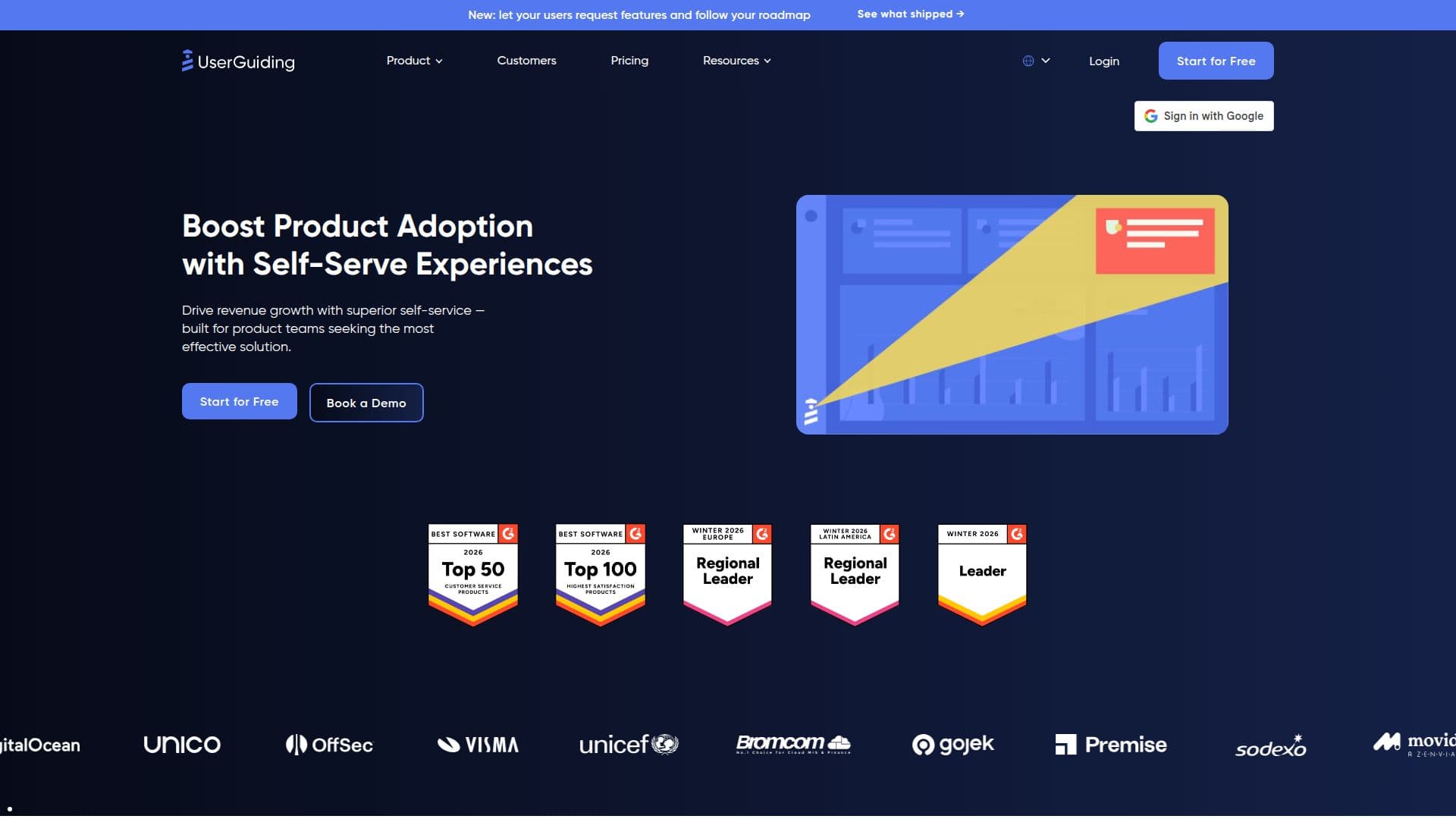
UserGuiding is a comprehensive product adoption software designed to enhance user onboarding and engagement. It empowers teams to create and optimize in-app experiences that transform new users into champions of the product. With UserGuiding, organizations can onboard users, engage them effectively, collect valuable feedback, and analyze user behavior—all without requiring any coding skills.
Read More
The platform addresses common challenges faced by teams, such as complicated workflows and slow implementations. By providing a no-code solution, UserGuiding allows users to effortlessly create onboarding experiences, breathe life into new or underutilized features, and scale support through in-app self-service help. This approach not only maximizes expansion but also minimizes the need for extensive support resources.
UserGuiding is trusted by over 1,000 teams worldwide, who have successfully scaled their operations using this platform. Users have praised its ease of implementation, with some noting that it took just two minutes to add new features to their product tours. The platform's ability to provide autonomy to product teams is a significant advantage, enabling them to manage onboarding processes independently.
The software integrates seamlessly with existing tech stacks and offers a variety of features, including banners, an AI assistant, a knowledge base, product updates, in-app surveys, and analytics. These tools help organizations take the guesswork out of their product strategy and ensure that users have the resources they need to succeed. UserGuiding also supports multilingual content, making it suitable for diverse user bases.
In terms of pricing, UserGuiding offers a range of plans tailored to different needs, starting from 2,000 monthly active users (MAU). The platform provides a free trial for 14 days, allowing potential users to test its functionalities without any financial commitment. Overall, UserGuiding is an effective solution for companies looking to enhance their user onboarding and product adoption strategies.
- CategoryCustomer Success & Onboarding
- Pricing ModelFreemium
- DeploymentCloud
- PlatformsWeb
UserGuiding's Core Features
In-App Surveys
Knowledge Base
Product Tours
Onboarding Checklists
Analytics Reporting
Segmentation
Customization
AI Assistant
Hotspots
Tooltips
NPS Surveys
Resource Centers
How to use UserGuiding?
Create: Use the platform to create user onboarding experiences.
Engage: Implement in-app features to engage users effectively.
Collect: Use in-app surveys to gather user feedback.
Analyze: Leverage analytics to understand user behavior.
Optimize: Continuously improve onboarding processes based on insights.
UserGuiding's Use Cases
- User Onboarding
- Product Adoption
- Feedback Collection
- Self-service Support
- Product Updates