Description
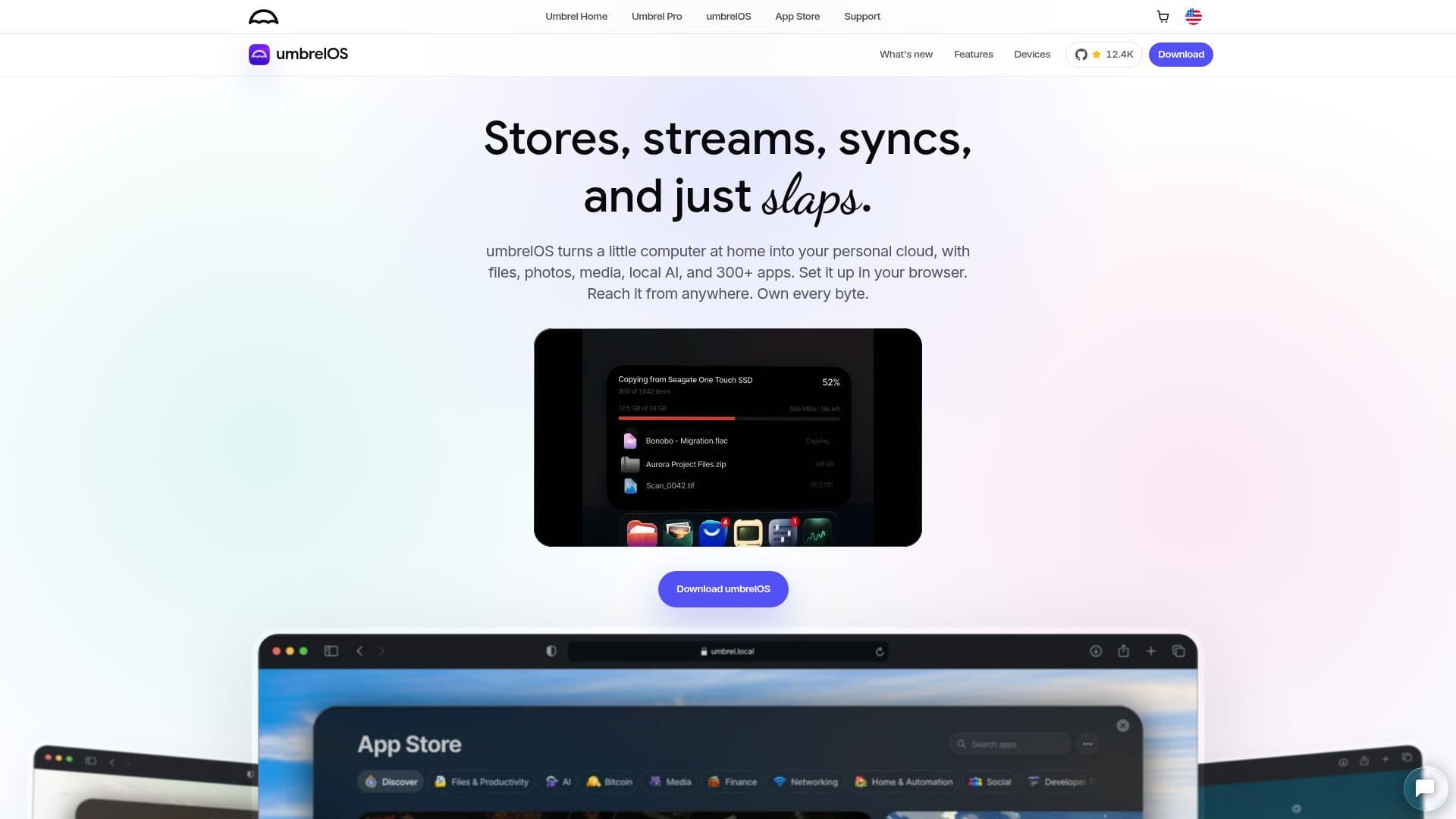
umbrelOS is an innovative operating system that transforms a small computer into a personal cloud server. It is designed for self-hosting, allowing users to run a variety of applications such as Nextcloud, Jellyfin, and Bitcoin node. The system is compatible with devices like Raspberry Pi, NUC, and virtual machines, making it accessible for a wide range of users.
Read More
One of the standout features of umbrelOS is its ability to integrate with local AI tools, enabling users to run models and agents directly on their server. This ensures that data remains private and secure, as nothing is sent to external servers. Additionally, umbrelOS supports over 300 apps, providing users with a comprehensive app store to enhance their server's capabilities.
The latest update, umbrelOS 2.0, introduces several new features, including automatic camera-roll backup for iPhone users, the ability to run entire operating systems like Ubuntu and Windows 11 in a browser tab, and improved cloud integration with services like Google Drive and Dropbox. Users can also create multiple accounts, each with its own private home folder and desktop, making it a versatile solution for families or small teams.
umbrelOS is designed with user-friendliness in mind, offering a browser-based interface that eliminates the need for a monitor or keyboard. Apps can be installed with a single click, and the system provides intuitive file management with drag-and-drop functionality. Backup and recovery processes are simplified, ensuring that users can restore their data quickly and efficiently.
Overall, umbrelOS is a powerful tool for anyone looking to take control of their data and run a personal cloud server with ease. Its extensive app support, local AI integration, and user-friendly design make it an ideal choice for tech enthusiasts and privacy-conscious individuals.
- CategoryOther AI Tools
- Pricing ModelOpen Source
- DeploymentLocal
- PlatformsRaspberry Pi, NUC, VM
umbrelOS's Core Features
Self-hosting OS for personal cloud
Supports over 300 apps
Local AI integration
Automatic camera-roll backup
Run entire OS in browser tab
Cloud integration with Google Drive
Multiple user accounts
Browser-based interface
How to use umbrelOS?
Install: Set up on Raspberry Pi, NUC, or VM
Configure: Access via browser interface
Use: Install apps from Umbrel App Store
Optimize: Manage files and backups
umbrelOS's Use Cases
- Personal Cloud Hosting
- Local AI Processing
- Media Streaming
- Data Backup
- Home Automation