Description
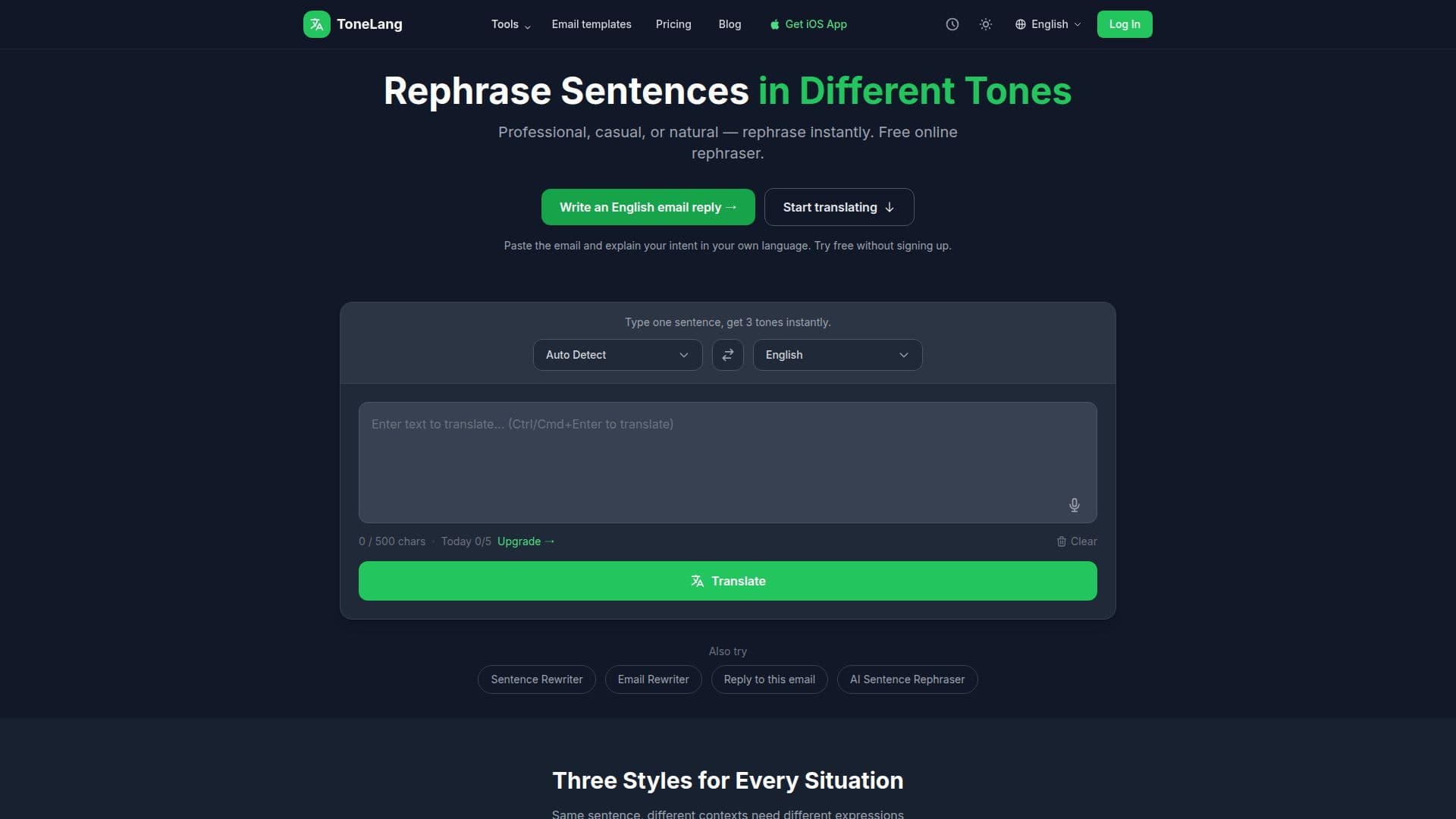
ToneLang is a versatile online tool designed to help users rephrase sentences and draft English emails with different tonal nuances. It addresses the common challenge of making translated or drafted text sound natural and contextually appropriate, especially for non-native English speakers. The platform offers three distinct tones: Formal, Casual, and Literal, allowing users to adapt their communication style for various situations, from professional business correspondence to informal daily chats.
Read More
The tool functions by allowing users to input their text, select a desired tone, and instantly generate rephrased versions. For email drafting, users can paste their notes or instructions, even in their native language, and ToneLang will produce polished English drafts. This capability is particularly useful for crafting professional business emails, where precise vocabulary and polite structures are crucial, or for making casual conversations sound more natural with common idioms and flow.
ToneLang supports multiple languages, including English, Chinese, Japanese, Korean, French, German, and Spanish, enhancing its utility for a global audience. It also incorporates voice input and text-to-speech features for added convenience. The platform is available on a freemium model, offering a limited number of daily requests and character limits for free users, while a Pro plan provides unlimited daily usage and higher character allowances per request.
Beyond rephrasing, ToneLang offers a comprehensive library of over 100 business English email templates for various scenarios, such as replying, following up, apologizing, and making requests. These templates can be easily adapted and further refined using the rephrasing tool. While ToneLang excels at optimizing tone and expression, it is not intended for word-by-word literal translation or certified academic/legal document translation, focusing instead on natural, native-like communication.
- CategoryAI Writing Assistants
- Pricing ModelFreemium
- DeploymentCloud
- PlatformsWeb
ToneLang's Core Features
Rephrase sentences in Formal, Casual, or Literal tones
Draft and polish English emails from notes or instructions
Rewrite and translate sentences with tone optimization
Multi-language support (English, Chinese, Japanese, Korean, French, German, Spanish)
Voice input and text-to-speech capabilities
Context-aware rephrasing for native-like expressions
Over 100 free business English email templates
Generate email replies from received emails and user intent
Refine results for shorter, softer, more formal, or warmer tones
Local translation history and dark mode
Saved reply instructions, tone preference, and signature (browser-specific)
Freemium model with limited free daily usage
Pro plan with unlimited daily requests and higher character limits
No sign-up required for free usage
How to use ToneLang?
Enter Text: Paste your sentence, email draft, or notes into the ToneLang editor.
Select Tone: Choose your desired tone from Formal, Casual, or Literal options.
One Click: Initiate the rephrasing or drafting process with a single click.
Review & Copy: Review the generated text, refine if needed, and copy it for use.
ToneLang's Use Cases
- Business Email Drafting
- Casual Communication
- Academic Writing Tone
- Social Media Content
- Multi-language Communication
- Email Reply Generation
- Template Adaptation
- Tone Refinement