
Description
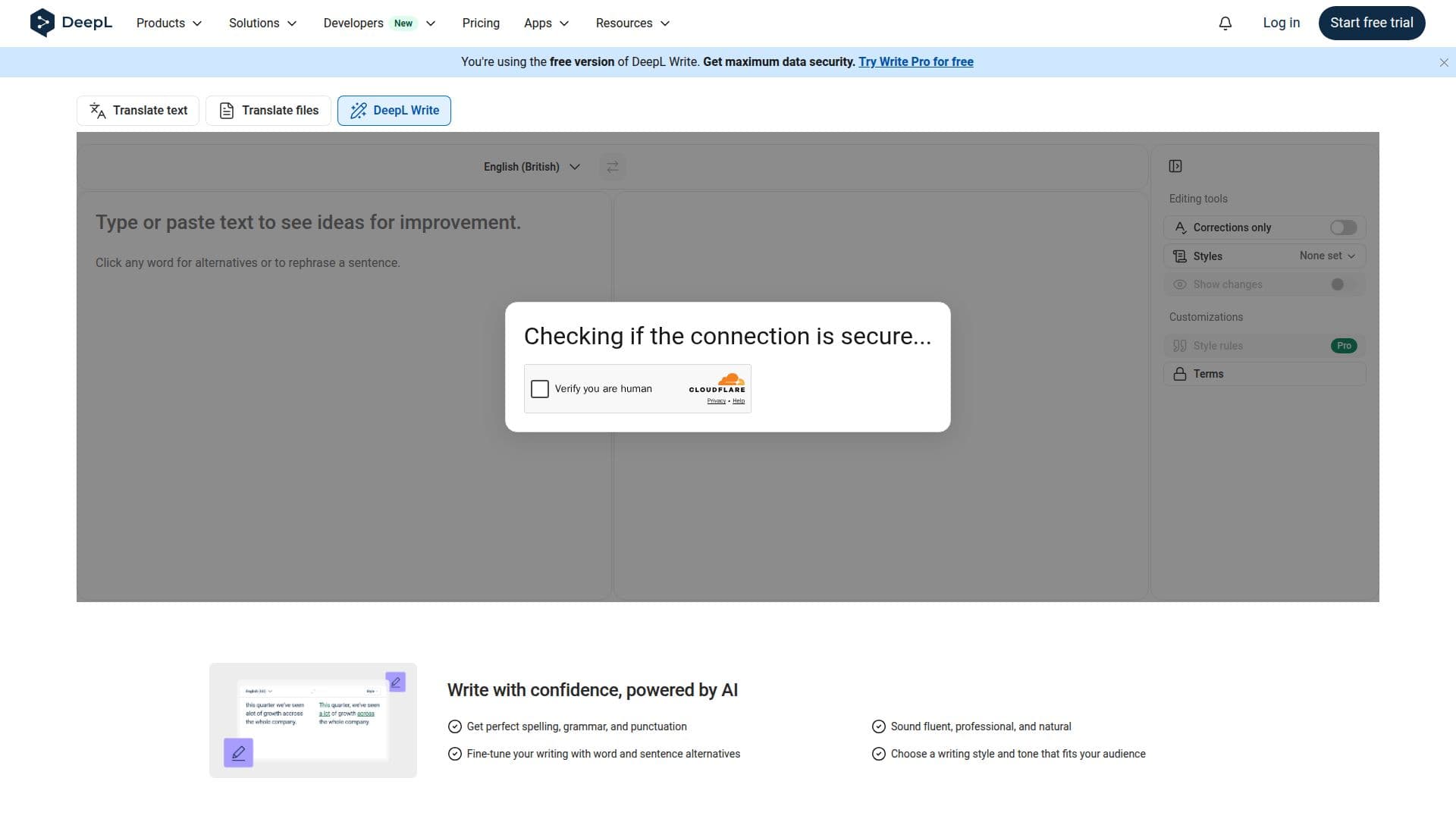
DeepL Write is designed to assist users in perfecting their writing by providing AI-driven suggestions and enhancements. This tool enables you to write clearly, precisely, and without errors, making it an invaluable resource for anyone looking to improve their written communication.
Read More
With DeepL Write, you can achieve perfect spelling, grammar, and punctuation, ensuring that your text sounds fluent, professional, and natural. The tool offers alternatives for words and sentences, allowing you to fine-tune your writing to better suit your audience's needs. You can choose from various writing styles and tones, ensuring that your message resonates effectively.
DeepL Write integrates seamlessly with Google Docs and Gmail, making it easy to use within your existing workflow. It also allows you to translate and proofread directly in your browser, providing suggestions for improvement while preserving your original formatting. This capability is particularly beneficial for users who need to communicate across multiple languages or who require assistance in crafting high-quality content.
The tool is part of a broader suite of language AI products offered by DeepL, which are trusted by millions of individuals and over 200,000 business teams worldwide. DeepL's commitment to accuracy and human-like quality in translations and writing assistance makes it a go-to solution for businesses and individuals alike. Whether you are drafting an email, writing a report, or creating content for social media, DeepL Write can help elevate your writing to the next level.
- CategoryAI Writing Assistants
- Pricing ModelFreemium
- DeploymentCloud
- PlatformsWeb, Google Docs, Gmail
DeepL Write's Core Features
AI-powered writing assistance
Grammar and punctuation checking
Word and sentence alternatives
Customizable writing styles
Integration with Google Docs and Gmail
Translation and proofreading in-browser
Suggestions for text improvement
Preservation of formatting
How to use DeepL Write?
Use DeepL Write: Start writing your text in the application.
Check for errors: Utilize the AI features to identify spelling and grammar mistakes.
Explore alternatives: Review suggested word and sentence alternatives to enhance clarity.
Select a style: Choose a writing style that matches your audience's expectations.
Translate text: If needed, use the translation feature to convert your text into another language.
Proofread: Review the suggestions provided for further improvements.
Finalize your document: Make any final adjustments before sharing or publishing your work.
DeepL Write's Use Cases
- Business Communication
- Content Creation
- Academic Writing
- Multilingual Communication
- Creative Writing