
Description
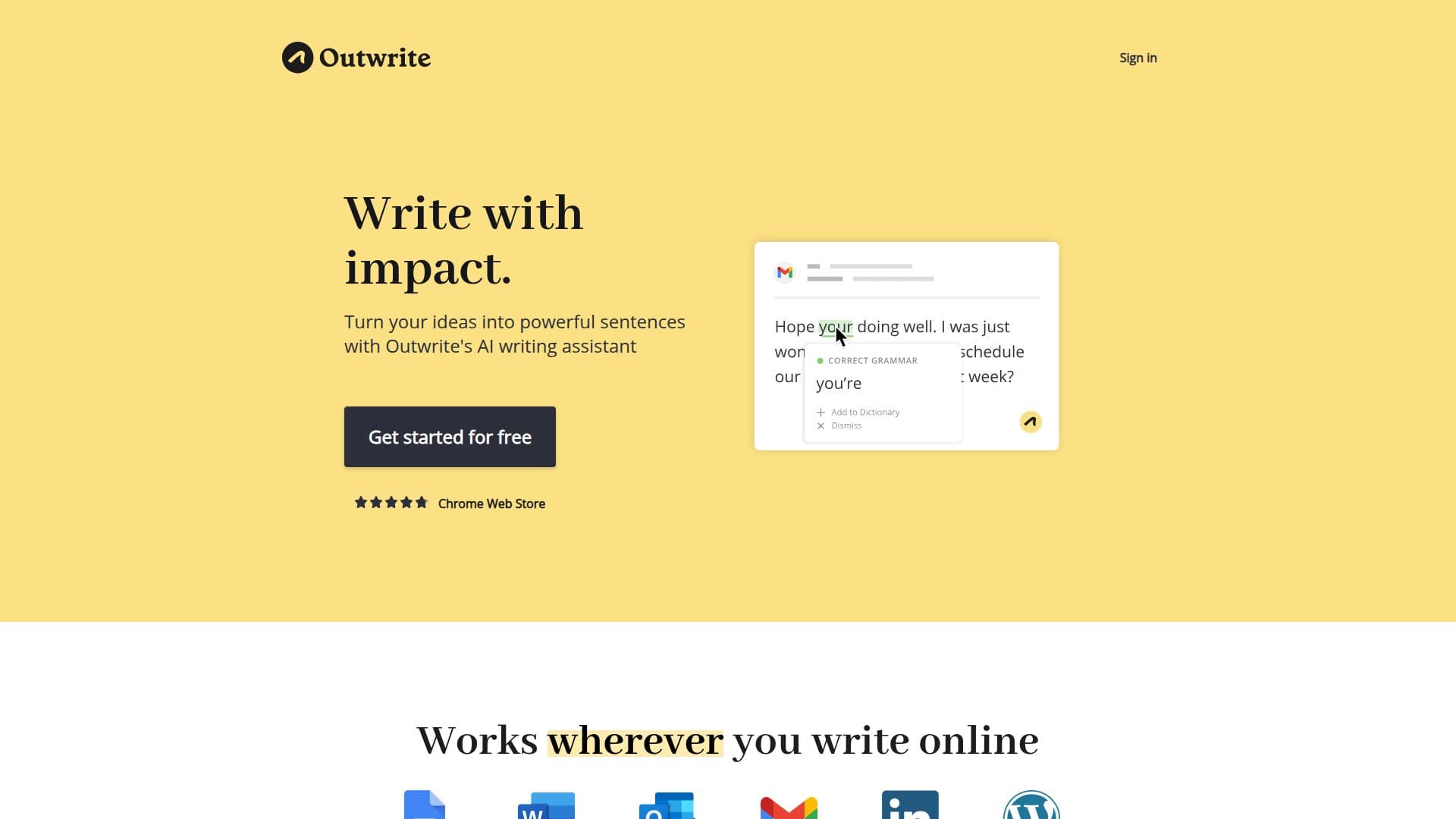
Outwrite is an AI-powered writing assistant that works wherever you write online. Its free plan checks text for spelling, grammar, and punctuation errors, and includes a thesaurus, custom dictionary, and writing statistics that track readability and grade level in real time.
Read More
Beyond error correction, Outwrite's Pro plan focuses on improving the quality and flow of writing. It offers style suggestions, structural recommendations, sentence rewriting and paraphrasing, passive-to-active voice conversion, and plagiarism checks. Outwrite also supports checking in English, French, and Spanish.
Outwrite runs across Google Docs, Microsoft Word, browser extensions for Chrome and Edge, and a web app, with all plugins free to install. It is used by students, professionals, and casual writers, and an Outwrite for Teams plan gives groups of three or more access to Pro features at a discounted rate for consistent company communications.
- CategoryAI Writing Assistants
- Pricing ModelFreemium
- DeploymentCloud
- PlatformsWeb, Chrome
Outwrite's Core Features
Advanced spelling, grammar, and punctuation correction
Style suggestions to improve quality and flow
Structural suggestions for stronger writing
Sentence rewriting and paraphrasing
Passive-to-active voice detection and conversion
Plagiarism checks (50 per month on Pro)
Writing statistics with readability and grade-level scores
Multilingual checking in English, French, and Spanish
How to use Outwrite?
Create an account: Sign up for a free Outwrite account and answer a few questions about your goals.
Install where you write: Add the browser extension or plugin for Google Docs, Word, or use the web app.
Write or upload: Create or upload a document to the Outwrite editor.
Apply suggestions: Review grammar corrections and, on Pro, style, structure, and rewriting suggestions.
Check for plagiarism: Run plagiarism checks on Pro before finalizing.
Outwrite's Use Cases
- Everyday proofreading
- Style improvement
- Sentence rewriting
- Team communications