
Description
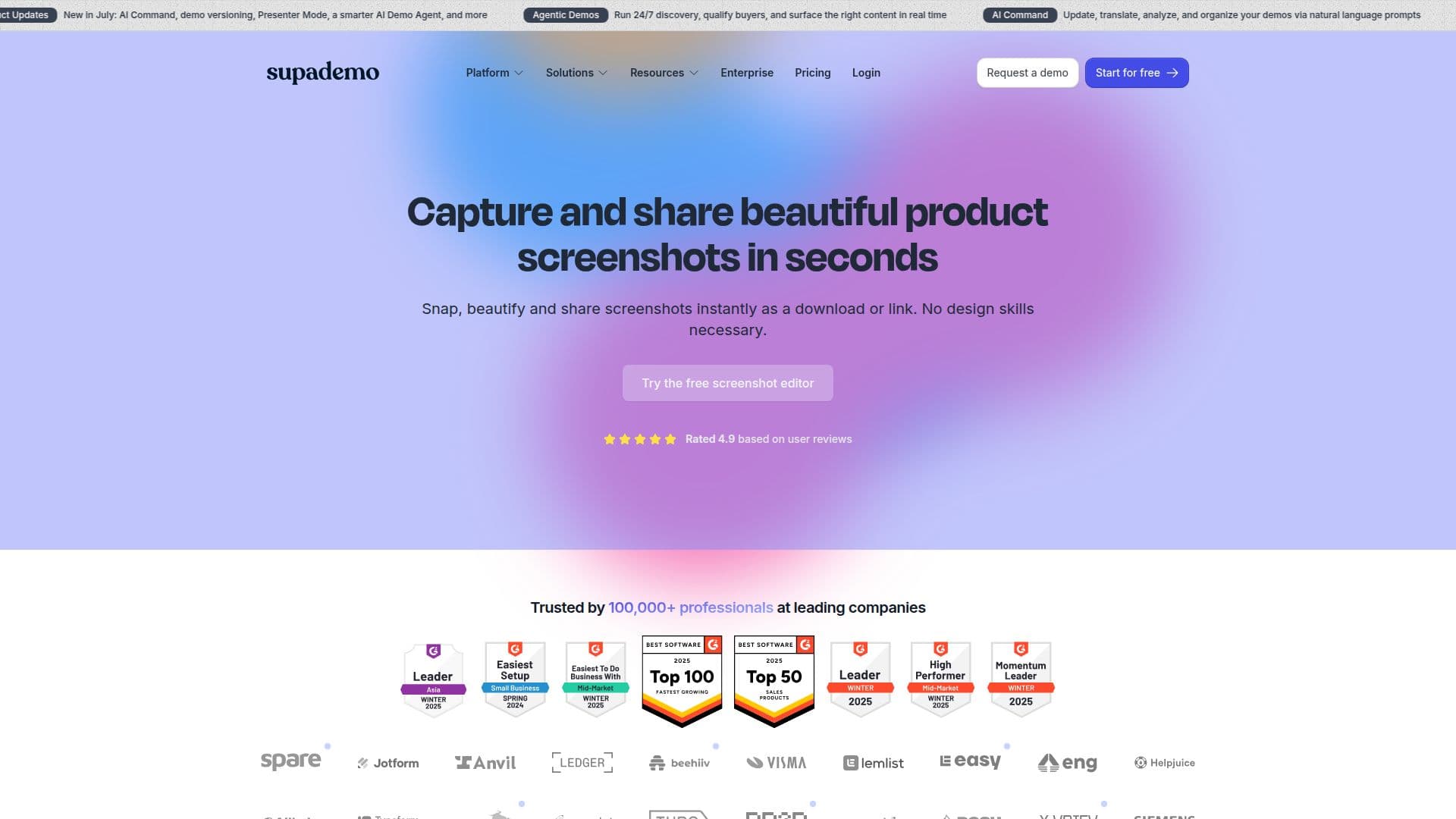
Supademo is an AI-powered interactive demo platform for B2B SaaS teams across marketing, sales, and customer success. This part of the product focuses on creating and sharing beautiful product screenshots quickly, without needing design skills or juggling multiple annotation tools.
Read More
You capture a screenshot instantly with Supademo's free browser extension or upload your own image into the online editor. From there you can enhance it with annotations such as text, arrows, and shapes, blur or redact sensitive information like names and emails, crop the image, and add an elegant background. Finished screenshots can be shared as a download, copied to the clipboard, or published as a public share link.
Beautified screenshots are useful for external-facing collateral like product updates, changelogs, support docs, and training guides, where a static image communicates a simple feature or workflow. For more complex illustrations, Supademo recommends interactive product demos, and the broader platform supports building those as well.
The beautiful-screenshot tool, including the free capture extension and online editor for new and existing images, is free to use, with unlimited screenshots. Supademo is used by professionals at many companies and offers paid creator plans for its wider demo capabilities.
- CategoryCustomer Success & Onboarding
- Pricing ModelFreemium
- DeploymentCloud
- PlatformsWeb, Chrome
Supademo's Core Features
Instant screenshot capture via a free browser extension
Online editor for new or uploaded images
Annotations with text, arrows, and shapes
Blur and redaction of sensitive information
Elegant background and cropping tools
Sharing via download, clipboard, or public link
Unlimited free screenshots
Part of a broader interactive product demo platform
How to use Supademo?
Capture or upload: Snap a screenshot with the free extension or upload your own image.
Enhance it: Add annotations, blur sensitive details, crop, and apply a background.
Review: Check the beautified screenshot in the editor.
Share: Download it, copy to the clipboard, or generate a public share link.
Supademo's Use Cases
- Product updates and changelogs
- Support documentation
- Training guides
- Redacting sensitive info
- Quick sharing