Description
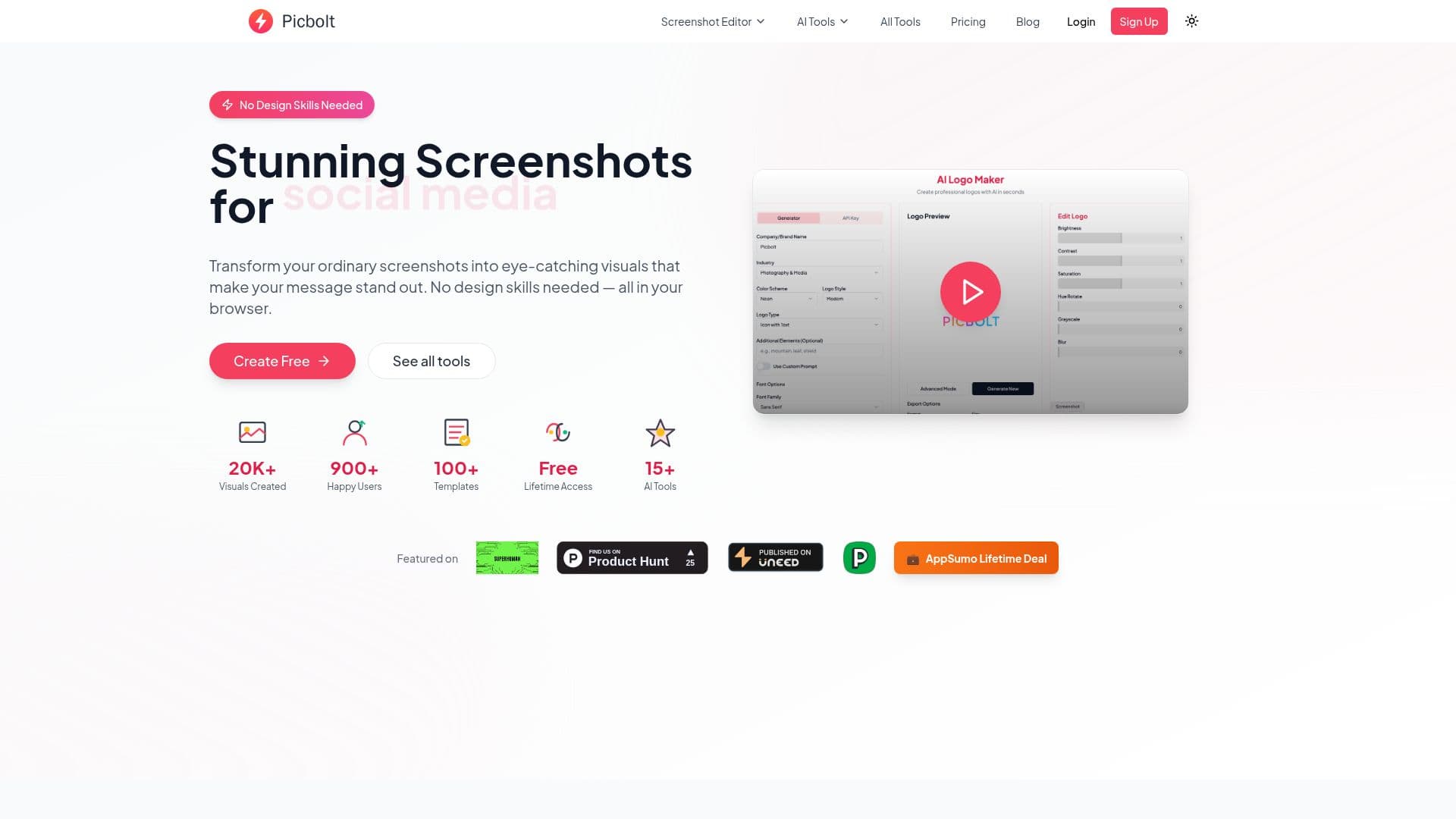
Picbolt is an online screenshot editor and design platform that transforms ordinary screenshots and images into professional-looking mockups and marketing visuals, with no design skills required. Capture directly from a URL or upload a screenshot, then apply device frames, browser windows, beautiful backgrounds, shadows, and effects, choosing from 20+ ready-made presets or customizing every detail in the editor with text, code blocks, arrows, and icons.
Read More
Beyond screenshots, Picbolt bundles a wide toolkit: realistic device mockups for App Store, Google Play, and portfolios; a code image generator with syntax highlighting and themes; testimonial and quote graphics; an icon library and app icon maker; a color picker; SVG backgrounds; QR and barcode generators; an image converter; and utilities for cropping, resizing, blurring or redacting, splitting, and GIF creation.
The platform also includes AI-powered features such as an AI logo maker, AI icon generator, AI presentation maker, AI infographics creator, AI banner and header generator, and AI illustrations maker. Some AI image generation tools require OpenAI API access, and a lifetime plan option bundles GPT-image credits so no API setup is needed.
Picbolt runs entirely in the browser and offers a free tier with paid plans, including a one-time lifetime deal with lifetime updates and no subscription. It is aimed at developers showcasing code, marketers building product visuals, and creators producing social media content.
- CategoryAI Graphic Design Tools
- Pricing ModelFreemium
- DeploymentCloud
- PlatformsWeb
Picbolt's Core Features
One-click screenshot mockups with frames, backgrounds, and shadows
Realistic device mockups for app stores and portfolios
Code image generator with syntax highlighting and themes
20+ ready-made presets and a full custom editor
Testimonial, quote, QR code, and barcode generators
Icon library, app icon maker, and SVG backgrounds
AI tools: logo, icons, presentations, infographics, banners, illustrations
Image utilities: convert, crop, resize, blur/redact, split, GIF
How to use Picbolt?
Add your screenshot: Capture directly from a URL or upload an existing screenshot or image.
Choose a frame or background: Pick a device frame, browser window, or background and a preset.
Customize the design: Adjust colors, shadows, text, code blocks, and other settings in the editor.
Preview and download: Review your finished mockup and download it in the format you need.
Picbolt's Use Cases
- Marketing screenshots
- Code sharing
- Device mockups
- Social content