
Description
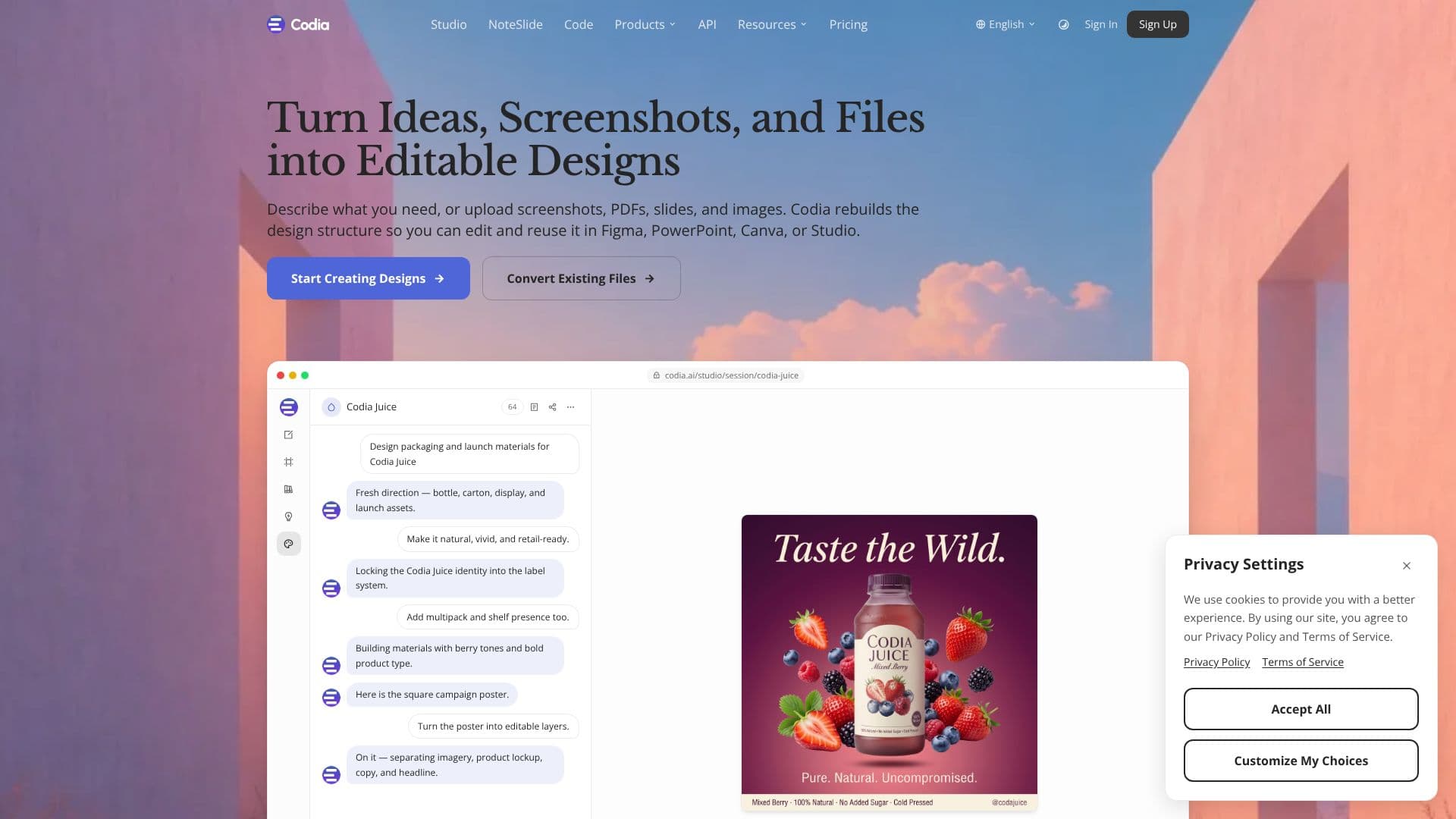
Codia offers an AI-powered solution for transforming static visual content into editable design assets and production-ready code. The platform allows users to describe their needs or upload various file types, including screenshots, PDFs, slides, and images. Codia then rebuilds the design structure, making it editable and reusable in popular tools like Figma, PowerPoint, Canva, and Studio.
Read More
Key capabilities include converting existing files into editable formats, such as turning PDF slides into editable Keynote or PowerPoint presentations with Codia NoteSlide, or transforming screenshots into pixel-perfect editable designs compatible with Figma and Canva. For developers, Codia can convert Figma designs into responsive, production-ready code.
Codia is built for common creative workflows, moving beyond static visuals to editable workflows. It reconstructs trapped visual content from flat images, PDFs, and locked design formats into editable text, shapes, layers, layouts, and design objects. Users can then edit every element, not just the whole image, modifying text, shapes, colors, layouts, and icons. The reconstructed visuals can be exported to various production-ready formats.
The platform is not a single tool but a family of products, including Codia Studio for design creation, Codia NoteSlide for slide conversion, Codia Figma and Canva plugins, and Codia Visual Struct API for developers. Codia AI Vision is the underlying technology that understands visual structure, including text, shapes, layout, hierarchy, colors, and components, reconstructing them into editable formats while preserving style and design intent.
Codia is designed for teams working with visual content, supporting AI design, social media content creation, branding, AI slides, image-to-code conversion, and visual structuring for developers. It offers enterprise solutions with API access for large-scale visual content conversion and custom workflows. The platform emphasizes privacy, security, and data ownership, with no training of AI models on user uploads and options for data export and deletion.
- CategoryAI UI & UX Design Tools
- Pricing ModelUsage-based
- DeploymentCloud
- PlatformsWeb, Figma Plugins, Canva Apps
Codia's Core Features
Convert screenshots, PDFs, and images into editable designs
Reconstructs visual content into editable text, shapes, layers, and layouts
Export designs to Figma, PowerPoint, Canva, Keynote, SVG, and JSON
Transform Figma designs into responsive, production-ready code
AI Vision technology understands visual structure for reconstruction
Preserves colors, spacing, and design intent across formats
Offers Codia Studio, NoteSlide, Figma plugins, Canva plugins, and Visual Struct API
Provides enterprise solutions with API access for scalable conversion
Supports AI visual creation and editable reconstruction
Ensures privacy, security, and data ownership for user uploads
How to use Codia?
Upload or describe your visual content
Codia AI reconstructs the design structure
Edit elements like text, shapes, and layouts
Export to your preferred design or development tool
Integrate Codia APIs into your existing workflows
Codia's Use Cases
- Convert Slides to Decks
- Screenshots to Editable Designs
- Image to Vector Graphics
- Figma to Canva Workflows
- Visual Structuring for Developers
- Editable Marketing Content
- Figma to Code Conversion
- PDF to Structured Design