
Description
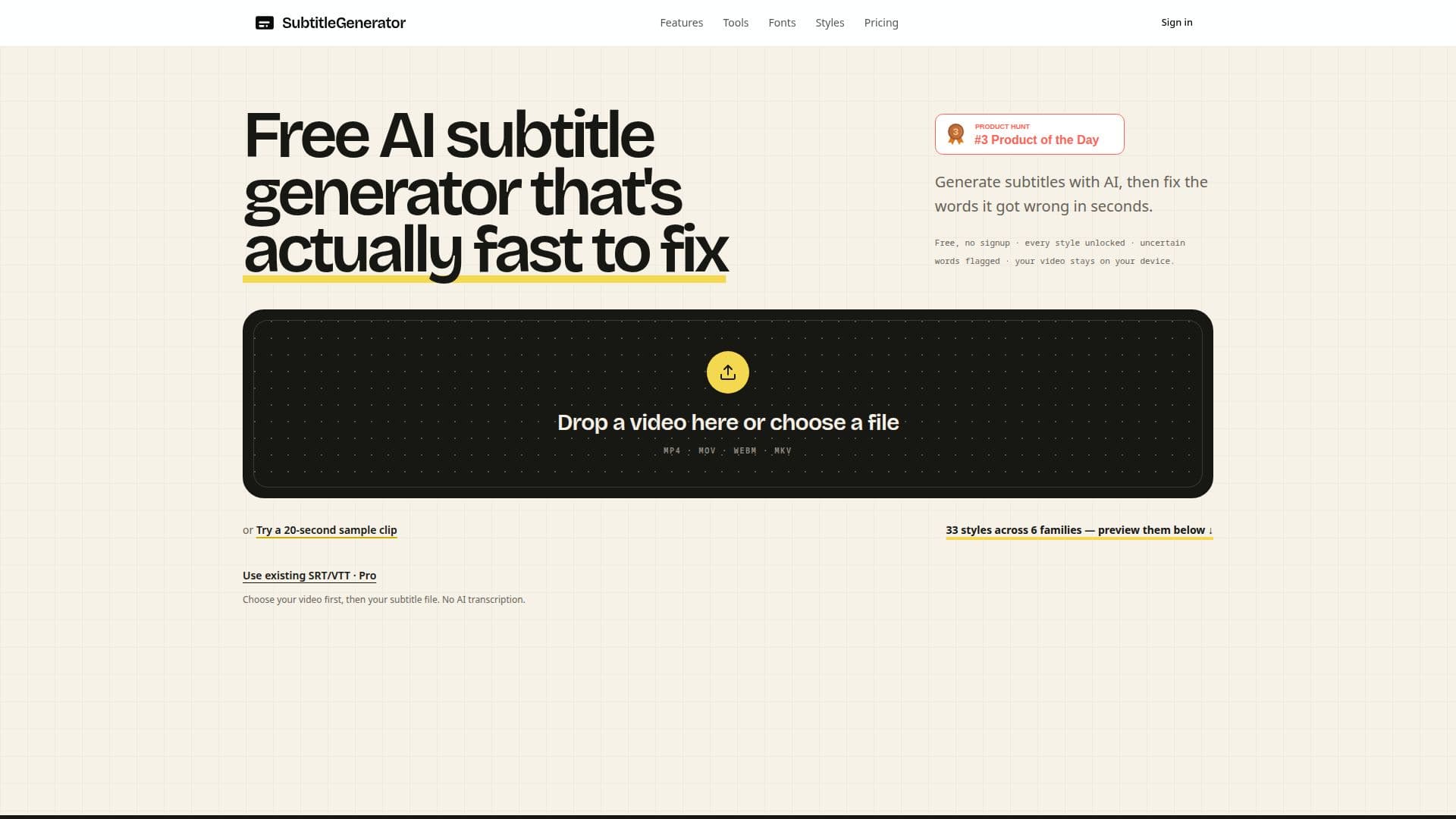
SubtitleGenerator is a web-based application designed to create automatic subtitles from video files using AI technology. It offers a seamless experience by allowing users to generate, edit, and export subtitles directly from their browser. The tool supports various video formats including MP4, MOV, WebM, and MKV, and provides up to 33 different subtitle styles to choose from.
Read More
The free version of SubtitleGenerator allows users to process videos up to 10 minutes long, with a watermark on the exported video. Users can also enjoy up to 60 minutes of subtitle generation per month without any cost. For those who require more extensive use, the Pro and Max plans offer additional features such as HD export without watermarks, higher video length limits, and subtitle translation capabilities.
One of the standout features of SubtitleGenerator is its ability to flag uncertain words during transcription. This feature helps users quickly identify and correct potential errors in the subtitles, ensuring accuracy and saving time. Additionally, users can click on any point in the timeline to jump to specific parts of the video, making the editing process more efficient.
SubtitleGenerator also prioritizes user privacy by keeping the original video files on the user's device. Only the audio is processed for transcription, and it is deleted after the process is complete. This ensures that users' video content remains secure and private.
The tool is ideal for content creators, educators, and businesses looking to enhance their video content with accurate and stylish subtitles. With its user-friendly interface and robust features, SubtitleGenerator provides a comprehensive solution for all subtitle generation needs.
- CategoryAI Subtitles & Dubbing
- Pricing ModelFreemium
- DeploymentCloud
- PlatformsWeb
SubtitleGenerator's Core Features
Automatic subtitle generation
33 subtitle styles
Flagging of uncertain words
Local video file processing
Browser-based export
Subtitle editing and timing adjustment
Support for multiple video formats
Privacy-focused processing
How to use SubtitleGenerator?
Upload: Select a video file from your device
Generate: Use AI to create initial subtitles
Edit: Fix flagged words and adjust timings
Export: Choose a style and export the video
SubtitleGenerator's Use Cases
- Content Creation
- Educational Videos
- Business Presentations
- Social Media Clips
- Podcast Transcriptions