Description
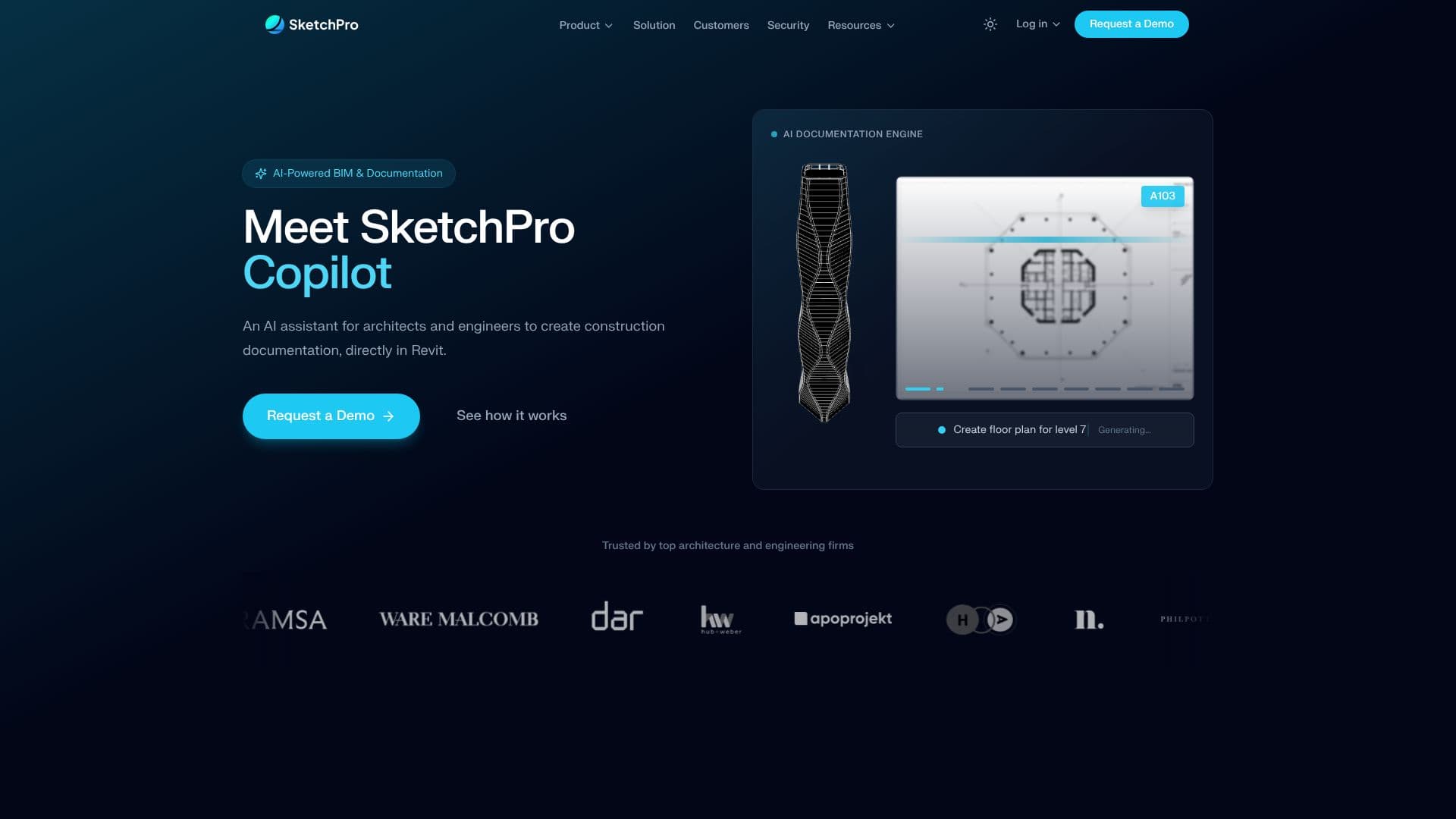
SketchPro Copilot is an AI-powered assistant designed to streamline the creation of construction documentation directly within Autodesk Revit. It addresses the common bottleneck of repetitive tasks that consume significant time for architects and engineers, such as dimensioning floor plans, tagging doors, and setting up sheets. By leveraging AI, SketchPro aims to make documentation processes up to ten times faster.
Read More
The tool operates as a native plugin within Revit, providing a true design partner with full model context. Users can issue instructions in plain English, and SketchPro executes these commands directly on the BIM model in real-time. This includes automated dimensioning for entire floor plans, interior and exterior dimensions with configurable styles, automatic tagging, and the generation of views and schedules. The AI understands the model context, current view, and active sheets to ensure accurate execution.
SketchPro emphasizes firm customization and consistency. Users can integrate their firm's specific standards, guidelines, and checklists into an AI Knowledge Base. SketchPro then automatically enforces these standards across all outputs, ensuring team-wide consistency, automatic compliance with naming conventions and formatting, and reducing the need for manual quality control. This feature is particularly beneficial for onboarding new team members and maintaining professional standards of care.
The solution is designed for architects and engineers who spend a significant portion of their project time on repetitive documentation tasks, often leading to project delays and rework. SketchPro aims to free up an average of 40+ hours per month per designer or engineer, increasing project capacity without the need to scale headcount. The platform supports Revit versions 2023 through 2026 and offers a guided two-week pilot plan to demonstrate measurable results.
Key capabilities include automated dimensioning, tagging, view and sheet generation, schedule creation, and QA/QC checks. The AI's ability to understand and follow plain English instructions, coupled with its direct integration into Revit, makes it a powerful tool for accelerating production, coordination, and QA/QC across all project phases. SketchPro is trusted by leading architecture and engineering firms seeking to overcome the limitations of traditional construction documentation workflows.
- CategoryAI Interior & Architecture Design
- Pricing ModelContact sales
- DeploymentNative Plugin
- PlatformsRevit 2023-2026
SketchPro AI Copilot's Core Features
AI-powered automation for Revit documentation tasks
Natural language command interface
Direct integration within Revit as a native plugin
Automated dimensioning of floor plans and elevations
Automated tagging of elements like doors
Generation of views and schedules
Customizable firm standards enforcement via AI Knowledge Base
Real-time execution of commands on the BIM model
Support for Revit 2023-2026
Enhances project capacity and reduces documentation time
Ensures team-wide consistency in documentation output
Reduces rework and RFIs through consistent standards
How to use SketchPro AI Copilot?
Install Plugin: Download and install the SketchPro add-in for Revit.
Configure Standards: Set up your firm's guidelines and checklists in the AI Knowledge Base.
Issue Commands: Use natural language to instruct SketchPro on documentation tasks within Revit.
Review & Edit: Verify and make any necessary edits to the AI-generated documentation.
Execute Workflows: Utilize SketchPro for real project tasks to measure time savings and consistency.
SketchPro AI Copilot's Use Cases
- Automated Dimensioning
- Automated Tagging
- View and Sheet Generation
- Schedule Creation
- Firm Standards Enforcement
- QA/QC Checks
- Project Delay Reduction