
Description
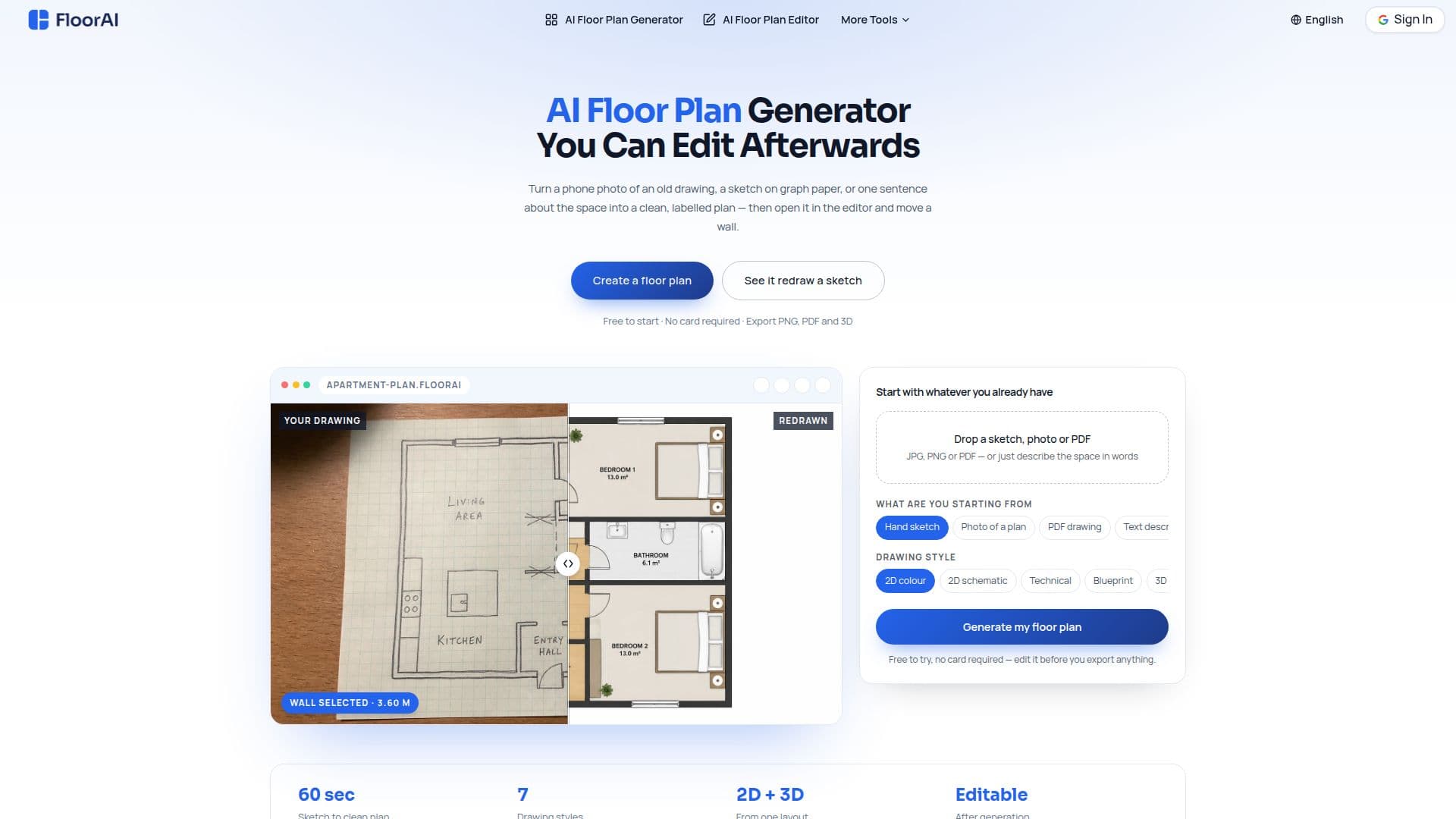
FloorAI is an AI floor plan generator distinguished by a built-in editor: after generating a plan, users can drag walls, rename rooms and move furniture directly rather than re-rolling the whole drawing. It accepts four starting points — a text description, a hand-drawn sketch, a photo of an existing plan, or a PDF — and redraws a creased printout, an old survey drawing or a rough sketch into a clean, labelled plan in about a minute.
Read More
The tool outputs one layout in multiple drawing styles from the same walls: 2D colour for listings and social, technical (poché walls) for trades, blueprint for presentations, and 3D isometric for viewers who have never read a plan. An image-to-floor-plan mode corrects skew and page curl from phone photos and scans, sets clean room names and areas, and sizes output for portal listings. FloorAI can also generate matching upper floors, compare alternatives side by side, and export PNG, PDF, GLB and DXF.
FloorAI is aimed at listing agents, renovating homeowners, small design studios, property photographers, short-let hosts and freelance draughtsmen. It is free to start with no card required (4 AI Design Generations, watermark-free); paid Starter, Plus and Professional plans (billed yearly) add more generations, Pro generations, full-resolution downloads and commercial use.
- CategoryAI Interior & Architecture Design
- Pricing ModelFreemium
- DeploymentCloud
- PlatformsWeb
FloorAI's Core Features
AI floor plans from text, sketches, photos or PDFs
Built-in editor to drag walls, rename rooms and move furniture
Image-to-floor-plan with automatic skew and page-curl correction
One layout in 2D colour, technical, blueprint and 3D isometric styles
Matching upper-floor generation and side-by-side comparison
PNG, PDF, GLB and DXF export
Room names and total floor area on every plan
Free tier with paid plans for more generations and commercial use
How to use FloorAI?
Bring your starting point: Upload a sketch, photo or PDF, or type what the space contains.
Generate a clean plan: Get a labelled layout with uniform walls, door swings and room areas in your chosen style.
Edit in place: Open the editor to adjust walls, labels and furniture without re-generating.
Re-style or add floors: Export other styles or generate a matching upper floor from the same layout.
Export: Download as PNG, PDF, GLB or DXF for listings, presentations or CAD.
FloorAI's Use Cases
- Listing floor plans
- Renovation testing
- Design studio concepts
- Photographer add-on