
Description
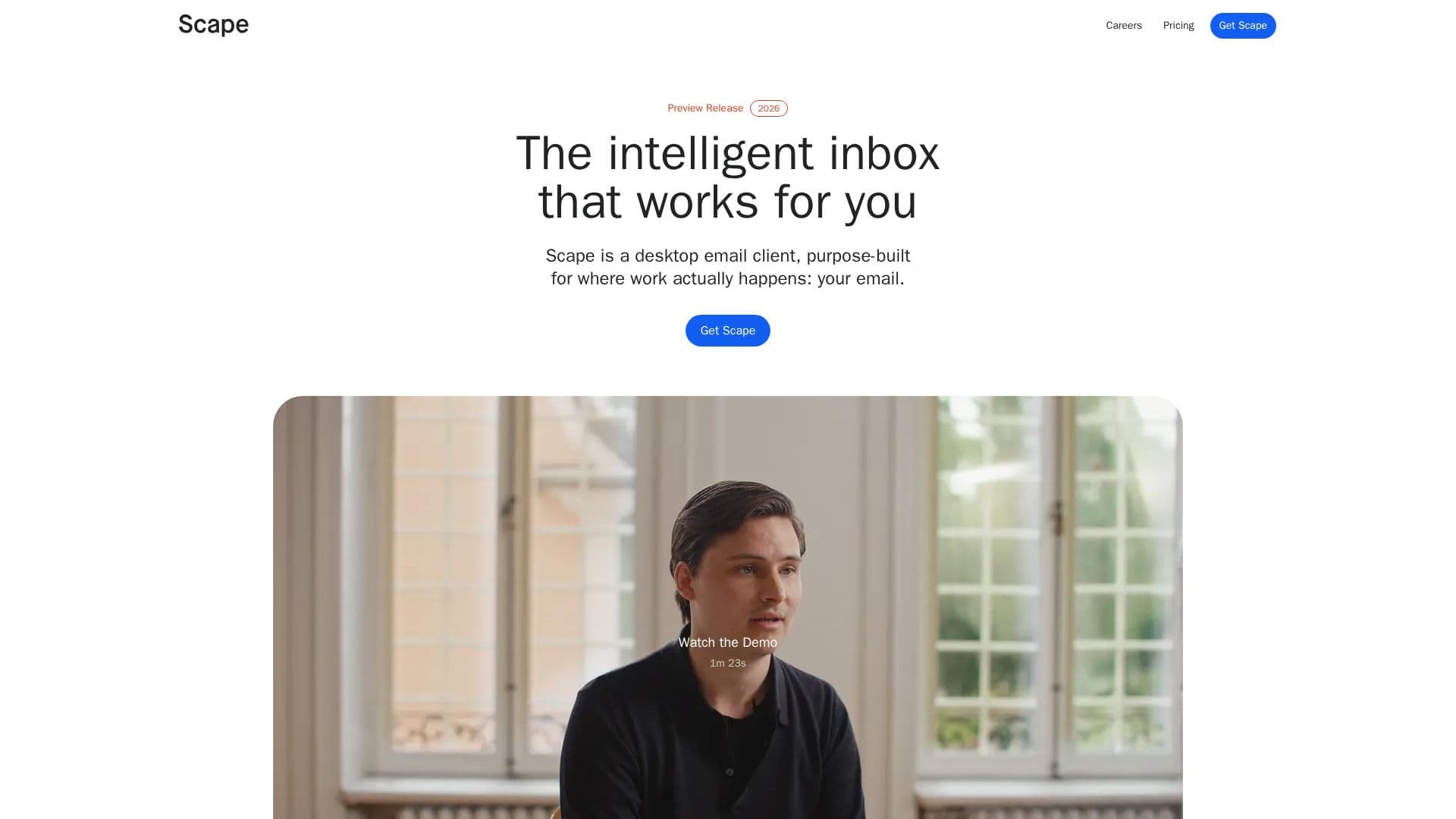
Scape is a desktop email client engineered to enhance productivity for professionals who rely heavily on their inbox. It leverages AI to transform the email experience, moving beyond traditional email management to offer proactive assistance and intelligent organization. The client is built to feel familiar, resembling existing inboxes, but operates with advanced underlying technology that uses context from emails, meeting transcripts, calendars, and attachments.
Read More
One of Scape's core capabilities is its ability to prepare replies. By analyzing the content of your communications and scheduled events, it drafts comprehensive responses, allowing users to simply review and send. This significantly reduces the time spent on composing emails, enabling quicker communication and follow-ups.
Inbox organization is another key feature. Scape intelligently surfaces only the most important emails, categorizing and labeling the rest based on user priorities. This ensures that critical communications are always visible, while other information remains accessible without cluttering the main view. The system is designed to help users maintain focus and manage their workload more effectively.
Beyond individual email management, Scape also supports customer relationship management directly within the email client. It helps organize customer conversations, service requests, and track next steps, making it easier to maintain and nurture client relationships. This integrated approach streamlines workflows for professionals who manage client interactions primarily through email.
Meeting capture is seamlessly integrated into Scape. The client detects upcoming meetings and can record conversations with a single click, directly on your Mac. These local recordings provide valuable context for future drafts and follow-ups, eliminating the need for awkward meeting bots. It supports various meeting platforms including Zoom, Google Meet, Teams, and FaceTime, as well as in-person meetings.
Scape offers a tiered pricing structure: Free, Plus, and Max. The Free plan includes unlimited inboxes and meeting recordings. The Plus plan adds automations, higher AI limits, unlimited quick drafts, and unlimited app connections. The Max plan is designed for intensive AI work, offering five times more AI usage than Plus, increased memory and context, advanced models, and early access to new features. Security is a foundational aspect of Scape, with per-user encryption, EU data residency, and a strict policy against using customer data for AI model training. It is SOC 2 Type II and ISO 27001 certified, and GDPR compliant.
- CategoryAI Email Assistants
- Pricing ModelFreemium
- DeploymentDesktop Client
- PlatformsmacOS
Scape's Core Features
AI-powered email drafting
Intelligent inbox organization and labeling
Contextual understanding from emails, meetings, and attachments
Customer relationship management support via email
One-click meeting capture and local recordings
Support for Zoom, Google Meet, Teams, FaceTime, and in-person meetings
Per-user data encryption (TLS and AES-256-GCM)
EU data residency by default
No customer data used for AI model training
SOC 2 Type II attestation
ISO 27001:2022 certification
GDPR and CCPA compliance
Public bug bounty program
Unlimited inboxes (Free plan and above)
Automations (Plus plan and above)
Unlimited quick drafts (Plus plan and above)
How to use Scape?
Install Scape: Download and install the desktop email client on your Mac.
Connect Inboxes: Link your existing email accounts to Scape for centralized management.
Review Drafts: Allow Scape to proactively draft email replies based on context, then review and send.
Manage Inbox: Utilize Scape's intelligent organization to prioritize important emails and categorize others.
Capture Meetings: Start recording meetings with one click to provide context for future communications.
Organize Relationships: Use integrated CRM features to manage customer conversations and next steps directly from your inbox.
Scape's Use Cases
- Email Management
- Drafting Email Replies
- Meeting Context Capture
- Customer Relationship Tracking
- Professional Productivity
- Contextual Information Retrieval