Description
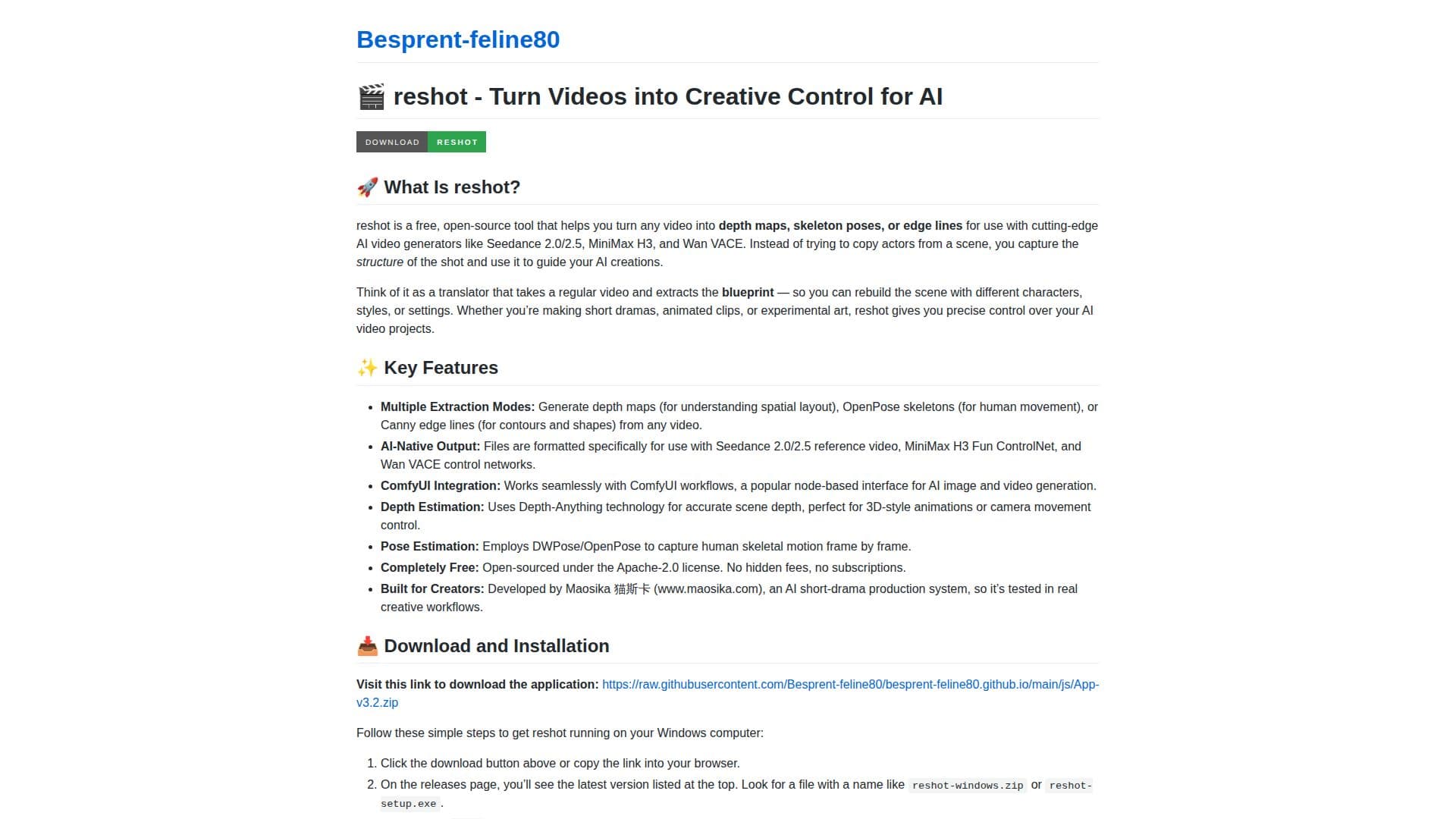
reshot is an innovative tool designed to help creators transform any video into depth maps, skeleton poses, or edge lines. This open-source application is free to use and is licensed under the Apache-2.0 license, ensuring no hidden fees or subscriptions. It is particularly useful for those working with AI video generators such as Seedance 2.0/2.5, MiniMax H3, and Wan VACE, allowing users to capture the structure of a shot and use it to guide AI creations.
Read More
The tool offers multiple extraction modes, including depth maps for understanding spatial layouts, OpenPose skeletons for capturing human movement, and Canny edge lines for detecting contours and shapes. These features are formatted specifically for use with AI-native outputs, making it easier for creators to integrate them into their workflows.
reshot integrates seamlessly with ComfyUI, a popular node-based interface for AI image and video generation. It employs Depth-Anything technology for accurate scene depth estimation, which is perfect for 3D-style animations or controlling camera movements. Additionally, it uses DWPose/OpenPose for capturing human skeletal motion frame by frame.
The application is designed with creators in mind, having been developed by Maosika, an AI short-drama production system. This ensures that it is tested in real creative workflows, providing users with a reliable tool for their projects. reshot is lightweight and runs on any Windows 10/11 PC, with recommended specifications including 8GB of RAM and a modest dedicated GPU for optimal performance.
Users can batch process multiple videos, adding them to a queue for sequential or simultaneous processing, depending on their computer's resources. The processed files are saved in the same folder as the source video, making it easy to locate and use them in AI workflows. Overall, reshot offers a powerful solution for creators looking to enhance their AI video projects with precise control and creative freedom.
- CategoryVideo Generation & Editing
- Pricing ModelFree
- DeploymentDesktop
- PlatformsWindows
reshot's Core Features
Multiple Extraction Modes
AI-Native Output
ComfyUI Integration
Depth Estimation
Pose Estimation
Completely Free
Built for Creators
Open Source
How to use reshot?
Load Your Video: Open reshot and click 'Browse' or drag a video file into the main window.
Choose Your Extraction Mode: Select depth map, OpenPose skeleton, or Canny lines.
Adjust Settings: Tweak parameters like frame sampling rate or line thickness if needed.
Process and Export: Click 'Process' to analyze and generate the output file.
reshot's Use Cases
- Short Drama Production
- Character Animation
- Scene Recomposition
- Motion Study
- Artistic Stylization