
Description
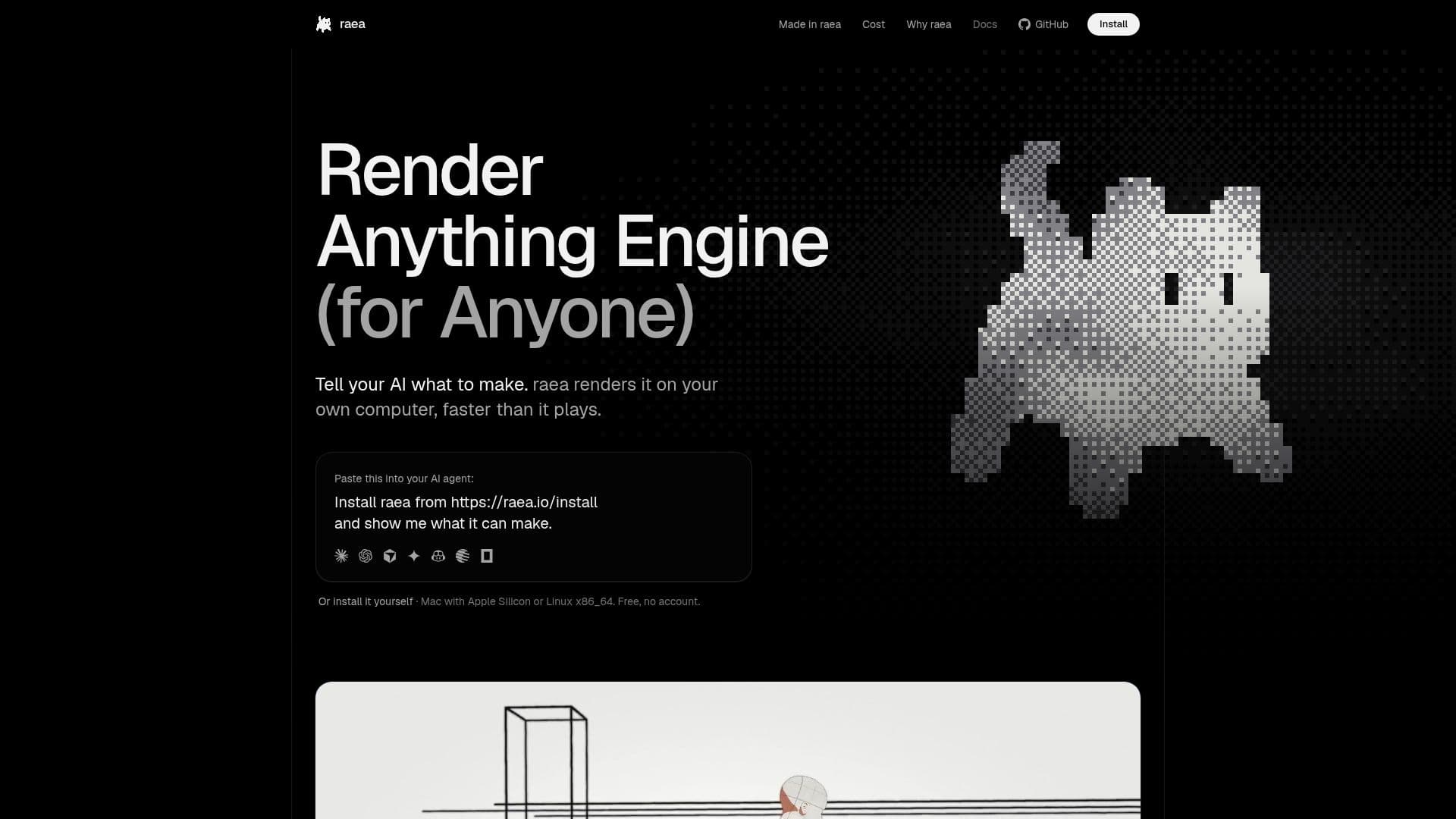
raea, the Render Anything Engine, empowers creators to produce a wide range of visual content, including videos, motion graphics, 3D models, and games. The core concept revolves around describing your desired output in code, which your preferred AI agent then writes. raea takes this code and renders it directly on your own GPU, specifically on Macs with Apple Silicon or Linux on x86_64 machines. This approach ensures that rendering is faster than playback and eliminates the need for cloud-based rendering services, thus removing per-render fees and account requirements.
Read More
The engine is designed to integrate seamlessly with existing AI agents, such as Claude Code or other subscription-based, API-key-driven, or local models. raea does not resell model usage, allowing users to leverage their current AI investments. For larger-scale operations, the raea CLI can be run headless on personal machines or servers, providing flexibility and control over hardware resources. The software is source-available under the FSL-1.1 license, with each version transitioning to Apache-2.0 two years after its release.
Beyond general rendering, raea offers specialized capabilities like AI video editing. It transcribes footage word-by-word, allowing edits, captions, and cards to be precisely pinned to spoken words. This means that if a cut moves, all associated elements automatically adjust. The engine also automatically generates captions, checking them against the voice for accuracy. All rendering and footage processing occur locally on your Mac's GPU, ensuring privacy and keeping your data on your machine.
raea's design philosophy emphasizes the agent's ability to see and learn from its creations. Unlike traditional rendering processes that return only pixels, raea retains knowledge of each frame's components—captions, shots, voiceover words, and footage details. This allows the AI agent to query specific frames and check its own work, comparing new renders against approved references for visual and audio quality. This iterative feedback loop, combined with rendering speeds faster than playback, significantly enhances the quality and efficiency of content creation. The platform prioritizes real footage and code-driven motion over generated images, ensuring authenticity and control over the creative process.
- CategoryVideo Generation & Editing
- Pricing ModelFree
- DeploymentLocal (Mac, Linux)
- PlatformsmacOS (Apple Silicon), Linux (x86_64)
raea's Core Features
AI-driven content creation: Describe videos, motion graphics, 3D, and games in code for AI agents to write.
Local GPU rendering: Renders content directly on your Mac (Apple Silicon) or Linux (x86_64) GPU.
No per-render fees: Free to use with no rental costs or charges per render.
Bring your own AI: Compatible with existing AI agents like Claude Code, API keys, or local models.
Headless CLI operation: Run raea on your own machines or servers for scalable rendering.
Source-available: Licensed under FSL-1.1, transitioning to Apache-2.0 after two years.
AI video editing: Transcribes footage, writes edits as code, and renders on Mac's GPU.
Text-based editing: Pin cuts, captions, and cards to specific words in the transcript.
Automatic captioning: Generates and checks captions against the voice for accuracy.
Local data processing: Footage and renders stay on your computer, ensuring privacy.
Agent feedback loop: AI can query frame details and check its own work against approved references.
Faster than playback rendering: Processes frames quicker than they play, enabling rapid iteration.
Real footage focus: Uses user-provided footage, with motion, type, and games drawn by code.
Integrated sound mixing: Measures and checks audio mix against targets like LUFS.
Customizable spaces: Ability to write custom UI spaces in TypeScript and React for different workflows.
How to use raea?
Install raea: Download and install the raea application from the official website.
Prepare your AI agent: Use your existing AI agent (e.g., Claude Code, local model) or an API key.
Describe your project: Paste a prompt into your AI agent describing the video, game, or 3D content you want to create.
Generate code: Allow your AI agent to write the necessary code based on your description.
Render content: raea will render the generated code on your Mac's GPU, producing the visual and audio output.
Review and refine: Watch the rendered output, and if needed, modify the code or prompt for further iterations.
Publish (optional): Connect social accounts to publish your finished renders directly from raea.
raea's Use Cases
- AI Video Production
- Interactive Game Development
- 3D Content Creation
- Text-Based Video Editing
- Automated Captioning
- Scalable Rendering
- Personalized Content Creation
- Rapid Prototyping
- Privacy-Focused Production