Description
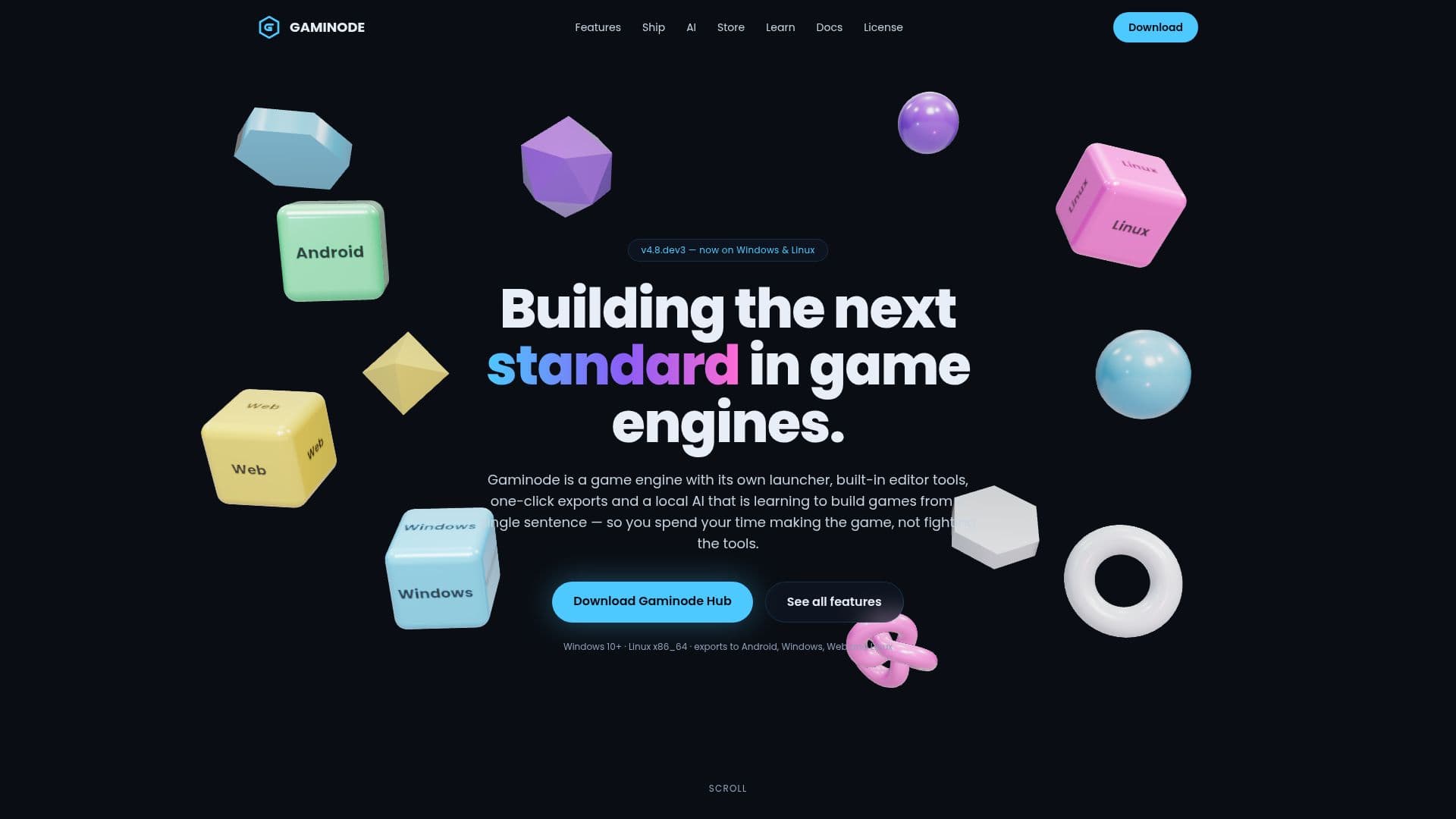
Gaminode is a comprehensive game engine designed for Windows and Linux users, offering a seamless development experience with its built-in editor tools and local AI game builder. The engine supports one-click exports to Android, Windows, Web, and Linux, making it versatile for developers targeting multiple platforms. Gaminode's AI Game Builder allows users to create simple 2D games by typing a single sentence, with the capability to modify game elements through chat. This feature runs entirely on the user's computer, ensuring privacy and offline functionality.
Read More
The engine includes Gaminode Hub, a launcher that simplifies the installation and updating process, allowing users to manage engine versions and export platforms effortlessly. Gaminode's built-in tools, such as Health Check and Optimizer, help developers identify and resolve issues that could affect game performance and export quality. The engine also offers advanced rendering options, including stylized render setups and cinematic post-processing effects, enhancing the visual appeal of games without requiring high-end hardware.
Gaminode is ideal for solo developers and small teams seeking a straightforward path from installation to game release. It supports hobby and commercial projects without imposing royalties or revenue sharing, ensuring developers retain full ownership of their creations. While the AI Game Builder is currently in preview, it promises to expand its capabilities to support more complex games and graphics in the future.
The Gaminode Asset Store provides a variety of game templates and asset packs, enabling developers to kickstart new projects quickly. With its focus on ease of use and comprehensive toolset, Gaminode aims to set a new standard in game engine development.
- CategoryAI Game Development Tools
- Pricing ModelFree
- DeploymentCloud, Self-hosted
- PlatformsWindows, Linux
Gaminode's Core Features
Local AI Game Builder
One-click export to multiple platforms
Built-in editor tools
Gaminode Hub for easy management
Health Check diagnostics
Optimizer for performance improvements
Stylized Render Setup
Cinematic Post-Processing effects
Asset Store with templates and packs
Offline functionality after setup
No royalties or revenue sharing
How to use Gaminode?
Install the Hub: Download and set up Gaminode Hub.
Install the engine: Use the Hub to download and install the engine.
Add export platforms: Select and install export templates as needed.
Use AI Game Builder: Describe a game and modify it through chat.
Gaminode's Use Cases
- 2D Game Development
- Cross-Platform Exports
- Game Optimization
- Visual Enhancements
- Asset Utilization