
Description
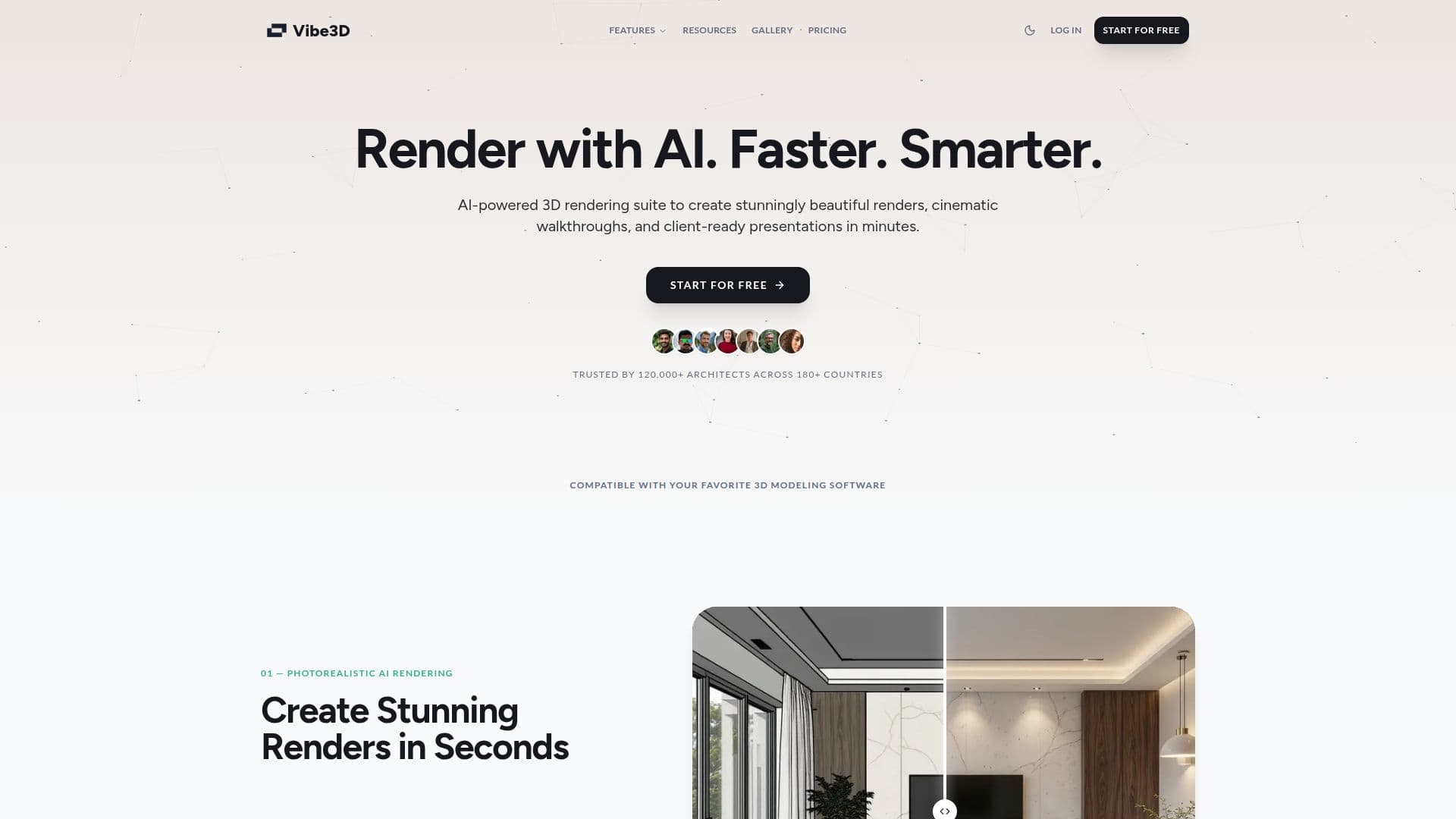
Vibe3D is an online render AI that transforms SketchUp, Revit, and other 3D models into photorealistic renders and cinematic walkthrough videos in seconds. It preserves scene structure, materials, textures, and camera angles exactly as modeled while allowing instant edits through natural-language prompts. It is trusted by more than 120,000 architects across over 180 countries.
Read More
The tool runs entirely in the cloud on enterprise GPU clusters, so users can generate high-resolution architectural renders from a standard laptop, tablet, or any modern web browser. It understands architectural context natively, so no prompting is required to render, and one-click render editing applies changes when described. Vibe3D is compatible with SketchUp, Revit, Rhino, 3ds Max, Archicad, Vectorworks, and Blender.
Additional capabilities include turning still renders into stabilized cinematic walkthrough videos and enhancing low-resolution renders in one click. Pricing is credit-based and transparent, with monthly plans and one-time credit packs, three free renders on sign-up with no credit card, and discounted student pricing via a valid academic email.
- CategoryAI Interior & Architecture Design
- Pricing ModelFreemium
- DeploymentCloud
- PlatformsWeb
Vibe3D's Core Features
AI photorealistic rendering from 3D models
Preserves geometry, materials, textures, and camera
No prompts required to render
One-click natural-language render editing
Cinematic walkthrough videos from static renders
One-click render enhancement of low-resolution outputs
Cloud-based, works on any modern browser
Credit-based pricing with 3 free renders and student discount
How to use Vibe3D?
Upload your 3D model: Add a SketchUp, Revit, Rhino, or other supported model.
Render: Generate a photorealistic render, no prompting needed.
Edit if needed: Type what you want changed for a one-click edit.
Export: Download the render or generate a walkthrough video.
Vibe3D's Use Cases
- Interior visualization
- Architectural exteriors
- Client presentations
- Site plan rendering