Description
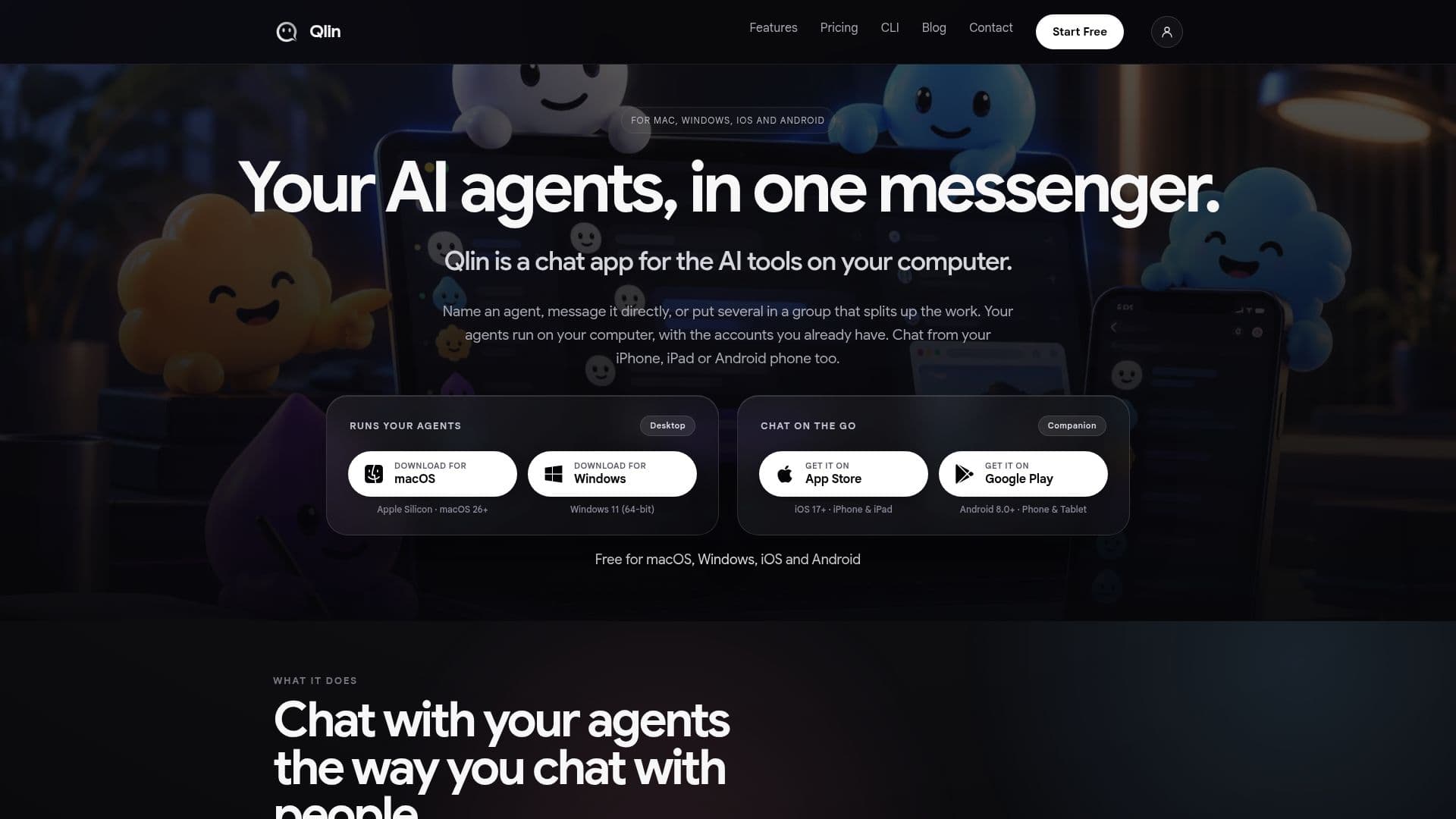
Qlin is a versatile messaging application that centralizes interaction with AI agents running on your computer. It provides a user-friendly interface for Mac and Windows, complemented by companion apps for iPhone, iPad, and Android, enabling seamless communication with your AI agents from any device. The core functionality of Qlin revolves around creating and managing named AI agents, each with customizable instructions and a specific AI model.
Read More
Users can engage in one-to-one conversations with individual agents or form group chats where multiple agents collaborate on a task. In group settings, a coordinator agent divides the work, facilitates inter-agent communication, and compiles a single summary response. A key distinction of Qlin is that it does not include its own AI models or access. Instead, it integrates with AI command-line tools already installed on the user's computer, such as Claude Code, Codex, Gemini CLI, Grok Build, OpenCode, GitHub Copilot CLI, and Cursor. Users sign in with their existing accounts for these tools and manage payments directly with those providers.
Qlin offers a free tier that includes support for up to three agents and one group, requiring no credit card. For users needing more extensive capabilities, Qlin Pro removes these limits, available through a monthly or annual subscription. The application ensures user privacy by processing prompts and files locally on the user's computer, with data traveling directly between the AI tool and its provider according to their respective privacy policies. Qlin itself does not send project files anywhere, though agents and chats sync through the user's Qlin account.
This design allows users to choose different AI providers for each agent, offering flexibility and control over their AI ecosystem, unlike other agent products tied to specific models. Qlin is compatible with Apple silicon Macs running macOS 26 or later, and 64-bit Windows 11. The iOS app requires iOS 17 or later, and the Android app requires Android 8 or later, acting as a window into the chats running on the desktop application.
- CategoryAI Chatbots
- Pricing ModelFreemium
- DeploymentCloud
- PlatformsMac, Windows, iOS, Android
Qlin's Core Features
Messaging app for AI agents
Supports Mac, Windows, iOS, and Android
Create named AI agents with custom instructions
One-to-one chat with individual agents
Group chats with multiple agents and a coordinator
Integrates with existing AI command-line tools (e.g., Claude Code, Codex, Gemini CLI)
Users utilize their own AI model accounts and pay providers directly
Free tier available with limits (3 agents, 1 group)
Qlin Pro subscription for unlimited agents and groups
Local processing of prompts and files for privacy
Agent and chat synchronization via Qlin account
Compatible with Apple silicon Macs (macOS 26+)
Compatible with 64-bit Windows 11
Companion apps for iPhone/iPad (iOS 17+)
Companion apps for Android phones/tablets (Android 8+)
How to use Qlin?
Install AI Tools: Install desired AI command-line tools (e.g., Claude Code, Codex, Gemini CLI) on your Mac or Windows PC and sign in with your accounts.
Install Qlin: Download and install Qlin for Mac or Windows, then sign in using your Apple or Google account. Qlin will automatically detect your installed AI tools.
Create an Agent: Give your agent a name, instructions, and select an AI model from your detected tools, then send it a message to begin interacting.
Expand Agents & Groups: Add more agents as needed and organize them into groups for collaborative tasks, leveraging the coordinator feature for task division and summary generation.
Access on Mobile: Download the Qlin companion app from the App Store or Google Play to chat with your agents from your iPhone, iPad, or Android device while your computer runs the agents.
Qlin's Use Cases
- Unified AI Agent Chat
- Collaborative AI Tasks
- Personalized AI Assistants
- Cross-Device AI Interaction
- Local AI Agent Management
- Code Review with AI Agents
- Overnight Maintenance Tasks