Description
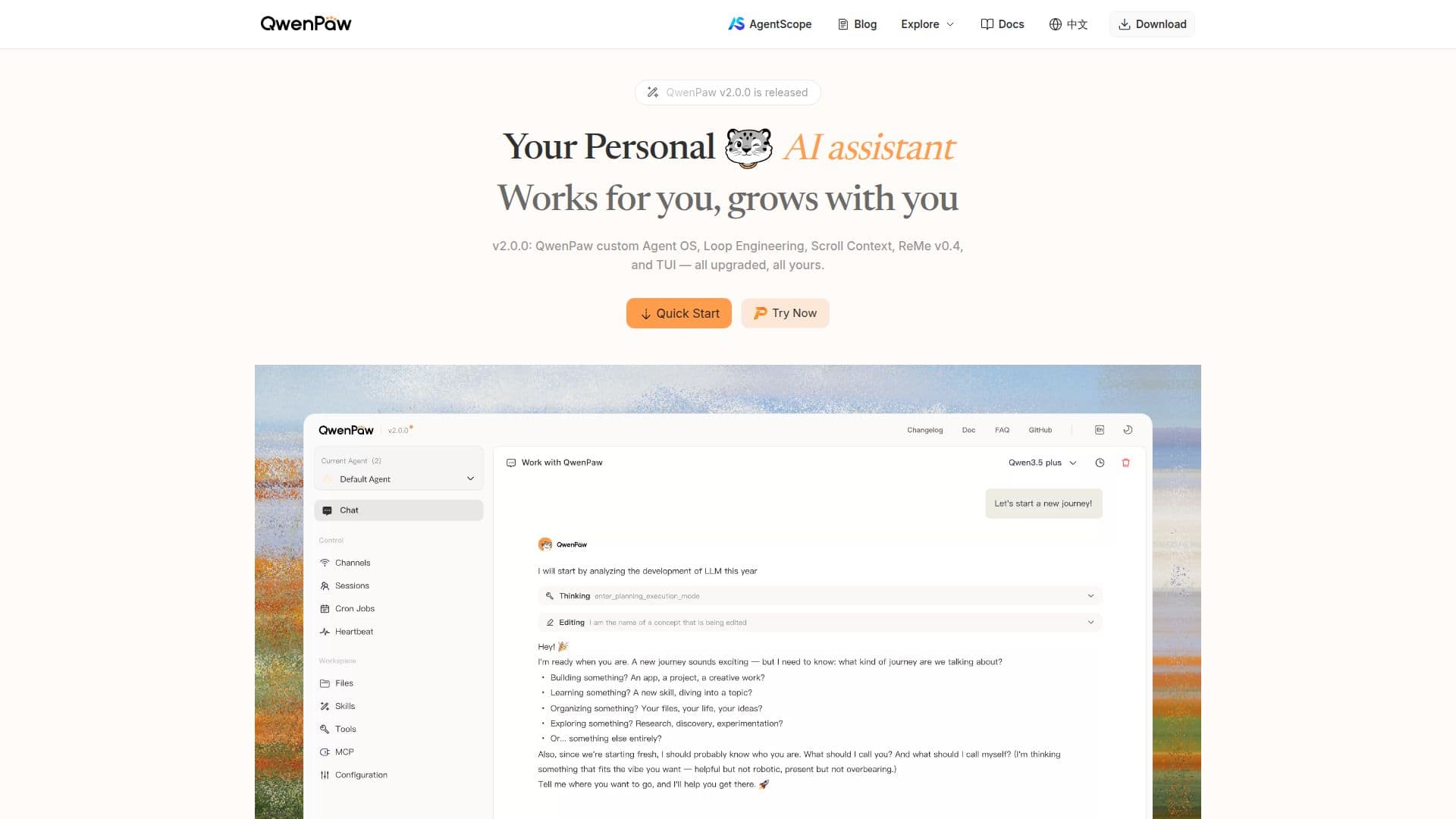
QwenPaw is your personal AI agent workstation designed to operate seamlessly in your own environment, whether locally or in the cloud. It connects to more than 10 channels, including popular messaging platforms like DingTalk, Feishu, QQ, Discord, and Telegram. This flexibility allows users to communicate with their AI assistant through their preferred channels, making it a versatile tool for personal and professional use.
Read More
One of the standout features of QwenPaw is its extensibility. Users can enhance their experience by utilizing Skills and the Model Context Protocol (MCP), which facilitates multi-agent collaboration and effective memory management. This means that multiple independent agents can be created, each with its own configuration, memory, and skills, allowing them to work together on complex tasks.
QwenPaw's version 2.0 introduces significant upgrades, including the Agent OS Foundation, which serves as an open intelligence layer that connects various models and applications. Additionally, the Terminal UI provides a full-screen chat experience, complete with streaming responses and session management. The Scroll Context feature ensures that every conversation turn is saved in real-time, allowing for easy recall of previous interactions.
For those who prefer a hands-on approach, QwenPaw offers multiple installation methods, including a desktop application, script installation, and Docker support. This variety ensures that users can choose the method that best suits their technical comfort level. Furthermore, QwenPaw emphasizes security, with built-in protections and local data management, ensuring that all user data remains private and secure.
In summary, QwenPaw is not just a tool; it aims to be a smart and intuitive companion in your digital life. With its user-friendly setup, extensive channel support, and powerful features, it is designed to grow with you and adapt to your needs, making it an ideal choice for anyone looking to enhance their productivity with AI.
- CategoryAI Personal Assistants
- Pricing ModelFreemium
- DeploymentLocal and Cloud
- PlatformsDingTalk, Feishu, QQ, Discord, Telegram
QwenPaw's Core Features
Multi-channel support
Local and cloud deployment
Extensible with Skills
Multi-agent collaboration
Real-time memory management
Terminal UI for chat
Scheduled execution of tasks
Local model support
How to use QwenPaw?
Install QwenPaw: Choose your preferred installation method.
Connect channels: Set up connections to messaging apps like DingTalk and Discord.
Configure Skills: Enable and customize Skills to enhance functionality.
Start the service: Launch QwenPaw to begin interacting with your AI assistant.
QwenPaw's Use Cases
- Personal Assistant
- Team Collaboration
- Scheduled Tasks
- Data Management
- Custom Integrations