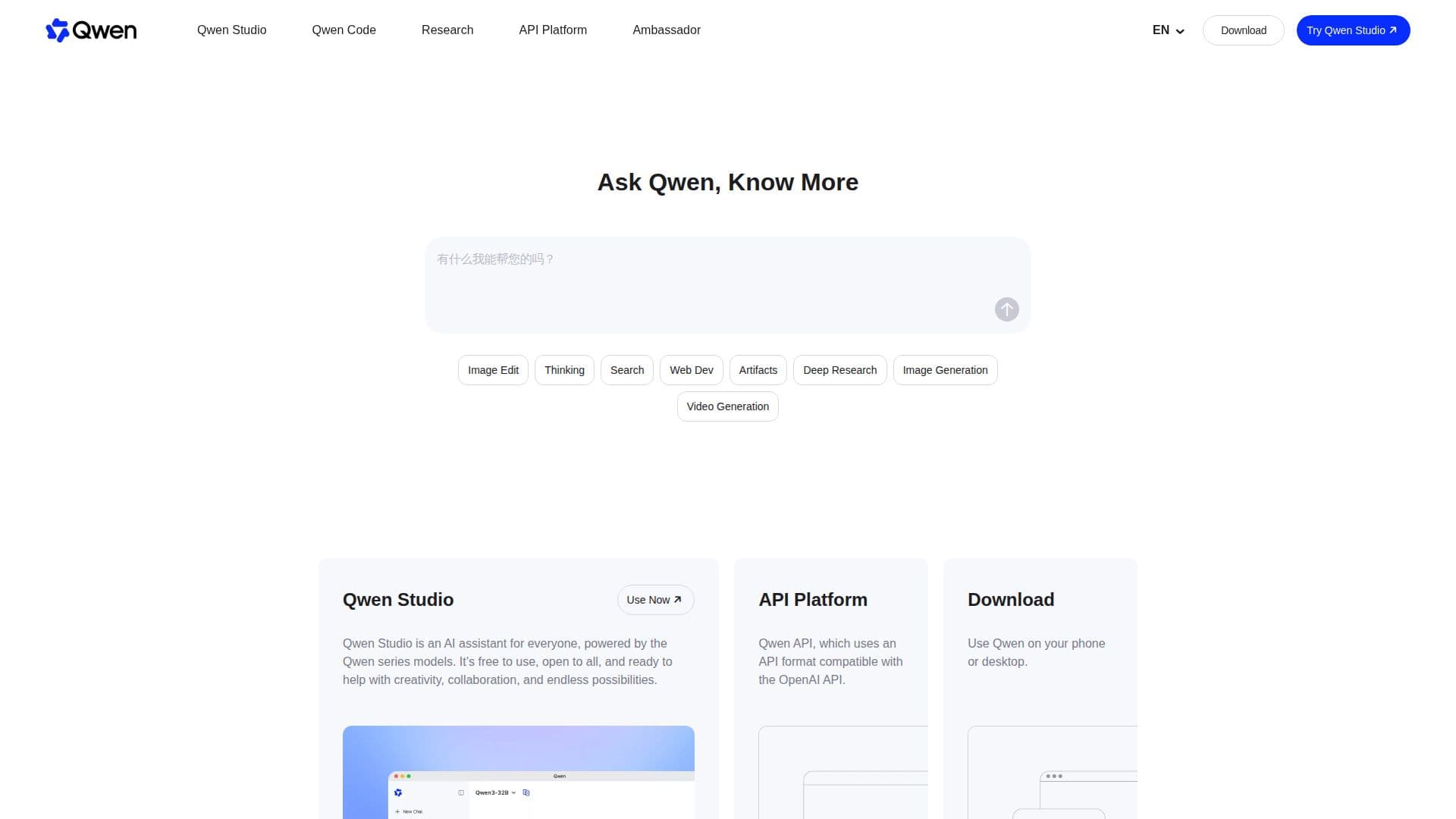
Description
Qwen Studio is a versatile platform that offers a wide range of functionalities, including chatbot capabilities, image and video understanding, image generation, document processing, and web search integration. This comprehensive suite of tools is designed to cater to the needs of users looking for advanced AI solutions across different domains.
Read More
In its latest release, Qwen introduces Qwen3.8-Flash-Next, a multimodal MoE model that serves as an early preview of the architecture used in Qwen4. This model builds upon the hybrid Gated DeltaNet and Gated Attention design that has been successfully implemented across the Qwen3.5, Qwen3.6, Qwen3.7, and Qwen3.8 series. The release of Qwen 3.8-Max marks a significant milestone, as it is the most capable model in the Qwen family to date, scaling to 2.4 trillion parameters and offering substantial improvements in coding and work-related tasks.
Additionally, Qwen-Image-3.0 has been launched, representing the third generation of foundational image generation models in the Qwen-Image series. This model emphasizes the concept of 'Real' across various dimensions, enhancing the quality and authenticity of generated images. Furthermore, Qwen-AgentWorld has been introduced, which is a native language world model that simulates agent environments across seven distinct domains. This model is designed to provide a more integrated and realistic simulation experience, utilizing a single model to handle various text-based tasks.
Overall, Qwen Studio aims to empower users with cutting-edge AI tools that enhance productivity and creativity, making it an ideal choice for professionals and businesses seeking to leverage AI technology effectively.
- CategoryAI Chatbots
- Pricing ModelOpen Source
- DeploymentCloud
- PlatformsWeb
Qwen's Core Features
Chatbot functionality
Image understanding
Video understanding
Image generation
Document processing
Web search integration
Tool utilization
Multimodal MoE model
Native language world model
Agent environment simulation
How to use Qwen?
Explore: Discover the various functionalities offered by Qwen Studio.
Select: Choose the specific tool or model you wish to utilize.
Configure: Set up the parameters and options according to your needs.
Use: Implement the chosen tool for your desired application.
Optimize: Adjust settings and refine outputs for better results.
Qwen's Use Cases
- Chatbot Development
- Image Generation
- Document Processing
- Video Analysis
- Web Search Integration