Description
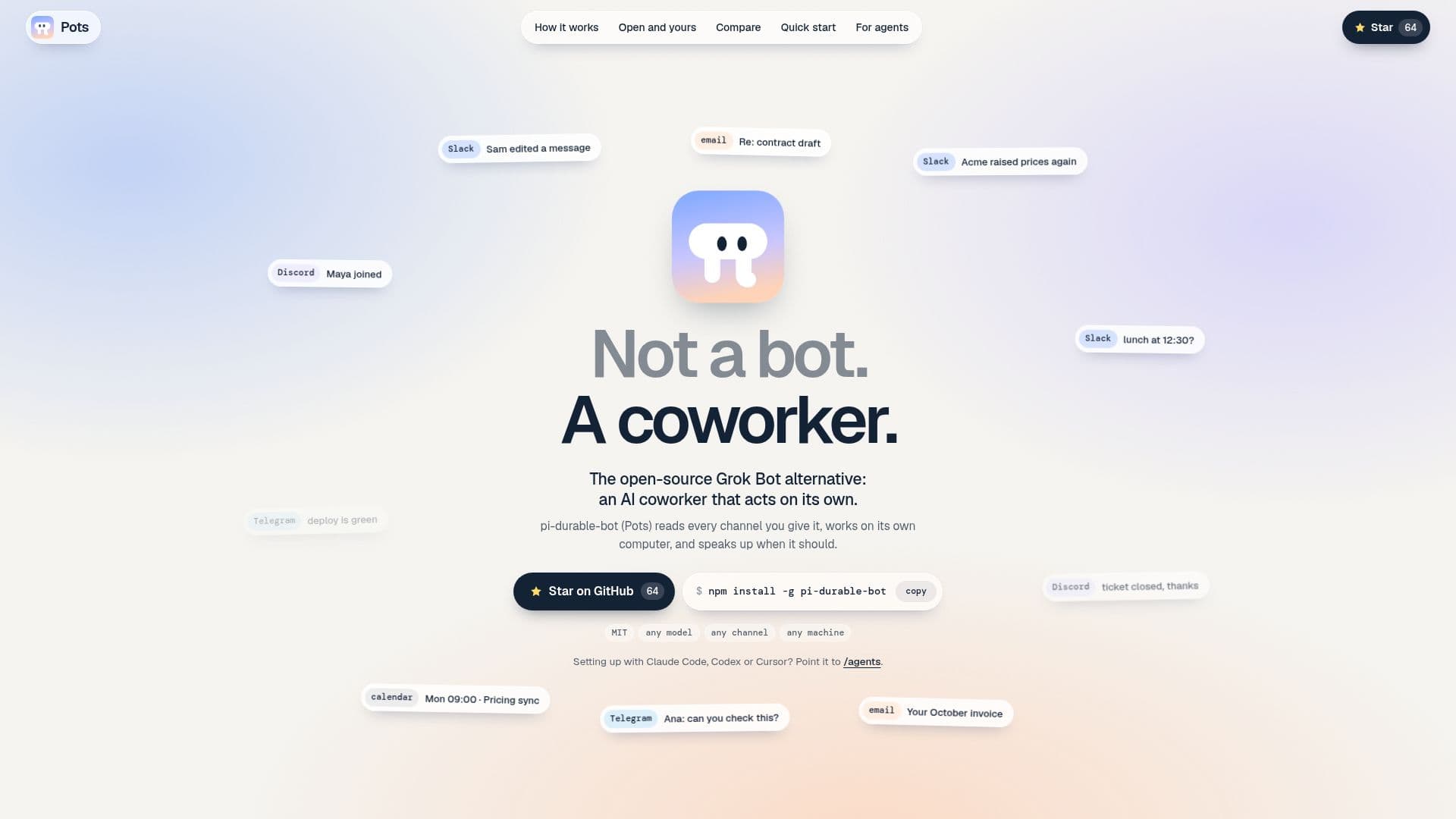
Pots, also known as pi-durable-bot, is an open-source AI coworker that operates autonomously, serving as an alternative to tools like Grok Bot. It is designed to integrate seamlessly into existing team communication channels, including Slack, Discord, Telegram, email, and calendar. Unlike traditional bots that require explicit tagging or commands, Pots independently monitors all messages and events, deciding what tasks are relevant to its assigned responsibilities.
Read More
The core functionality of Pots revolves around its ability to listen, decide, work, speak up, remember, and survive. It aggregates all channel communications into a single inbox, processing messages that may not directly mention it. Based on its understanding, it determines which tasks are its responsibility, filtering out irrelevant information to maintain focus. Once a task is identified, Pots utilizes its own virtual computer environment, equipped with shell access, file management, internet connectivity, and screen/mouse/keyboard control, to execute the necessary work. This includes writing scripts, handing off long tasks to helpers, and interacting with web interfaces.
After completing a task, Pots proactively communicates its findings or actions, even if not explicitly asked. It can generate detailed reports or updates, such as pricing comparisons, and deliver them to the appropriate channels. A key feature is its persistent memory, stored as plain markdown files, allowing it to recall past interactions and context across all channels. This ensures continuity and reduces the need for repeated instructions. Furthermore, Pots is designed for durability; if interrupted mid-task, it can resume operations after a restart without duplicating messages.
Pots is highly customizable and scalable. Users can run multiple bots on a single machine, each with its own name, persona, responsibilities, and memory. It supports any AI model, including user subscriptions, over 40 providers, or local models, and can integrate with various communication platforms. Being MIT-licensed and open-source, users have full control over the agent, allowing for forks and modifications. It requires Node.js 24+ and runs on macOS, Linux, and Windows, with a recommendation to provide it with its own computer or VM due to its full control capabilities.
- CategoryAI Agent Builders
- Pricing ModelOpen Source
- DeploymentSelf-Hosted
- PlatformsmacOS, Linux, Windows
Pots's Core Features
Autonomous AI Coworker: Acts independently without explicit commands.
Multi-Channel Listening: Reads messages from Slack, Discord, Telegram, email, and calendar.
Intelligent Decision Making: Decides what tasks are relevant to its job.
Self-Contained Work Environment: Operates on its own virtual computer with shell, files, and internet access.
Proactive Communication: Speaks up and provides updates without being prompted.
Persistent Memory: Remembers context across channels, stored as plain markdown files.
Task Durability: Continues tasks after restarts without repeating messages.
Open Source (MIT License): Full control for users to read, fork, and modify.
Model Agnostic: Supports any AI model (user subscription, 40+ providers, local models).
Channel Agnostic: Works with various communication platforms.
Machine Agnostic: Runs on any chosen machine (laptop, server, VM).
Multi-Bot Deployment: Run a team of bots, each with unique persona and responsibilities.
Automated Setup: Bots can set up chat applications themselves.
Node.js 24+ Requirement: Specifies runtime environment.
Cross-Platform Compatibility: Supports macOS, Linux, Windows.
How to use Pots?
Install Pots: Set up the necessary Node.js environment on your chosen machine.
Create Your Bot: Give your bot a name, select an AI model, and define its primary job in a single sentence.
Invite to Channels: Instruct the bot to join your desired communication channels (e.g., Slack) via its chat interface.
Monitor and Observe: Allow the bot to listen to messages and autonomously decide on relevant tasks.
Review Bot Actions: Observe how the bot works on its computer and speaks up with updates.
Manage Memory: Access and review the bot's memory files, stored as plain markdown.
Scale Operations: Deploy multiple bots on a single machine, each with distinct roles.
Pots's Use Cases
- Automated Pricing Monitoring
- Internal Communication Management
- Customer Support Triage
- Research and Operations
- Meeting Note Summarization
- Release Notes Generation
- Invoice and Billing Tracking
- Deployment Status Reporting
- Competitive Analysis